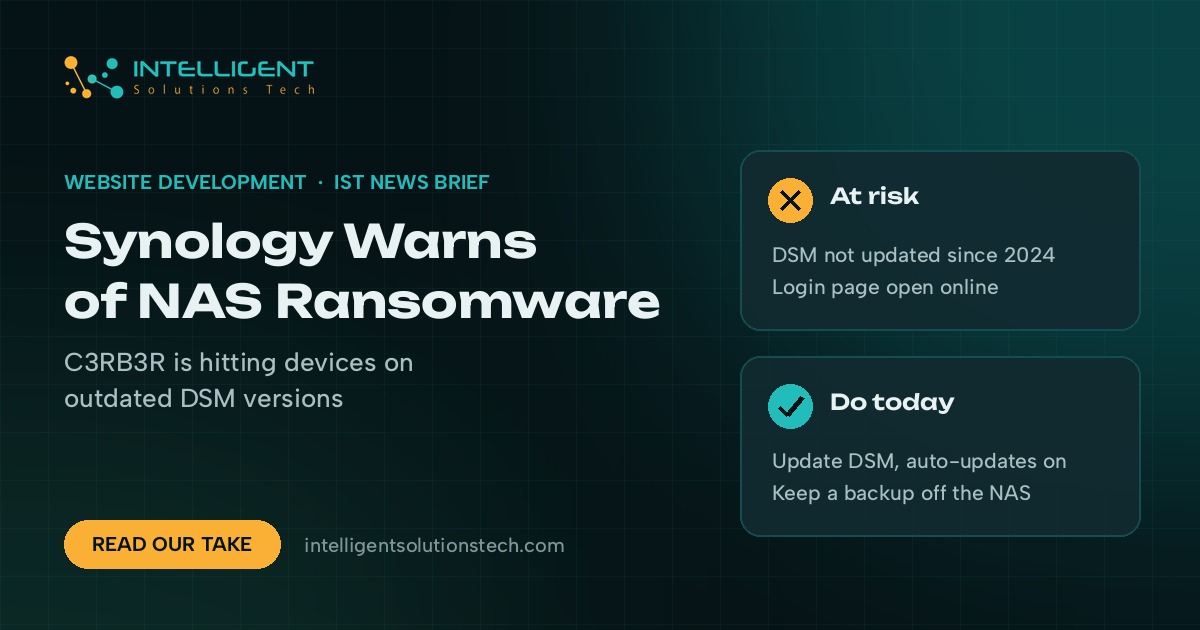
Synology said on October 29 that attackers are exploiting a vulnerability it patched in December 2024 to break into NAS devices running outdated versions of DSM, the operating system on its storage boxes. The goal is to encrypt the data and demand a ransom. BleepingComputer reported on November 2 that the ransomware is C3RB3R, and that Synology’s last warning of this kind came in 2019.
If your office keeps shared files or backups on a Synology NAS, this is a check to do today. Synology NAS ransomware hits the one box many small teams treat as their safety net.
What’s new
Synology’s press release doesn’t name the exploited flaw. It points owners to its security advisory Synology-SA-24:20, which covers three bugs found at Pwn2Own 2024, including CVE-2024-10441, rated critical with a CVSS score of 9.8. The fixed releases listed there are:
- DSM 7.2.2: 7.2.2-72806-1 or later
- DSM 7.2.1: 7.2.1-69057-6 or later
- DSM 7.2: 7.2-64570-4 or later
- DSM 7.1: 7.1.1-42962-7 or later
- DSM 6.2: 6.2.4-25556-8 or later
BleepingComputer says encrypted files get a .L0CK3D extension and a ransom note named read-me3.txt is left behind. Synology asks everyone on a vulnerable version to update right away and to turn on automatic updates. BleepingComputer also advises blocking internet access to the DSM management page.
Who it affects
Any business with a Synology NAS that hasn’t been updated since late 2024, whether it holds shared folders, PC backups or camera footage. The risk is highest when the DSM login page can be reached from the internet, for example through a port forwarding rule on the office router. Shadowserver tracks more than 380,000 Synology devices exposed online, according to BleepingComputer.
For a lot of small offices the NAS is also the only backup. If ransomware encrypts it, the backup goes with it.
Our take
Check the DSM version today under Control Panel, then Update & Restore. If it’s older than the releases above, update it and switch on automatic updates. Then close any router rule that opens the DSM login to the internet and use a VPN for remote access instead. And keep one backup copy off the NAS, in the cloud or on a drive you disconnect, so one compromised box can’t take every copy of your files. Attackers going after flaws that were patched long ago is a pattern we’ve seen all autumn, as in the Fragnesia and PHP2Shell attacks on Linux servers.
Want a second pair of eyes on your office storage, backups and remote access? Our IT consulting team can review the setup, or browse all our services.