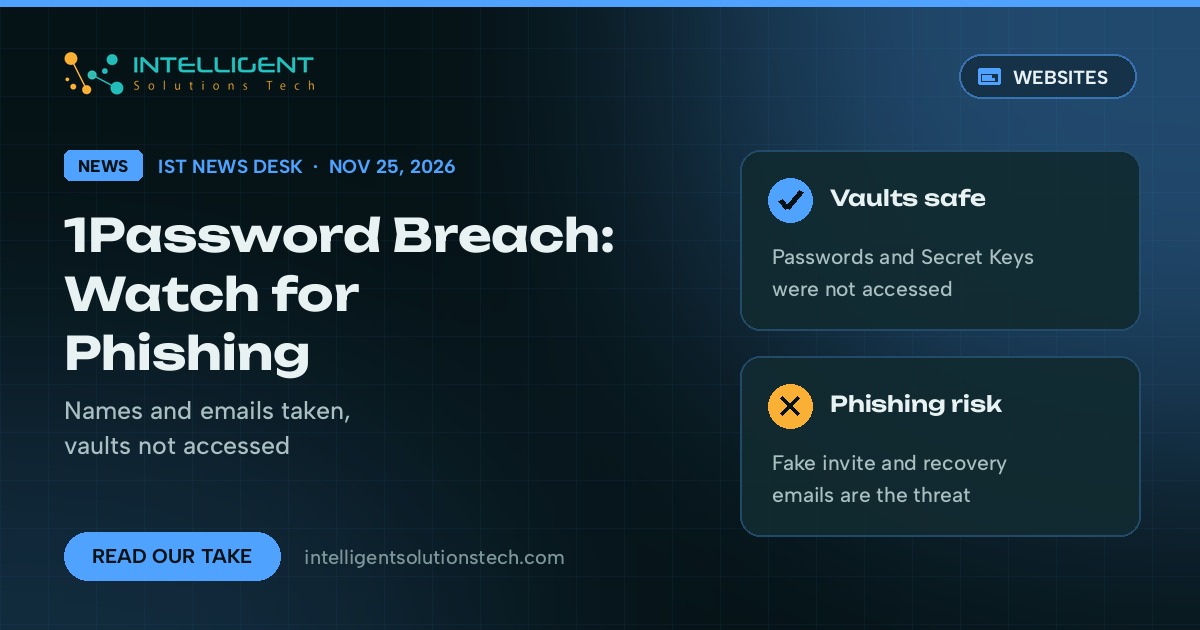
1Password disclosed a security breach on November 25, 2026. In its own incident post, the company said an attacker got into an employee’s corporate GitHub account, pushed malicious code to backend services and downloaded account records for a subset of customers. Those records include names and the email addresses people use to sign in. 1Password said vault contents, the keys that protect them, account passwords and Secret Keys were not accessed.
Our view: the 1Password breach doesn’t mean you should drop your password manager or reset every login tonight. The real risk for a small business is phishing. Somebody now holds a list of people who use 1Password, and that list is the raw material for convincing fake emails about invitations, account recovery and “suspicious sign-ins.” That’s the part worth an hour of your week.
What changed
According to 1Password, the investigation started on November 19, 2026. The attacker used the hijacked GitHub account to reach source code, gain access to the company’s CI/CD system and push code that pulled administrative data about customers. 1Password listed what was taken:
- Names and email addresses
- Account and user identifiers, plus account creation and last sign-in times
- Public keys and Secure Remote Password parameters, which the company says can’t be used to get into an account
- Tokens found in some emailed links for invitations, provisioning and account recovery
- Other non-secret account metadata
1Password said those emailed tokens only work when paired with a single sign-on login or a code sent to the user’s registered email. As a precaution, it lengthened that code from six digits to ten alphanumeric characters. It also disabled the GitHub account, rotated internal credentials, added new detections and brought in outside security experts. A small number of users who had pending invitations or recoveries were notified directly.
The Verge and The Hacker News reported the same details, and both repeat 1Password’s statement that vault data wasn’t exposed. 1Password hasn’t said how many customers are affected.
What it means for your business
If your team shares logins through 1Password, your client passwords, bank logins and admin accounts are still protected by keys that only your people hold. That design is the reason a server-side breach like this one stops at names and emails. It’s also why we still recommend a business password manager over shared spreadsheets or browser-saved passwords.
The weak point is the inbox. An attacker who knows that someone on your team uses 1Password can send them a believable “your account recovery was requested” email with a fake sign-in page. The goal is the account password and the Secret Key. 1Password said it will never ask for either one, and that you should only enter them in the official app or on a site you typed in yourself.
Agencies, accountants and law firms should pay closest attention. Those teams often run 1Password Business with dozens of shared vaults, so one stolen password and Secret Key can open far more than one person’s logins. The same goes for anyone with provisioning set up through SCIM Bridge, since invitation tokens were part of the stolen data.
There’s a second lesson here for any company that ships code. The entry point was one developer’s GitHub account with enough access to change production services. We saw a similar pattern in the Cursor extension incident earlier this month. If your website, plugins or automations deploy straight from GitHub, the people with push access are part of your security perimeter.
What we’d do this week
- Send a short note to your team. Tell them 1Password will never email, text or call asking for an account password or Secret Key, and that any invitation or recovery email they didn’t start should go straight to whoever handles IT before anyone clicks anything.
- Open 1Password directly, never from an email link. Bookmark the official sign-in page or use the desktop app so nobody has to rely on links in messages.
- Check for pending invitations and recoveries in your 1Password Business admin console. Cancel anything you don’t recognize and reissue it if needed.
- Confirm two-factor authentication is on for every 1Password account, preferably with an authenticator app or security key rather than SMS.
- Review who has push access to your GitHub repositories and CI/CD tools. Remove old accounts, require two-factor authentication and use short-lived tokens wherever your setup allows it.
- Don’t rotate every password in a panic. 1Password says vault data wasn’t touched. Save that effort for accounts that also appear in other breaches or that use weak, reused passwords.
1Password’s post may change as its investigation continues, including the number of customers affected. Until then, treat this as a phishing alert with a clear fix.
If you’d like a second pair of eyes on how your team stores logins, who can deploy to your website and how your admin accounts are protected, our IT consulting team can review it, and our website maintenance service covers access reviews and updates. Start with a free audit.
Primary source: 1Password’s incident update.