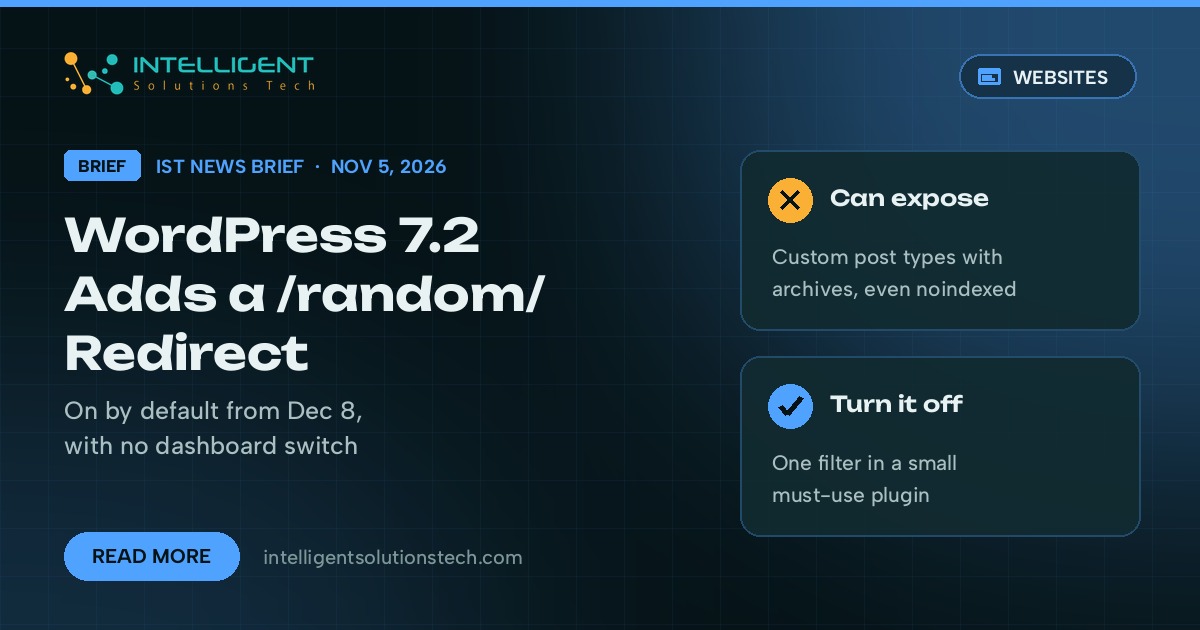
WordPress 7.2, scheduled for December 8, 2026, will add a public /random/ address to every site that updates. In a developer note on Make WordPress Core on November 5, core contributor Aaron Jorbin wrote that a request to example.com/random/ sends the visitor to a randomly selected published post, and that the feature is on by default. There’s no switch in the dashboard to turn it off.
What’s new
- /random/ redirects to a random post. Versions of it also work inside categories, tags, author archives and some custom post types, and a ?random query on the home page and archives does the same.
- Posts are eligible. Pages and attachments aren’t. A custom post type is eligible when it’s publicly queryable and has an archive, unless the developer registered it with ‘randomable’ set to false. Password-protected posts are left out.
- The redirect is a 302 with a noindex, follow header. Search Engine Journal pointed out that the header covers the /random/ request only, never the post the visitor lands on.
- A new field on the Permalinks screen changes the “random” base. A published page with the slug “random” overrides the redirect.
- Turning it off takes one line of code: the wp_enable_random_content_redirect filter set to false, then a flush of the rewrite rules. Search Engine Journal reported that the name printed in WordPress’s November developer roundup doesn’t match the code, so copying it from there does nothing.
Who it affects
Every self-hosted WordPress site that updates to 7.2. The risk sits with sites that keep content in custom post types and rely on nobody linking to it: case studies waiting for approval, client-specific offers, portfolio items or testimonials an SEO plugin has set to noindex. If that post type has an archive, /random/ can hand it to a stranger. Several well-known contributors objected in the comments on the note, and 7.2 is still in its release candidate phase, so the default could change before December 8.
Our take
For most business sites, a random post button helps nobody, and we’d turn it off before the update rather than after. This week, list the post types on your site that have archives and ask whoever maintains it what /random/ would expose. On the sites we maintain, we’d add the filter as a small must-use plugin and test it on staging before 7.2 goes live. If the 7.1 updates are still pending, start with our note on the WordPress 7.1.5 security release.
Want someone to check your post types and handle the 7.2 update for you? Our website maintenance team and WordPress developers can, starting with a free audit.