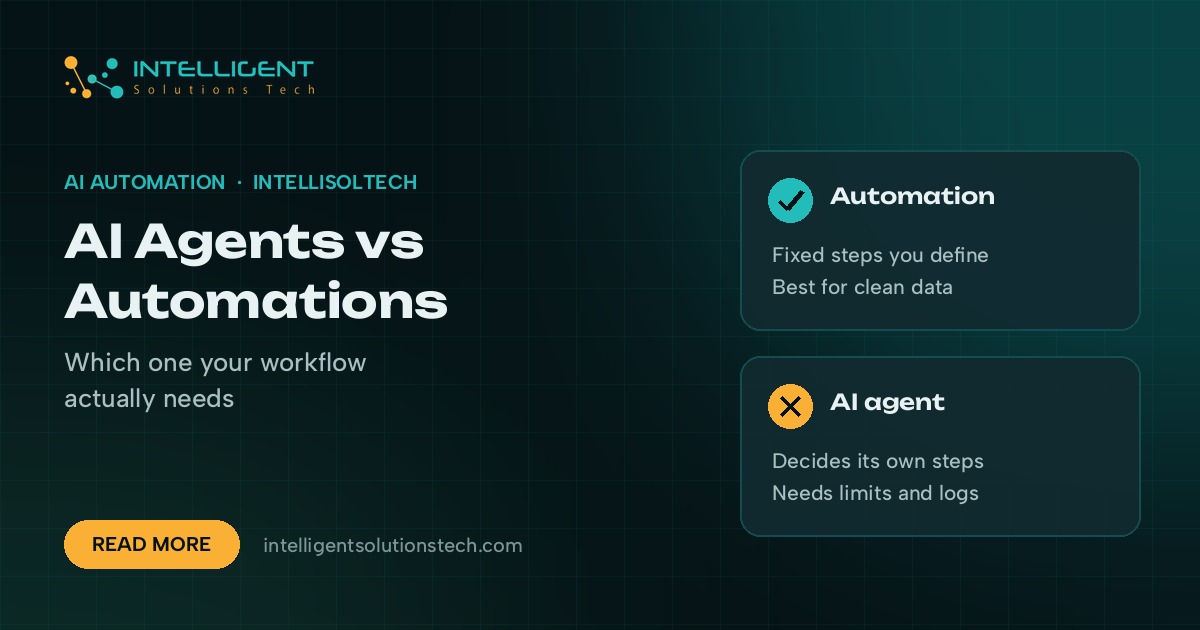
Most small businesses need automations first and AI agents second. An automation follows fixed steps you define: when a form comes in, add the lead to the CRM, send a reply and post a note in Slack. An AI agent gets a goal and some tools, then decides which steps to take on its own.
The AI agents vs automation question comes down to how predictable the work is. If you can draw the process on a whiteboard and it rarely changes, build an automation. If the work needs judgment, reading messy text or choosing between many paths, an agent starts to earn its keep.
In practice, the best setups mix both. A plain automation handles the routing and record-keeping, and an AI step or agent sits inside it for the parts that need reading or deciding. Below is how we tell the two apart on client projects, where each one fits, and what goes wrong when you pick the wrong tool.
What an automation is
An automation is a set of rules that runs the same way every time. A trigger starts it, such as a new Shopify order, a Typeform submission or a row added to a Google Sheet. Then it runs a fixed list of actions across your apps.
Tools like Zapier, Make and n8n are built for this. You connect your accounts, map fields from one app to the next, and add filters or branches for the few cases that need them. Once it’s tested, it runs quietly in the background.
Automations are cheap to run, easy to audit and predictable. When something breaks, you can open the run history and see exactly which step failed and why. That predictability is the main reason they should carry most of the load in a small business.
What an AI agent is
An AI agent is a program built on a large language model, such as Claude or GPT, that’s given a goal, a set of tools and some rules. It reads the situation, picks a tool, looks at the result and decides what to do next. It keeps going until the goal is met or it hits a limit you set.
A support agent, for example, might read a customer email, look up the order in Shopify, check the returns policy in your help docs, draft a reply and flag the ticket for a human if the refund is over a set amount. Nobody wrote that exact sequence. The agent chose it based on the email.
That flexibility is the selling point and the risk. Agents handle messy, varied input well, but they can also take a path you didn’t expect. They need clear instructions, narrow permissions, logging and a human check on anything that touches money or customers.
AI agents vs automation: the key differences
Here’s how the two compare on the points that matter when you’re deciding what to build.
| Question | Automation | AI agent |
|---|---|---|
| Who decides the steps | You, in advance | The model, at run time |
| Best input | Structured data like form fields and order records | Free text like emails, documents and chats |
| Predictability | Same result every time | Can vary between runs |
| Running cost | Low per run | Higher, since each step calls a model |
| Debugging | Clear run history | Needs logs of tool calls and reasoning |
| Setup time | Short for simple flows | Longer, with more testing |
The short version: automations are for work you can describe as rules, and agents are for work you’d describe as a job.
When a plain automation is the right call
Pick an automation when the steps are known and the data is clean. These are some of the flows we build most often:
- Sending new web form leads into HubSpot or Pipedrive, with an instant email reply and a Slack alert
- Creating invoices in QuickBooks or Xero when a deal is marked won
- Copying new Shopify orders into a fulfillment sheet or a warehouse app
- Sending a weekly report from Google Analytics and your CRM to the owner’s inbox
- Reminding clients about unpaid invoices on a fixed schedule
None of these need a model to think. Adding AI to them only adds cost and a new way to fail. If you’re starting out, our list of workflows worth automating first is a good place to look.
When an AI agent is worth it
Agents pay off when the input is messy and the right next step depends on what’s inside it. Good candidates include:
- Triaging a shared inbox where emails could be sales leads, support issues, invoices or spam
- Qualifying inbound leads by reading their message, checking their website and scoring fit against your criteria
- Answering customer questions from your help docs, order data and policies, with a handoff to a person
- Pulling key terms out of contracts, purchase orders or applications that arrive in different layouts
- Researching prospects before outreach and writing a first draft for a salesperson to edit
In each case, a fixed rule set would either be huge or miss too many cases. A model that can read and decide handles the variety better, as long as it has guardrails.
The middle ground: automations with an AI step
Most of what we ship sits between the two. The workflow is a normal automation in n8n or Make, and one or two steps call a model to do a single job, such as classifying an email, summarizing a call transcript or pulling fields from a PDF.
This keeps the flow predictable. The model returns a label or a set of fields, and the automation routes on that. It never picks the next step itself. You get the reading ability of AI with the audit trail of a rules-based flow, and for a lot of businesses that’s all the “agent” they need.
Our AI lead qualification builds work this way. The model scores each lead and writes a short summary, and the automation handles the CRM updates, alerts and follow-up emails.
Questions to ask before you choose
Run through these with any process you’re thinking of handing to software.
- Can you write the steps down as a checklist that covers most cases? If so, start with an automation.
- Is the input structured, like form fields and order data, or free text, like emails and documents? Free text points toward an AI step.
- What happens if it gets one wrong? If a mistake costs money or upsets a customer, keep a human approval step in the loop.
- How many times a month does it run? High volume with simple logic favors automation on cost.
- Who will maintain it? A rules-based flow is easier for a non-technical team member to fix.
If most answers point toward rules, build the automation and revisit later. You can always add an AI step to a working flow. Ripping out an agent that behaves unpredictably is harder.
Common mistakes we see
The first is using an agent for a job a simple Zap could do. It works in the demo, then costs more and fails in odd ways once real data shows up.
The second is giving an agent too much access. An agent that can send emails, issue refunds and edit your CRM with no limits is a liability. Give it read access by default and require approval for anything that writes or spends.
The third is skipping logging. If you can’t see what the agent read, which tools it called and why it made a choice, you can’t fix it when something goes wrong. Every agent we build writes a log a person can review.
The last is having no fallback. Models time out, APIs change and inputs get weird. Every flow should have a path that hands the task to a person when the model can’t give a confident answer.
How we’d approach it for your business
We start by mapping the processes that eat the most hours, then sort them into three buckets: plain automation, automation with an AI step, and agent. Most businesses end up with several automations, a few AI steps and maybe one agent for a high-volume, messy job like inbox triage or lead research.
Use the automation ROI calculator to rough out what a process costs you now. If you want help deciding which side of the line a workflow falls on, our custom AI agents team can review it as part of a free audit, and you’ll get a written scope with a fixed monthly price before any work starts. You can also read about our wider AI workflow automation service and our comparison of n8n vs Make vs Zapier.