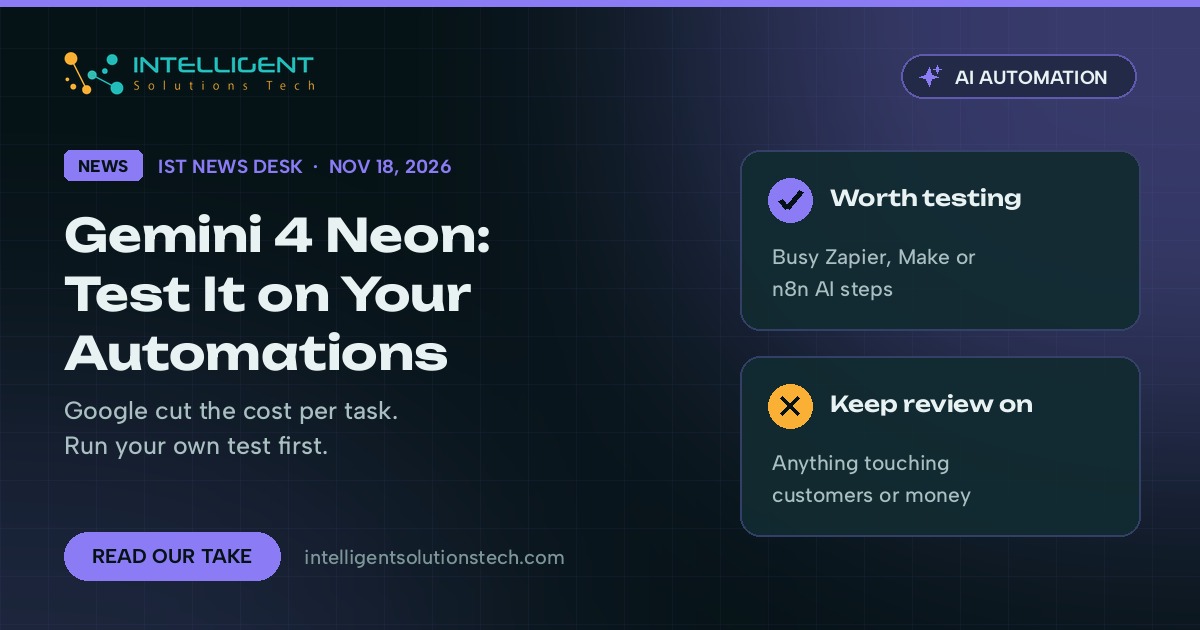
Google released Gemini 4 Neon on November 18, 2026, a model it describes as frontier-level reasoning that finishes long tasks faster and at a lower cost than its bigger Gemini 4 models. It sits between the heavyweight Gemini 4 Carbon and the lighter Hydrogen and Argon models, and it’s live now in the Gemini API, Google AI Studio, Gemini for business and the Gemini app for paid Pro and Ultra subscribers.
Our view: Gemini 4 Neon is the most interesting Google release this month for small businesses that run AI inside their workflows, and the least interesting one for anyone who only chats with Gemini now and then. The headline is cost per finished task. If you pay for AI by the token in Zapier, Make, n8n or your own code, Neon is worth a test this month. If you don’t, nothing about your week changes.
We’d treat it like any new model: run it on your own tasks before you switch anything that customers see.
What changed
Google announced Neon in a post on its official blog, written by Koray Kavukcuoglu of Google DeepMind. Here is what Google confirmed:
- Price. Google lists the API price at $3 per million input tokens, $0.15 per million cached input tokens and $15 per million output tokens, with a 1 million token context window.
- Speed and cost per task. Google says that at its default thinking level, Neon costs 32% less per finished task than Gemini 4 Carbon.
- Four thinking levels. Teams can dial reasoning up or down per job, so a quick tagging task doesn’t pay for deep reasoning it doesn’t need.
- Automation results. Google reports Neon ranked first on Zapier’s AutomationBench and says it recorded its lowest fabrication rate yet in internal testing.
- Where it runs. The Gemini API and AI Studio, Gemini for business (API and the model dropdown), Google Antigravity for paid AI Pro and Ultra subscribers, and the Gemini app for Pro and Ultra subscribers.
- A security version. A cyber defense edition is going to vetted security teams through a Google program in the coming days. Most businesses won’t see it.
The benchmark numbers come from Google and from the benchmark owners Google cites. Independent results from everyday business use will take a few weeks to show up, so treat the rankings as a reason to run your own test first.
The launch drew wide attention. 9to5Google covered it within minutes, and the Hacker News thread passed 600 points on launch night.
What it means for your business
Most small business AI spending comes from repeat jobs: sorting inbound email, summarizing calls, pulling fields out of invoices, drafting replies, tagging leads in a CRM. Those jobs run hundreds of times a month, and the model’s price per job decides whether the automation pays for itself.
That’s where Neon matters. A model that gets close to the top tier on reasoning but costs less per finished task lets you move jobs that were too pricey on a big model, or too sloppy on a cheap one, into a middle lane. Document processing and lead qualification are the obvious candidates.
The 1 million token context window helps with long inputs such as contracts, policy manuals or a quarter of support tickets. Big context doesn’t mean better answers on its own, though. Long prompts cost more, and the model can still miss a detail buried on page 80.
We’d also be careful with the fabrication claim. Lower is better, and Google’s internal number is encouraging, but any step that sends money, quotes a price or makes a promise to a customer still needs a person or a hard rule checking the output.
If your team mostly uses Gemini in the chat window, the change is smaller. Pro and Ultra subscribers get a faster option in the model picker, and that’s about it. You don’t need to change plans for it.
What we’d do this week
- List your three busiest AI steps. Look at your Zapier, Make or n8n runs and find the AI steps with the most monthly runs. Those are the ones where a cheaper model changes your bill.
- Test Neon on 20 real examples. Use AI Studio or the API with inputs you’ve already handled, and compare the output with what your current model produced. Score it on accuracy first, then speed and cost.
- Try the lowest thinking level that passes. Many routine tasks don’t need high reasoning. Start low and step up only where the output fails your check.
- Keep your approval steps. Leave human review on anything that touches customers, money or legal wording, whatever the benchmark says.
- Wait a week before a full switch. New models often get quiet fixes and pricing tweaks after launch. Switch production workflows once your test results hold up.
If you want help testing Neon against the model you use today, our AI workflow automation team can run the comparison on your own tasks and tell you whether the switch is worth it. You can also start with a free audit, or read our earlier notes on Gemini 4 Carbon and AI document processing.