Google Business Profile categories tell Google what your business is, and they decide which searches your listing can show up for in the map results. You pick one primary category and can add a small number of additional ones. Getting the primary category right is the single most useful edit most local businesses can make to their profile.
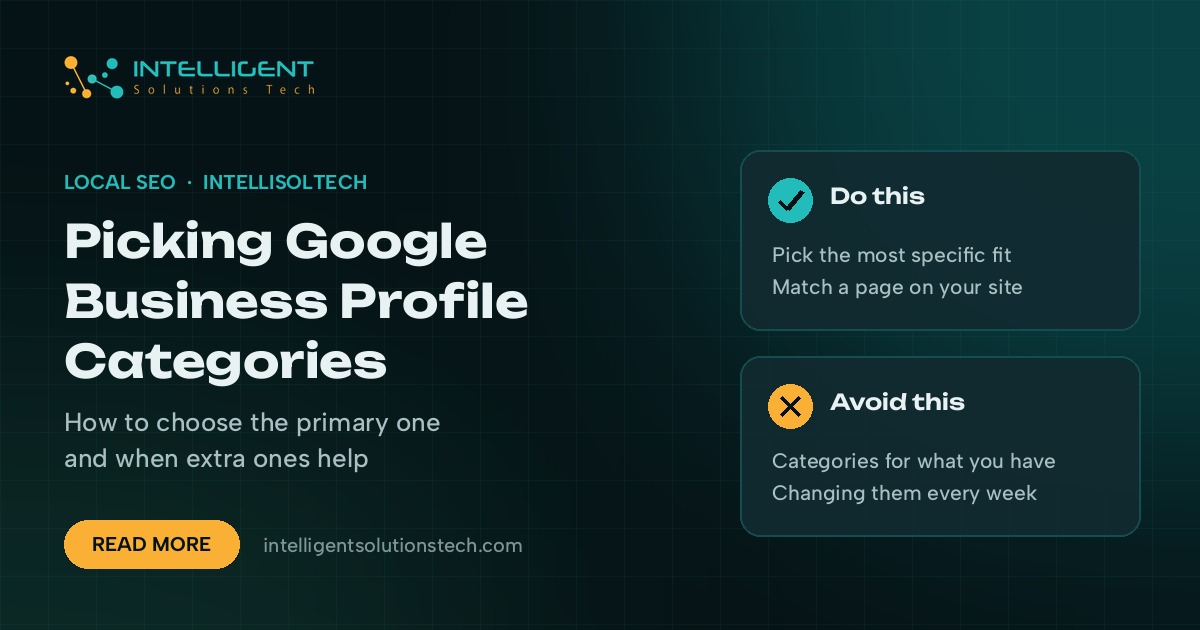
The rule of thumb comes straight from Google’s own guidelines for representing your business: choose categories that finish the sentence “This business IS a”, not “This business HAS a”. A dental clinic is a dentist. It isn’t a parking lot because it has one.
This guide walks through how to pick your primary category, when additional categories help, how to research what competitors use, and the mistakes we see most often when we audit profiles for service businesses in the US, UK and Australia.
What Google Business Profile categories do
Categories are a fixed list that Google maintains. You can’t type your own. When someone searches for “emergency plumber near me” or “family lawyer”, Google looks at your categories, along with your business name, reviews, website and distance, to decide whether your profile is relevant.
Categories also control which features your profile shows. Some categories add fields like menus, booking buttons, product sections or specific attributes, while others don’t. The suggested services you can pick from in the Services section also change with your category.
Two things follow from that. A wrong primary category can keep you out of the searches you care about, and a well-chosen one can quietly make your profile more useful to the people who find it.
How to choose your primary category
The primary category carries the most weight, so spend most of your time here. Work through these steps before you change anything.
- Write down the main thing you sell. Pick the service that brings in the most revenue or the one you most want to be found for, not the full list.
- Search the category list. Start typing in the category field of your profile and read every suggestion. Specific categories such as “Personal injury attorney” usually beat broad ones such as “Lawyer” when they fit.
- Check the top three map results. Search your main keyword from inside your service area and look at the category shown under each competitor’s name. That’s the primary category Google is rewarding for that search.
- Pick the most specific match that’s true. If the specific option describes your business as a whole, use it. If it only describes one part of what you do, keep it for an additional category.
- Leave it alone for a while. Give a change a few weeks before you judge it. Swapping primary categories back and forth makes results hard to read.
If you’re stuck between two options, ask which one a customer would type. A roofing company that also does gutters is a “Roofing contractor” first, because that’s the job that brings people in.
When to add more Google Business Profile categories
Additional categories help when your business really does offer a second core service that people search for on its own. They don’t help when you add every loosely related option in the list.
Good reasons to add a category:
- You run two distinct services under one roof, such as a plumber who also offers drain cleaning as its own line of work
- Customers search for a specific type of what you are, such as “Emergency veterinarian” alongside “Veterinarian”
- A competitor ranking above you uses a secondary category you also qualify for
Reasons to leave one off:
- You do the service rarely or only as an add-on
- The category describes something you have rather than something you are
- You’re adding it only because it contains a keyword you want to rank for
Google’s guidance is to use as few categories as needed to describe your core business. A short, accurate list is also easier to keep consistent with your website and services.
How to research the categories competitors use
Google shows only the primary category on most listings, so you need a little extra work to see the full picture.
- Look at the listing itself. The primary category sits under the business name in Google Maps and in the local pack.
- Use a browser extension. Tools such as GMB Everywhere show primary and additional categories for listings you view. Check the extension’s permissions before you install it.
- Check across several searches. Run your top three or four keywords from different parts of your service area and note which categories keep showing up near the top.
- Keep a simple sheet. List each competitor, their primary category, their extra categories and where they rank for each keyword.
Patterns matter more than any single listing. If eight of the top ten profiles for your main search share one primary category, that’s a strong signal.
Common category mistakes that cost visibility
These come up again and again when we review local profiles, and most take five minutes to fix.
- Picking a broad primary category like “Contractor” when a specific one such as “Electrician” exists.
- Choosing the category for a side service because it feels less competitive, then wondering why the main service doesn’t rank.
- Adding categories for things you have. A gym with a cafe is still a gym. Add the cafe only if it runs as its own business people visit for.
- Changing categories often. Frequent edits make it hard to tell what’s working, and big profile changes can trigger a review by Google.
- Forgetting the website. If your profile says “Family law attorney” but your homepage talks only about business law, the signals clash. Make sure your site has a page that matches each category you use.
Matching your categories to your website and services
Categories work best when the rest of your online presence backs them up. For each category you choose, check that your website has a clear page for that service, your profile’s Services section lists it, and your Google posts mention it now and then.
For multi-location businesses, keep categories consistent across locations unless a location really offers something different. If one branch has a showroom and another doesn’t, it’s fine for their category lists to differ.
Our local SEO checklist for service businesses covers the other profile fields and citations that support your categories. If you run a trade business, our page on digital and AI solutions for home services shows how we set up profiles for plumbers, electricians and HVAC companies.
A quick category check you can run today
- Open your profile and write down your current primary and additional categories
- Search your main keyword and note the primary category of the top three map results
- Remove any category that describes something you have rather than something you are
- Confirm your website has a page for each category you keep
- Set a reminder to review rankings in a few weeks before making another change
Get a second opinion on your profile
Category choice is one of the first things we look at in a local audit, along with reviews, citations and how well the profile matches the website. Our local SEO services cover profile setup and ongoing management for businesses in the US, Canada, the UK, Europe and Australia. If you’d like us to look at yours, start with a free SEO and website audit. No sales call is needed.