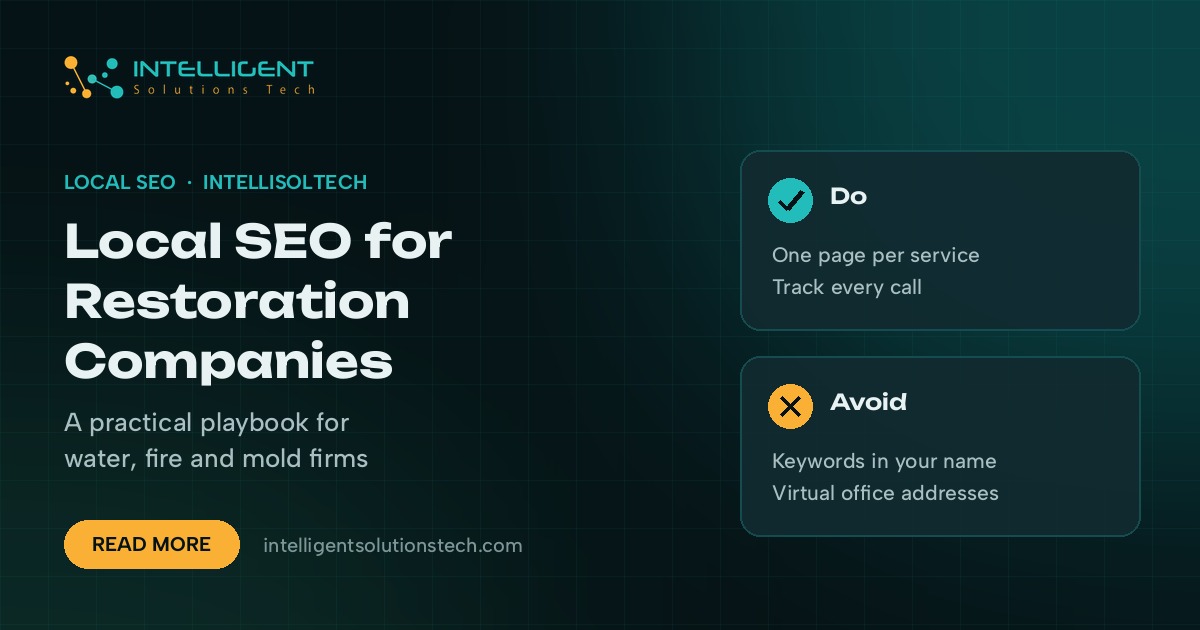
Restoration company SEO is the work of getting a water, fire, mold or storm restoration business in front of people who need help right now, in the map pack and the organic results for their area. Most of these searches happen on a phone, often at night, by someone standing in a flooded kitchen. They call one of the first three or four names they see.
That makes local SEO different for restoration than for most trades. You compete with national franchises and lead-gen directories that buy their way to the top, and the customer rarely compares more than a couple of options. The fix is a profile and a website that answer the emergency search better than anyone else nearby.
This playbook walks through the pieces in the order we’d tackle them, from your Google Business Profile to service pages, reviews, citations and call tracking, and ends with a 90-day plan.
Why restoration search works differently
Three things set restoration apart from other local services:
- Urgency. Someone with a burst pipe doesn’t read five websites. They tap call on the first listing that looks credible and open now.
- Insurance. Many jobs run through a homeowner’s or business insurance claim, so customers want to know you’ll work with their insurer and document the damage properly.
- Service areas. Crews travel to the property, so you’re ranking across a whole metro from one base, not just the streets around your shop.
Everything below follows from those three points: be visible and clearly open, prove you can handle the claim, and cover your service area properly.
Set up your Google Business Profile for emergency searches
Your profile is the most important asset you have for restoration company SEO, because the map pack sits above the organic results for most emergency searches. Start here before touching the website.
- Primary category. Pick the category that matches most of your revenue, such as “Water damage restoration service” or “Fire damage restoration service”, and add the others as secondary categories. Our guide to Google Business Profile categories covers how to choose.
- Hours. Only show 24-hour opening if someone really answers the phone at 3am. A missed call at night costs you the job and can lead to a bad review.
- Service area. If customers don’t visit your office, hide the address and list the areas you serve, as Google’s guidelines require for service-area businesses.
- Services. Add each service separately: water extraction, structural drying, mold remediation, fire and smoke cleanup, sewage cleanup, storm and board-up work.
- Photos. Post real photos of your vans, drying equipment and crews on site, plus before and after shots where the owner has agreed.
- Business name. Use your real-world name only. Adding “24/7 Water Damage” to the name breaks Google’s rules and is a common reason for suspensions.
If you’d rather hand this part off, our Google Business Profile management service covers categories, services, photos and posts each month.
Build a page for each service and each area you cover
Google needs a page to match each search. A single “Services” page that lists water, fire and mold in three paragraphs won’t rank for any of them. Build one page per core service:
- Water damage restoration
- Fire and smoke damage restoration
- Mold remediation
- Storm damage and board-up
- Sewage cleanup
Each page should explain what happens when the crew arrives, the equipment you use, how long drying or cleanup usually takes, and how you handle the insurance side. Put your phone number at the top and make it tap-to-call on mobile.
Then add area pages for the towns where you have real work and real demand. A good area page talks about local response times, the property types you see there (older homes with basements, apartment blocks, commercial units) and jobs you’ve done nearby. Pages that copy the same text and swap the town name rarely rank, and they make the whole site look thin.
Write for the homeowner and the adjuster
Restoration buyers have two audiences behind them: the property owner and the insurance adjuster. Your site should reassure both.
- A “what to do in the first hour” guide for water and fire damage, which also tends to earn links and shares
- A plain page on how insurance claims work with you, including moisture readings, photos and documentation
- Certifications your technicians really hold, such as IICRC (the Institute of Inspection, Cleaning and Restoration Certification), shown on service pages
- Clear statements on response times and the areas you cover
This content helps with conversions as much as rankings. A visitor who sees you understand claims is far more likely to call than one who sees a stock photo and a slogan.
Ask for reviews at the right moment
Reviews matter a lot in the map pack, but restoration customers are stressed when you meet them. Don’t ask on day one. Ask when the job is signed off and the house is dry, ideally with a text that includes your short review link.
Reply to every review, including the bad ones, in a calm and specific way. Mention the type of job in your reply where it fits naturally, such as a basement flood or kitchen fire. It reads well to future customers and adds useful context to the profile.
Clean up citations and directories
Your business name, address and phone number need to match across Google, Bing Places, Apple Business Connect, Yelp, Facebook and the main directories in your country. Mismatches confuse both Google and customers.
Avoid virtual offices and mailbox addresses for extra locations. Google’s guidelines don’t allow them, and restoration is one of the categories where competitors report fake listings. If you open a real second base with staff and equipment, give it its own profile and its own location page.
Track calls, not just rankings
Rankings tell you where you show up. Calls tell you whether SEO pays. Use a call tracking tool such as CallRail or WhatConverts so you can see which calls came from the profile, the website and paid ads.
Google’s help pages allow a call tracking number as the primary number on your profile, with your main line listed as an additional number. Set it up that way so your contact details stay consistent across the web. Pair it with tagged links on the profile so your analytics shows profile visits separately.
Run paid search alongside SEO
Organic and map pack visibility take months in a busy metro. Paid search fills the gap and catches the highest-intent searches while the SEO work builds. Many restoration companies run Google Ads and Local Services Ads together, then shift budget as organic calls grow. Our PPC management team can run both against the same call tracking.
A 90-day restoration company SEO plan
- Weeks 1 and 2: Audit and fix the Google Business Profile: categories, services, hours, service area, photos and name.
- Weeks 3 and 4: Set up call tracking and tagged links, then clean up your main citations.
- Weeks 5 to 8: Build or rewrite one page per core service, starting with the service that brings in the most revenue.
- Weeks 9 to 12: Add area pages for your top three to five towns, publish an insurance claims page and start a review request routine.
- Every month after: Post to the profile weekly, add photos from real jobs, answer reviews and add one useful article or area page.
Our local SEO checklist covers the general basics if you want a shorter list to hand to your office manager.
If you’d like a team to run this for you, see how we work with restoration companies or start with our local SEO services. Every project starts with a free audit of your profile and the competitors in your map pack.