If you want to know how to rank in AI Overviews, start with the plain answer: Google says there’s no special markup or trick. Its Search Central documentation on AI features states that the same SEO basics apply, and that a page has to be indexed and eligible to show a snippet in normal search before it can be used as a supporting link in an AI Overview.
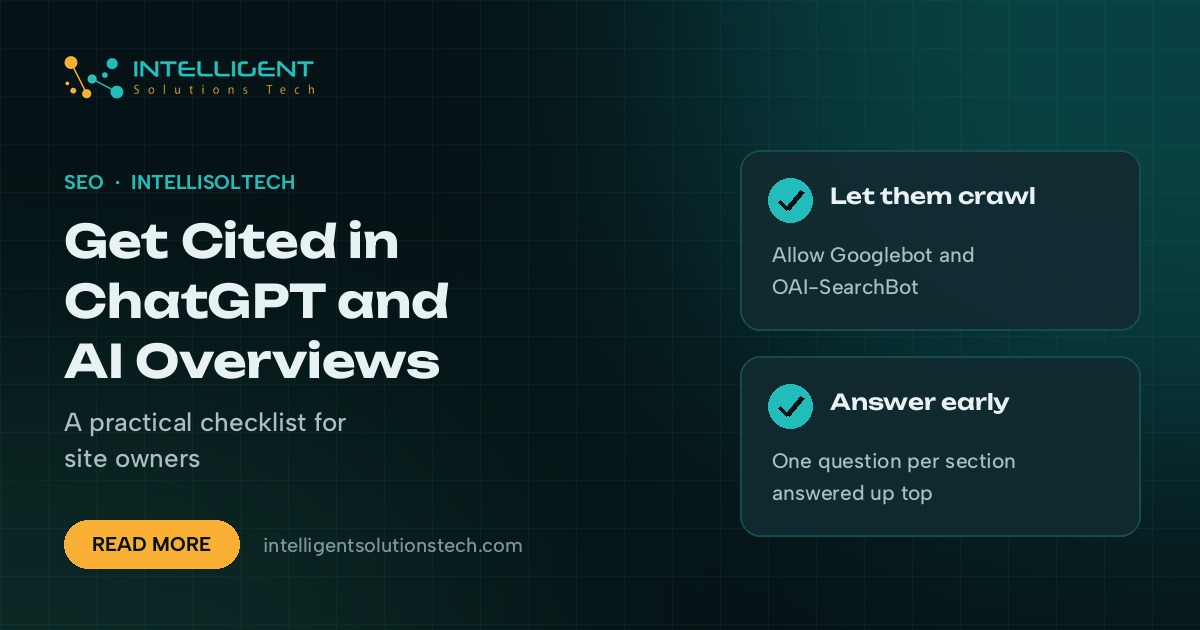
ChatGPT works on a different pipeline but follows a similar logic. OpenAI’s documentation says sites that want to appear in ChatGPT search answers should allow its OAI-SearchBot crawler in robots.txt. After that, the pages that get cited tend to be the ones that answer a specific question clearly, early and with evidence.
So getting cited comes down to being the clearest, most quotable source on a narrow topic. Below is the checklist we run for clients who ask why a competitor shows up in AI answers and they don’t.
What an AI citation actually is
An AI citation is a link or source mention that an answer engine attaches to a generated answer. In Google, it shows as a supporting link inside or beside the AI Overview. In ChatGPT search, it appears as a source chip or footnote link next to the sentence it backs up.
Both systems retrieve pages first and write the answer second. That means your page has to be found, then judged useful for a particular sentence. A page that buries its answer under 600 words of preamble often loses to a shorter page that states the fact in the first paragraph.
Step 1: Make sure the crawlers can reach you
This sounds basic, but it’s the most common blocker we find in audits. Plenty of sites added blanket AI-bot blocks in 2023 and 2024 and never revisited them.
- Googlebot: AI Overviews draw on Google’s normal index. If a page isn’t indexed, it can’t be cited. Check the Page indexing report in Google Search Console.
- Snippet controls: Google’s documentation notes that nosnippet and max-snippet rules also limit how your content can appear in AI features. Check your meta robots tags for leftovers.
- Google-Extended: Google treats this token as a control for Gemini model training and grounding. It’s separate from Googlebot, so blocking it doesn’t remove you from Search.
- OAI-SearchBot: OpenAI’s search crawler. Blocking it in robots.txt keeps your pages out of ChatGPT search answers.
- GPTBot: OpenAI’s training crawler. You can block this one and still allow OAI-SearchBot, if you want search visibility without contributing to training.
- Bingbot: Bing’s index feeds Copilot answers, so make sure Bing Webmaster Tools shows your key pages as indexed.
Open your robots.txt today and read it line by line. Then check that your CDN or firewall isn’t silently blocking these user agents, which is common with aggressive bot protection settings.
Step 2: Answer one question per section, early
Answer engines quote sentences. Give them sentences worth quoting. Each H2 on a page should map to one real question, and the first one or two sentences under it should answer that question directly.
We use a simple pattern for every section:
- Write the question as the heading, or close to it.
- Answer it in one or two sentences that make sense on their own, with no “as mentioned above”.
- Follow with the detail: steps, examples, numbers you can source, and caveats.
- Close with what the reader should do next.
Definition paragraphs work well here. A sentence that starts “Local SEO is” or “A data processing agreement is” is easy for a model to lift and attribute. We put one near the top of every service page and most posts we write.
Step 3: Show evidence a model can trust
When two pages say the same thing, the one with clearer support tends to win the citation. Support means named sources, specific steps and first-hand detail.
Name your sources in the sentence
Write “Google’s Search Central documentation says” instead of “studies show”. Vague attributions give a model nothing to anchor to, and they give your readers nothing to check.
Add first-hand detail
Describe what you actually do. A plumbing company that explains its own emergency callout process, step by step, gives an answer engine something no aggregator page has. The same goes for an accountant explaining their year-end checklist or an agency showing its audit template.
Keep facts current
Stale dates and outdated tool names hurt. If a page mentions a 2023 policy that has since changed, update it or remove the claim. Add a visible last-updated date when you make real edits.
Step 4: Fix the technical basics that answer engines rely on
AI systems pull from pages that load and render cleanly. A page that needs heavy JavaScript to show its main text can be harder for some crawlers to read. Our technical SEO services cover this, but here’s the short list:
- Serve the main content in the initial HTML so it doesn’t depend on client-side rendering.
- Use one clear H1 and a logical H2 and H3 structure.
- Add structured data that matches visible content: Organization, LocalBusiness, Article, Product or FAQPage where it fits.
- Keep canonical tags correct so the right URL gets credit.
- Fix slow templates, since crawl budget and user signals both suffer on slow pages.
Schema isn’t a ranking switch for AI Overviews, and Google doesn’t say it is. It helps search engines understand what a page is about and who’s behind it, which supports everything else on this list.
Step 5: Build topic depth with clusters of pages
A single strong article rarely carries a whole topic. Sites that get cited often have a cluster: a main service or guide page, several supporting posts that answer narrower questions, and internal links that tie them together.
For a local business, that might be a service page, a page per service area, and posts answering the questions customers ask on the phone. For a B2B firm, it’s usually a service page plus comparison posts, cost explainers and process guides. Our content writing team plans these clusters from search data and from your sales questions.
Step 6: Be known outside your own site
Answer engines also look at what others say about you. Brand mentions on industry sites, accurate business listings and reviews on Google and other platforms all help models connect your name to your topic.
- Keep your Google Business Profile complete and accurate. Our local SEO work starts there.
- Get listed in the directories your industry actually uses.
- Earn mentions through useful data, guest articles and partnerships. Skip paid link schemes.
- Make your About page specific: who you are, where you’re based, what you do and since when.
How to check whether you’re being cited
There’s no single report for this yet, so we use a mix of manual checks and existing tools.
- Google Search Console: Google includes AI Overview traffic in the regular Performance report. It isn’t broken out separately, so watch for queries where impressions rise while clicks change.
- Manual prompts: Keep a list of 20 to 30 questions your buyers ask. Run them in Google, ChatGPT search and Copilot each month, and record who gets cited.
- Referral data: In Google Analytics, look for sessions referred from chatgpt.com and other AI assistants.
- Rank trackers: Several SEO platforms now track AI Overview appearances for chosen keywords. Use one if you need history.
Track the trend over several months. AI answers vary from one run to the next, so one missing citation doesn’t mean much on its own.
Common mistakes that block citations
- Blocking every AI crawler, including the ones that power search answers.
- Long intros that delay the answer.
- Thin pages that repeat what ten other sites already say.
- No author, company or contact details, so a model can’t tell who’s behind the content.
- Outdated facts left live for years.
- Chasing “AI SEO” hacks like hidden prompts or keyword-stuffed FAQ blocks. Google’s spam policies still apply.
If you’d like someone to run this checklist on your site, our SEO services start with a free audit that covers crawler access, indexing and content gaps. You can also read how we approach technical SEO audits before you send your URL.