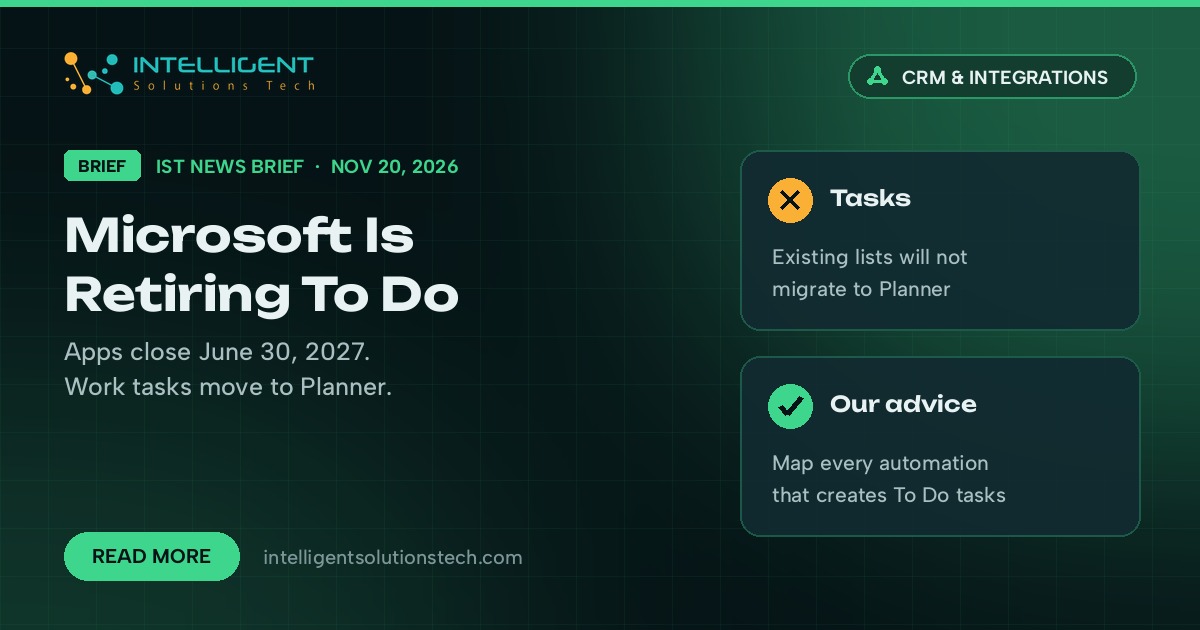
Microsoft is retiring its To Do app. In a support article published this week, Microsoft said the To Do apps on the web, Windows, Mac, iOS and Android will retire on June 30, 2027, for both work accounts and personal Microsoft accounts. For business users, Planner becomes the place for personal work tasks.
What’s new
- The To Do apps retire on June 30, 2027. That covers work or school accounts and personal accounts, including Microsoft 365 Personal and Family.
- An updated My tasks view in Planner starts rolling out in December 2026, with a simpler list view and starred tasks.
- Existing To Do tasks and lists won’t move to the new private Planner plan. They stay visible in Planner until June 30, 2027, and then you can no longer view or manage them there.
- The To Do service and its APIs retire later, on dates Microsoft says it will announce separately. So connections that other apps use keep working past June 2027 for now.
Who it affects
Any team that runs daily work out of To Do lists, flagged Outlook emails or shared To Do lists. Microsoft’s own notes list several gaps: shared list members and assignments won’t transfer, Planner has no native desktop app for Windows or Mac and no offline equivalent, Planner labels don’t sync with Outlook categories, and new private Planner tasks can’t hold file attachments yet. Sole traders on Microsoft 365 Personal or Family get no Planner at all and will need a different app.
It also touches automations. If a Zapier, Make or Power Automate flow creates To Do tasks from emails, form fills or CRM events, that flow will need a new destination before the API retires.
Our take
There’s no rush this month, and nobody needs to move tasks before the new My tasks view arrives in December. We’re telling clients to do two things now. First, list every place a To Do task gets created automatically, so you know which API connections or Zapier flows to repoint. Second, export or rebuild any shared lists your team depends on, because sharing and assignments won’t carry over. If you’re already planning a wider Microsoft 365 cleanup after this month’s Ignite announcements, fold this into the same plan.
Microsoft’s full transition notes are in its support article, Moving from Microsoft To Do to Microsoft Planner.
Need help moving task automations off To Do? Our API and connected apps team can map what you have and rebuild it in Planner or your CRM.