PHP2Shell is the name given to two critical flaws in PHP, the language that runs WordPress, WooCommerce, Drupal, Joomla and Laravel. PHP shipped fixes on October 21, 2026, and a working exploit is already public. If your website runs on PHP, the fix is a server update, and your plugins and themes can’t do it for you.
Our view is simple: put this on this week’s list. Most small business owners can check their exposure in five minutes and get it fixed with one email to their host. The sites that get hurt will be the ones nobody looked at.
Here’s what changed, what it means for you, and the exact steps we’re taking on the sites we look after.
What PHP2Shell is
The two bugs, CVE-2026-109618 and CVE-2026-109619, are memory-safety errors in the core PHP engine. According to Help Net Security’s report on the release, a single request from an attacker who isn’t logged in can trigger the attack before any of your website’s own code runs. That means a login page, a security plugin or a strong admin password doesn’t stand in the way.
Every PHP setup that serves web pages is in scope, including PHP-FPM, php-cgi, LiteSpeed and Apache with mod_php. PHP’s own guidance names Apache with mod_php as the highest-risk setup. Endor Labs reports that researchers at Wiz showed remote code execution against WordPress, Drupal and Joomla sites.
This isn’t theoretical. Amazon’s threat intelligence team says its honeypots logged an exploitation attempt on October 17, four days before the public disclosure.
Which PHP versions are fixed
The patched releases are:
- PHP 8.5.12
- PHP 8.4.27
- PHP 8.3.36
- PHP 8.2.35
Anything below those numbers on the same branch is vulnerable. PHP 8.1 and older no longer get official releases. The PHP team published source-code backports for 7.4, 8.0 and 8.1, but those only help if your host or Linux vendor actually builds them into the server. If your site is on 8.1 or older, assume it’s exposed until your host says otherwise in writing.
What it means for your business
Most small business sites sit on shared hosting or a managed WordPress plan. On those plans, the host controls the PHP runtime. Updating WordPress, WooCommerce or your plugins won’t touch it. Endor Labs puts it plainly: updating a CMS or its plugins doesn’t replace a vulnerable PHP runtime.
That changes who does the work. Your job is to find out which version you’re on and push your host to move you to a fixed one. If you run your own server or VPS, the update is yours to do, and it should happen before anything else on your list this week.
A compromised site costs more than a cleanup bill. Attackers who get code running on a web server can plant spam pages, skim checkout forms, send email from your domain or use the server to reach other systems. Google can flag the site, and that hurts search traffic for weeks after the fix.
What we’d do this week
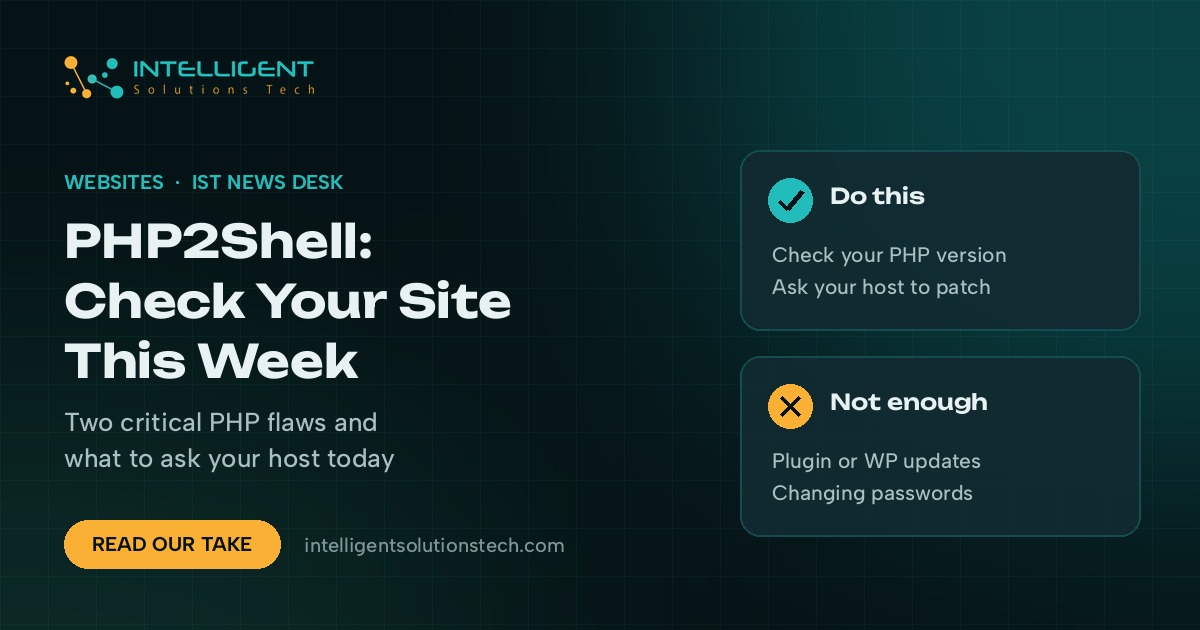
- Check your PHP version. In WordPress, go to Tools, then Site Health, then the Info tab, and open the Server section. The PHP version is listed there. In cPanel, look under Select PHP Version or MultiPHP Manager.
- Compare it to the fixed list. If you’re below 8.2.35, 8.3.36, 8.4.27 or 8.5.12 on your branch, or on 8.1 or older, you need an update.
- Email your host today. Ask: “Has my server been updated to a PHP release that fixes CVE-2026-109618 and CVE-2026-109619? If not, when, and can you move my site to PHP 8.3.36 or 8.4.27 now?” Ask for the answer in writing.
- Put a firewall in front while you wait. Cloudflare deployed WAF rules for the known PHP2Shell attacks on October 21, and they’re on by default for every plan, including the free one. Endor Labs notes that attackers are already changing their payloads, so treat this as a stopgap.
- Test the site after the update. Older themes and plugins sometimes break on a newer PHP version. Load the homepage, a contact form, checkout if you sell online, and the admin area. Keep a fresh backup before the switch.
If your host can’t give you a date, the UK’s National Cyber Security Centre advises taking systems offline when they can’t be fixed right away. For most businesses, a faster route is moving the site to a host that has already patched.
What won’t fix it
A few things are being shared as fixes that only go part of the way. Turning off session.upload_progress in php.ini is listed in PHP’s advisory as a mitigation for CVE-2026-109619 only. It does nothing for CVE-2026-109618. A security plugin such as Wordfence runs inside WordPress, after PHP has already handled the request, so it can’t block an attack that fires first.
Changing your admin password is good hygiene. It won’t help here.
How we’re handling it
For the sites we maintain, we’re checking the PHP version on every server, asking hosts for written confirmation of the patch, and moving sites still on unsupported versions to PHP 8.3 or 8.4 with a backup and a test pass on each one.
If you’d like a second pair of eyes, our website maintenance and care plans cover runtime updates like this one, and we can move a site to a better host through our website migration service. You can also start with a free website audit, and we’ll tell you which PHP version you’re on and what to do next.