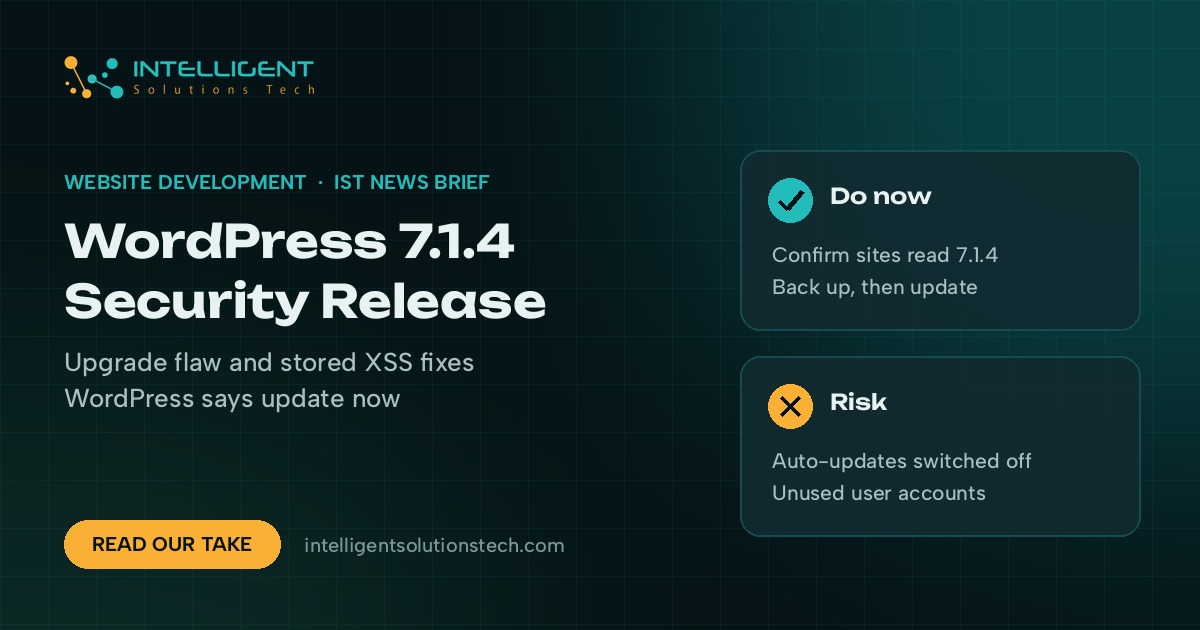
WordPress.org released WordPress 7.1.4 on October 28, 2026. The WordPress 7.1.4 security release fixes a weakness in the upgrade process that could lead to remote code execution, along with more than a dozen stored cross-site scripting (XSS) bugs, and WordPress recommends updating immediately.
What’s new
- A flaw in the WordPress upgrade process that could allow remote code execution during the upgrade window.
- Stored XSS bugs in crafted block markup, the Interactivity API, Customizer selective refresh, the Categories block, Playlist and image blocks, comment pagination blocks, Privacy Data Removal Requests and specially crafted user logins.
- A stored denial of service issue in the Interactivity API.
- Unpublished Customizer changesets that unauthenticated visitors could discover, and Notes that some privileged users could read without edit access to the post.
- Updated bundled root certificates after the eMudhra revocation.
WordPress says the fixes are being backported to every branch still eligible for security fixes, back to 4.7, and those versions will ship as they’re ready. WordPress 7.2 Beta 3 includes the same fixes, and the 7.2 release is planned for December 8.
Who it affects
Every self-hosted WordPress site. Sites with automatic background updates turned on should move to 7.1.4 on their own. Sites where updates are switched off, held back by a host or stuck behind a staging workflow need someone to apply it by hand. Many managed WordPress hosts push security releases for you, so check your host’s update log before assuming it’s done.
Most of the XSS bugs need a logged-in user to plant the payload. A site with many contributors, authors or customer accounts carries more risk than a single-admin brochure site.
Our take
Update now and confirm it took. In the dashboard, open Updates and check that the version reads 7.1.4. If you manage several sites, check each one, because a failed background update is easy to miss. Take a backup first, then update plugins and themes in the same sitting and remove user accounts nobody uses. Fewer logins means fewer places for a stored XSS payload to start.
If you’d rather not track this yourself, our website maintenance service handles core, plugin and backup updates on a fixed monthly scope, and our WordPress development team can look at a site that won’t update cleanly.