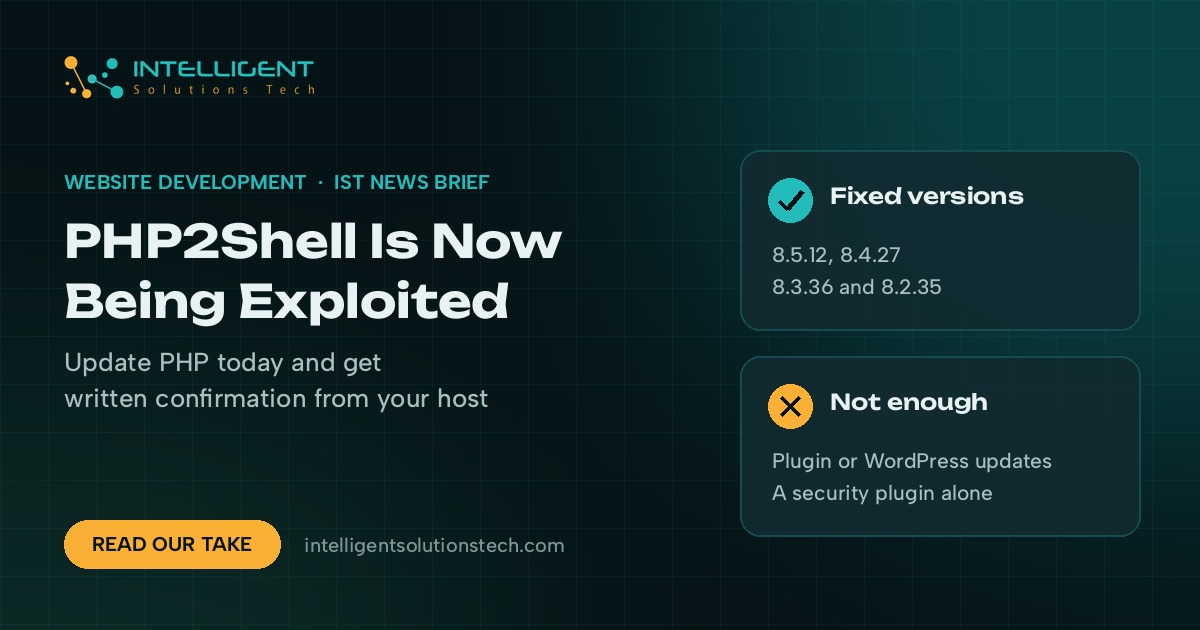
Security researchers have now confirmed that attackers are running code on real servers through PHP2Shell, the pair of critical PHP flaws patched on October 21. BleepingComputer reported on October 26 that Adel Karimi, detection and response lead at Perplexity, caught a working remote code execution attack against an Apache mod_php server on PHP 8.4.26 in his honeypots, and that Expel researcher Marcus Hutchins confirmed the finding. If your website’s PHP version hasn’t been updated yet, that update can’t wait any longer.
What’s new
Until last week, security firms described most PHP2Shell traffic as scanning and exploits that didn’t work. That has changed. The confirmed attack hit PHP 8.4.26, one release below the fixed 8.4.27, on the setup PHP itself calls the highest risk: Apache with mod_php.
PHP also posted a separate informational advisory on October 23 for a third bug, CVE-2026-115560. It only affects applications that set the session serialize handler to php_binary or php_serialize in their configuration, then switch it to php in code before starting a session, with session upload progress left on. PHP will fix it in its next regular release and suggests setting session.upload_progress.enabled=0 until then, the same setting many hosts applied last week.
The fixed PHP2Shell releases haven’t changed:
- PHP 8.5.12
- PHP 8.4.27
- PHP 8.3.36
- PHP 8.2.35 (end of life on December 31, 2026)
Who it affects
Any business website running PHP below those versions, which covers most WordPress, WooCommerce, Drupal and Joomla sites on shared hosting, managed hosting or a VPS. PHP’s own advisory says there are no complete mitigations and that updating is the only safe choice. Sites on PHP 8.1 or older depend on their host or Linux vendor building the backports the PHP team published.
The new session bug is narrow. Most small business sites won’t match that combination of settings, but custom PHP apps and older plugins that switch session handlers at runtime might.
Our take
If you worked through our PHP2Shell checklist last week and your host confirmed the patch in writing, you’re covered. If you never got that confirmation, chase it today. In WordPress, open Tools, then Site Health, then Info, then Server, compare the PHP version to the list above, and ask your host to move you now. If they can’t give you a date, moving the site to a host that has already patched is faster than waiting. After any PHP update, test your forms, checkout and admin area so a plugin that breaks on the newer version doesn’t go unnoticed.
Need a hand checking a server or getting off an old PHP version? Our website maintenance plans cover runtime updates like this one, and our website migration service handles the move to a patched host.