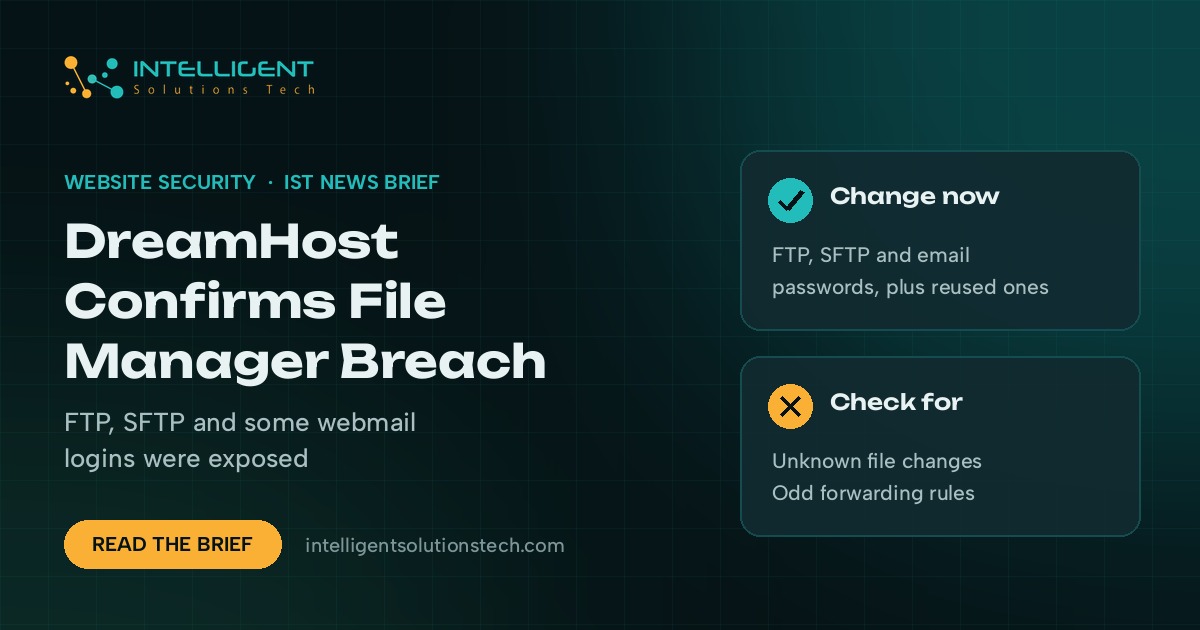
DreamHost has confirmed that attackers took FTP and SFTP logins from its web-based File Manager over roughly two months. In its incident notice, the hosting company says an unauthorized party exploited a flaw in third-party software behind files.dreamhost.com and captured the usernames and passwords of people who logged into File Manager between about August 2026 and October 23, when it was discovered. BleepingComputer reported on November 4 that DreamHost is now sending formal data breach notifications.
What’s new
- What was taken: FTP and SFTP credentials for anyone who used File Manager in that window. DreamHost says the attacker also reached certain webmail systems and got login details for a limited number of webmail users, and may have viewed mailbox contents in a small number of cases.
- What wasn’t: DreamHost says it has found no evidence of access to control panel logins or billing details.
- Scope: DreamHost puts it at “well under approximately 10%” of email and FTP/SFTP accounts.
- Response: DreamHost says it invalidated passwords, ended active sessions, rebuilt File Manager and is notifying regulators. BleepingComputer reports that letter recipients are being offered a year of credit monitoring through Equifax.
Who it affects
Small businesses that host a website or email with DreamHost, along with any freelancer or agency with FTP access to a client’s DreamHost account. A stolen FTP password is a direct path to editing site files, which is how spam links, fake checkout pages and malware get planted.
Our take
Treat any FTP or SFTP password used in File Manager before October 23 as burned, even if DreamHost already forced a reset. Set new passwords from panel.dreamhost.com, change the same password anywhere else you reused it, and update saved passwords in your FTP and email apps. Then check your site files for changes you don’t recognize and look through webmail forwarding rules and filters, since a hidden forward is a common way attackers keep reading mail. DreamHost says it won’t ask for your password by email, so treat any “verify your account” message about this incident as phishing. If you store customer data on the site, talk to your legal advisor about notification duties.
If you’d like someone to check your site files and access for you, our website maintenance team can help, and we covered another active hosting threat this week in our brief on the exploited WordPress upgrade flaw.