Facebook page management for local businesses comes down to a small routine you repeat every week: answer people, post a few useful things, keep your page details correct and look at what worked. Most owners don’t need a daily social media habit. They need about two hours a week, split into short blocks, and a list that tells them what to do in each one.
This post gives you that list. It’s the same weekly routine we run for local clients, written so you can follow it yourself or hand it to someone on your team. It works for plumbers, dental offices, salons, restaurants, contractors and any business that gets customers from a few nearby towns.
Facebook page management is the ongoing work of running a business page: replying to messages and comments, publishing and scheduling posts, keeping hours and contact details accurate, watching recommendations and reading the page’s insights. Ads are a separate job. You can run a healthy page without spending anything on boosting, and you should get the routine working before you pay for reach.
What Facebook page management covers for a local business
A local page has a different job from a national brand page. People mostly arrive there to check you’re real, see recent work, read what others say and send a quick message. Your page has to answer those needs fast.
That gives you five areas to cover each week:
- Inbox and comments. Messenger conversations, comments on posts and replies to your ads all land in the Meta Business Suite inbox, along with Instagram messages if the accounts are linked.
- Posts. Three to four posts a week is plenty for most local businesses. Consistency matters more than volume.
- Page details. Hours, phone number, address or service area, website link, booking button and the services list.
- Recommendations. Facebook calls reviews recommendations. They show on your page and people read them before they call.
- Insights. The numbers that tell you which posts people saw, clicked and shared.
The weekly routine at a glance
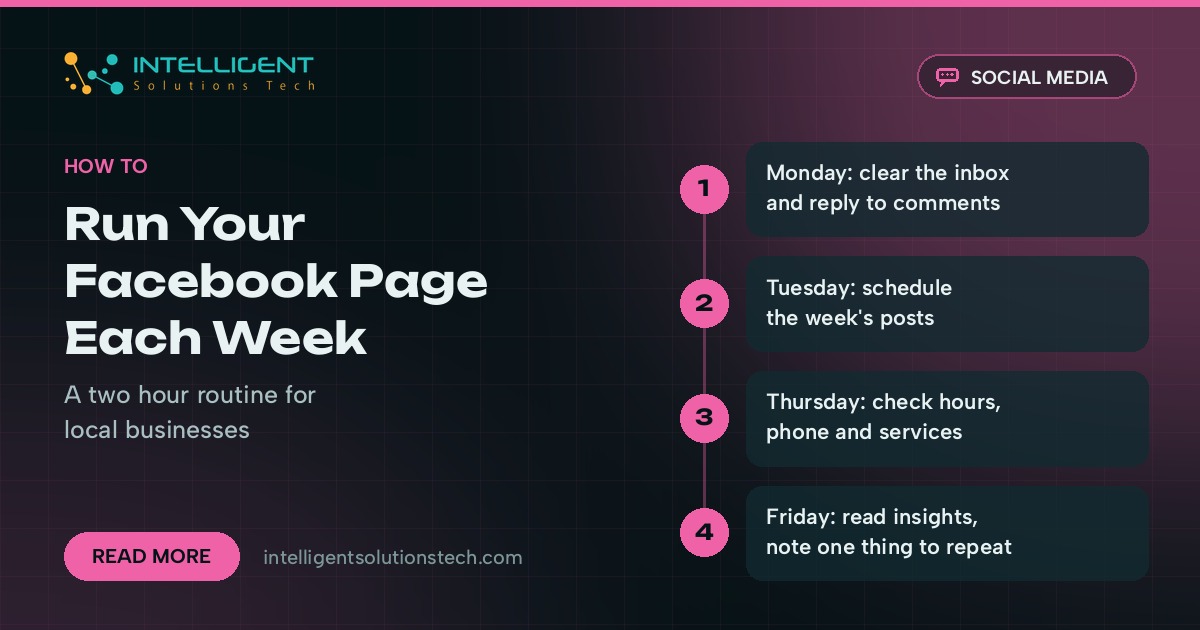
Here’s the whole week on one screen. Each block is short on purpose, so it fits around jobs and appointments.
| Day | Task | Time |
|---|---|---|
| Monday | Clear the inbox, reply to weekend comments and recommendations | 30 minutes |
| Tuesday | Plan and schedule the week’s posts in Meta Business Suite | 40 minutes |
| Wednesday | Post one real photo or short video from a job | 10 minutes |
| Thursday | Check page details and the services list | 10 minutes |
| Friday | Read insights and write down one thing to repeat | 20 minutes |
Add five minutes each afternoon to check the inbox. Messages are where Facebook turns into booked work, so they get attention every working day, even when the rest of the routine slips.
Monday: clear the inbox and reply to comments
Start the week by reading everything that came in since Friday. Open Meta Business Suite, go to the inbox and work through Messenger, comments and any Instagram messages in one pass.
- Reply to every message that asks about price, availability or a booking. If you can’t answer fully, say when you will.
- Answer comments on your own posts, including the short ones. A one-line reply is fine.
- Hide spam comments and block obvious scam accounts. Scammers often copy a business name and message your followers, so report fake pages when you see them.
- Reply to any new recommendation, good or bad, in a calm, short message that uses the person’s first name.
Set up saved replies for the questions you get every week, such as service areas, opening hours and how to book. Business Suite lets you store them and insert them in a couple of clicks. Edit each one slightly before sending so it reads like a person wrote it.
Tuesday: plan and schedule the week’s posts
Batching is what keeps a page alive. Sit down once, write three or four posts, attach the images and schedule them for the days and times your customers are online. Meta Business Suite has a free planner that schedules posts for Facebook and Instagram together.
Use a simple mix so you never stare at a blank box:
- Work post. A before-and-after, a finished job or a product in use, with the town or neighborhood named.
- Helpful tip. One thing customers should know, like when to service an AC unit or how to prepare for a first appointment.
- People post. A team member, a supplier you trust or a local event you support.
- Offer or reminder. A seasonal booking reminder or a link to your booking page. Keep these to one a week.
If you’d like to plan further ahead, our guide on how to plan a month of LinkedIn and Facebook posts in one sitting walks through a monthly version of this step.
Wednesday: post something real from the week
Scheduled posts keep the page steady. A quick photo from a real job is what makes it feel alive. Ask whoever is on site to take one clear photo or a 15-second clip, then post it with two or three sentences about what was done and where.
Get the customer’s permission before you show their home, car or face. Leave out house numbers and anything that identifies a private address.
Thursday: check page details and services
Out-of-date details cost you calls. Once a week, open your page as a visitor would and check the basics:
- Hours match what you actually work this week, including holiday changes.
- The phone number rings a person or a monitored line.
- The website link goes to a live page, ideally a service page rather than the home page.
- The action button (Call, Book or Send message) points to the right place.
- The services list matches what you sell now. Remove anything you’ve stopped offering.
Keep these details consistent with your Google Business Profile and website. Matching name, address and phone everywhere helps customers and supports your local SEO.
Friday: read insights and note one thing to repeat
You don’t need a report. Open the insights for the past week and answer three questions in a notes file: which post reached the most people, which one got clicks or messages, and which one fell flat.
Write down one thing to repeat next week, such as more job photos or a tip format that drew comments. Over a couple of months, these notes show you what your customers respond to, and that’s more useful than any general advice about posting.
Rules for replying to messages and recommendations
Replies do more for a local business than posts. A fast, polite answer turns a curious visitor into a booked job, and a calm reply to a complaint shows other readers how you treat people.
- Reply to messages within the same working day. Faster is better, and an auto-reply outside business hours can tell people when to expect an answer.
- Move detailed conversations to phone or email once you have the basics, and say so in the chat.
- Never argue in public. Thank the person, acknowledge the problem and invite them to message you directly.
- Don’t share customer details, prices you haven’t confirmed or promises about dates in a public comment.
- Ask happy customers for a recommendation after the job, with a direct link to your page.
Mistakes that waste the time you put in
We see the same problems on most pages we audit. Each one is easy to fix once you know it’s there.
- Posting only offers. A feed of discounts reads like an ad. Keep promotions to about one post in four.
- Ignoring the inbox. A page with fresh posts and unanswered messages loses more trust than a quiet page.
- Stock photos everywhere. Local customers want to see your van, your team and your work.
- Boosting before the basics. Paid reach sends people to your page. If the page details are wrong or replies are slow, the money goes to waste.
- Too many admins. Give access through Meta Business Suite with the lowest role a person needs, and remove former staff and agencies when they leave.
When to hand Facebook page management to someone else
The routine above takes about two hours a week. If that time keeps slipping, or messages sit for days because everyone is on jobs, it’s worth handing the page to someone whose job it is.
When you outsource it, ask for the same five areas in writing: inbox response times, posts per week, who approves posts, how page details get updated and what the report looks like. Keep ownership of the page in your own Meta business account and give the manager a role, so you never lose access if you change providers. Our social media pricing calculator gives you a starting point for budgeting before you talk to anyone.
At Intelligent Solutions Tech, our Facebook page management service runs this weekly routine for local businesses in the US, UK and Australia, with posts you approve before they go live and a report every two weeks. It’s part of our wider AI-powered social media management, and it starts with a free audit of your current page.