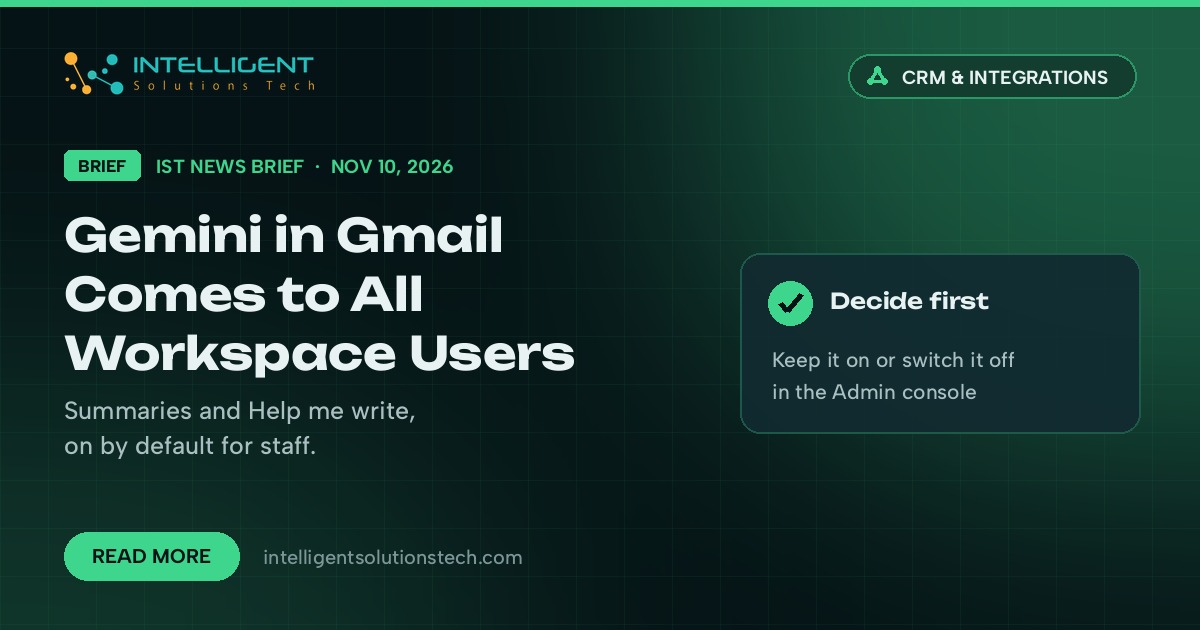
Google is turning on two Gemini features in Gmail for every Google Workspace user aged 18 and older. The Google Workspace Updates blog announced it on November 10, 2026, and the features roll out gradually over up to 15 days for both Rapid Release and Scheduled Release domains. Until now they were limited to consumer accounts and certain Workspace editions.
What’s new
Eligible users get two tools:
- AI Overview conversation summaries. A summary sits at the top of long email threads and pulls out the key points and replies.
- Help me write (non-personalized). Gemini drafts a full email, or reworks text you’ve already written, from a short prompt.
Google says both features are on by default. Users can switch them off, and admins can disable Gemini features in Gmail for the organization from the Admin console. The post says availability covers all Workspace customers, Workspace Individual subscribers and personal Google accounts, for users 18 or older who have smart features in Gmail turned on.
Who it affects
Any business on Google Workspace will see this, whatever edition it’s on, including editions that didn’t have these Gmail features before. Staff may notice summaries appearing at the top of client threads, and some will start drafting replies with Gemini without anyone deciding that as a policy.
It matters most for teams that handle client email at volume: support inboxes, sales follow-up, bookkeeping and legal or medical offices that deal with sensitive messages.
Our take
We think the thread summaries are useful for long back-and-forth with clients or suppliers, and the drafting tool is fine for routine replies. The part to plan for is the default setting. Before the rollout reaches your domain, decide whether Gemini stays on for everyone, and write a one-paragraph rule for staff: AI drafts get read and edited before they’re sent, and summaries don’t replace reading the thread when money, contracts or complaints are involved. If you run a regulated or sensitive inbox, check the admin setting this week.
If you want Gmail to do more than draft, such as routing, tagging and logging client emails to your CRM, our email automation team builds that, and our AI workflow automation page covers the wider picture. We wrote about another recent Workspace change in our brief on Workspace Studio skills. Google’s announcement is on the Google Workspace Updates blog.