Google said on its Workspace Updates blog on October 30, 2026 that Gemini in Google Slides can now edit several slides, or an entire presentation, from a single prompt in the side panel. Gemini decides which slides need changes and applies them to normal, editable slides. The rollout started October 29 and Google says it may take longer than 15 days to reach every account.
What’s new
Until now, most Gemini help in Slides worked one slide at a time or built a new deck from scratch. This update works on the deck you already have. Google lists four kinds of edits:
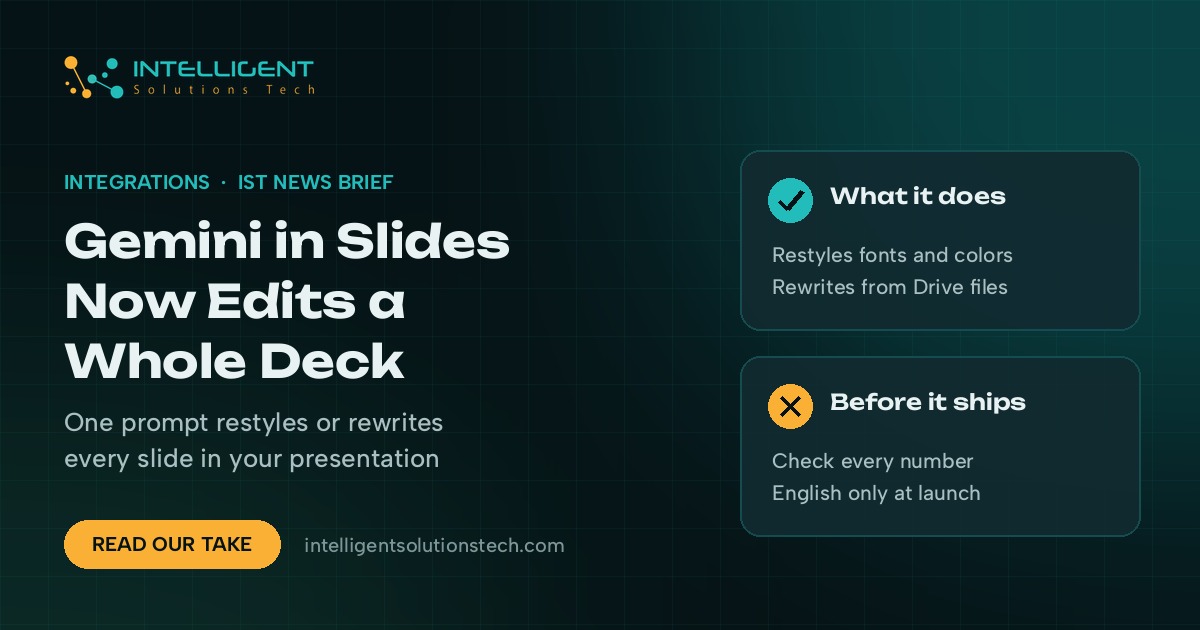
- Restyle the whole deck: fonts, backgrounds and color schemes, including matching the look of another presentation you point it to.
- Rewrite content across slides, grounded in files from your Google Drive.
- Merge or add slides, for example condensing three slides into one.
- Clean up consistency, such as making every title the same size and color or removing page numbers.
When Gemini finishes, it lists what it changed in the side panel. Google says the edits behave as if you made them yourself, so undo and version history both work.
Who it affects
It’s available on Business Standard and Plus, Enterprise Standard and Plus, Google AI Pro and Ultra, and Google AI Pro for Education. It launches in English only. There’s no admin setting to switch it on or off, so if your team is on one of those plans, people will see it once the rollout reaches your domain.
Google is giving Workspace customers higher usage limits for multi-slide edits through at least December 1, 2026. After that, per-user limits apply, and Google says it will publish the details in its Help Center first.
Our take
This is a practical time saver for the decks small teams rebuild constantly: sales proposals, monthly client reports and pitch decks that need the new brand colors. We’d test it this week on one real deck that’s overdue for a refresh, then compare the result slide by slide. Use the free higher limits before December to see if it fits your process, and check every number and claim Gemini rewrites before a client sees it. If the same deck gets rebuilt from the same data every month, that’s a candidate for reporting automation instead of a prompt. We covered Google’s related change to file editing in the Gemini app yesterday.
Want help deciding which recurring documents to hand to AI and which to automate? See our AI workflow automation services or estimate the time saved with the automation ROI calculator.