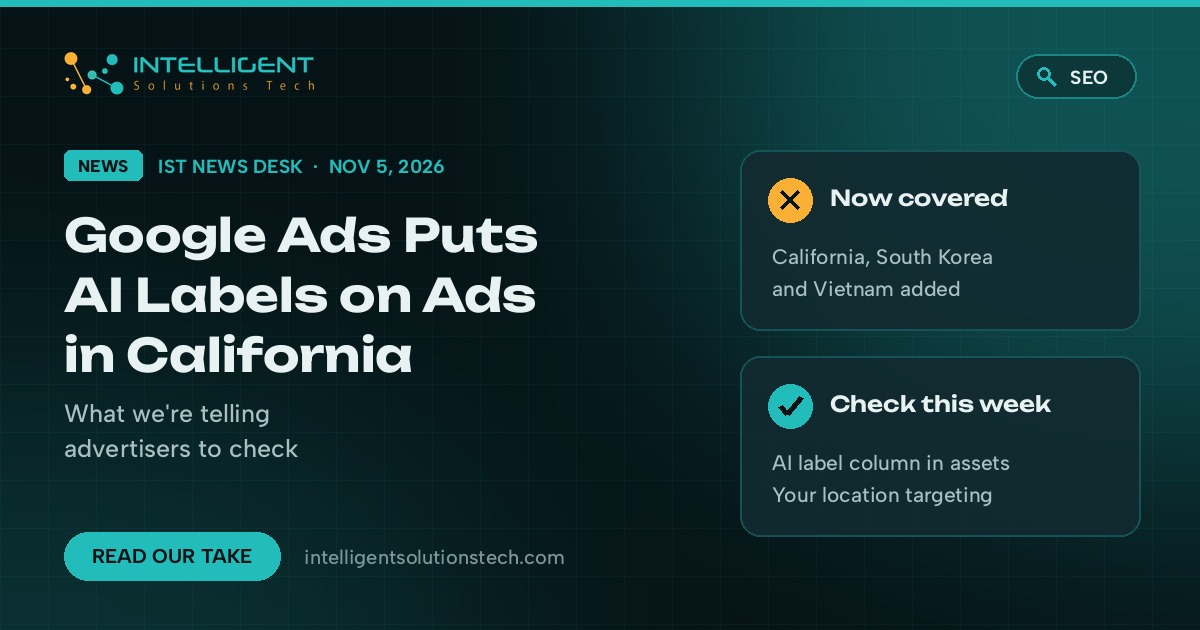
Google has added California, South Korea and Vietnam to the list of places where Google Ads shows a visible AI label on the ad itself. Its help page on AI content label settings now says that for campaigns targeting the EU, India, New York, California, South Korea or Vietnam, ads with assets marked as AI created or edited “will also include visible overlays on the ads.” Search Engine Roundtable spotted the change on November 5, 2026.
Google Ads AI labels are disclosures that tell people an image, video or other asset in an ad was made or edited with AI. Until now, most US advertisers could treat them as a European or New York issue. California changes that. If your campaigns reach Los Angeles, San Diego or the Bay Area and you use AI to make or touch up creative, some of your ads may now carry a label viewers can see.
We don’t think this is a reason to stop using AI creative. We do think it’s a reason to know which of your assets are labeled, and to stop leaving that decision to defaults.
What changed
Google launched the AI label setting in July 2026, when it named the EU, India and New York. The November update adds three more locations and makes the same change in Merchant Center, whose product data specification now lists the same six places. Here’s what Google’s help pages say today:
- Visible overlays apply to campaigns that target the six listed locations, when an asset is marked as AI created or edited.
- Everywhere else, labeled assets show a “How this ad was made” note in My Ad Center, which people reach from the three-dot menu on an ad. Google names Search, YouTube and Discover here.
- You can label assets in the Asset library (there’s an “AI label” column you can filter on), when you build a campaign, or through Ads Editor. YouTube uploads made from Google Ads ask whether AI was used.
- Google adds SynthID watermarks and C2PA metadata to images and videos made in its own Ads tools, and it may label assets itself where the law requires it, when other platforms send signals, or when you use fully automated creative. You can’t remove a label Google applied.
- If you add your own label to a creative, Google says to keep it away from corners and edges and to turn off the automatic image settings, which can crop it.
- Merchant Center says images made with generative AI must keep metadata that shows it, such as the IPTC DigitalSourceType tag. Don’t strip it, including from images made in Product Studio.
Two things the pages don’t say. There’s no start date for the new locations, and Google doesn’t name the laws behind the list. It says only that using the setting “doesn’t guarantee your compliance” and that advertisers should get legal advice. One more wrinkle: Google’s My Ad Center transparency page still cites only the EU, India and New York, so the help pages don’t fully match yet.
What it means for your business
If you only advertise to a single town in Texas or Ohio, nothing visible changes for you today. Your labeled assets still get the My Ad Center note, and that’s about it.
If you run national US campaigns, or target California directly, the picture is different. Many advertisers already use AI for product shots, background swaps, Performance Max image assets or short video clips, and some of those may already be labeled without anyone on the team knowing. Those ads can now show an AI overlay to California viewers.
Ecommerce stores need to look twice. Shopping and Performance Max ads pull images from your Merchant Center feed. If those photos came from an AI tool and still carry their metadata, Google can read that and label them, and you can’t take the label off.
We don’t expect a small “made with AI” tag to hurt most ads. A clean product photo with an honest label is fine. The real risk is a surprise: an ad that looks off once it carries a label, or a brand that tells customers its photos are real when its own ads say otherwise.
What we’d do this week
- Open the Asset library, filter on the AI label column, and write down which assets are already labeled and who labeled them.
- Check your location targeting. If any campaign includes California, the EU, India, New York, South Korea or Vietnam, assume labeled assets there will show an overlay.
- List which creative was made or edited with AI, including touch-ups your designer did in another app, and label it honestly when Google asks.
- For your strongest California ads, preview how a label sits on the image. If it covers the product, recrop or switch to a photo that wasn’t AI edited.
- Ecommerce stores: check that AI product images in your feed keep their metadata, and keep Product Studio images as they come out.
- If AI disclosure rules matter in your industry, ask your lawyer. Google says plainly that its setting is not a compliance guarantee.
None of this needs a rebuild. For most accounts it’s an afternoon of checking and a short note in your creative process so new assets get labeled at upload.
If you’d like a second pair of eyes on your account, our PPC management team can audit asset labels and targeting, and we handle the same review for social ads and ecommerce feeds. For context on where AI video tools are heading, see our brief on Gemini Omni 1.2 Flash. Or start with a free audit. The primary source is Google’s help page, Use AI content label settings and disclosures.