Google has started putting AI-written review summaries inside Search ads. A new Google Ads Help Center page, About Review summaries, says Google’s AI gathers customer reviews from across the web, condenses them into a short line of positive commentary, and shows that line in your ad on Google.com. Search Engine Land ran the story on October 27 under a headline saying Google had confirmed it.
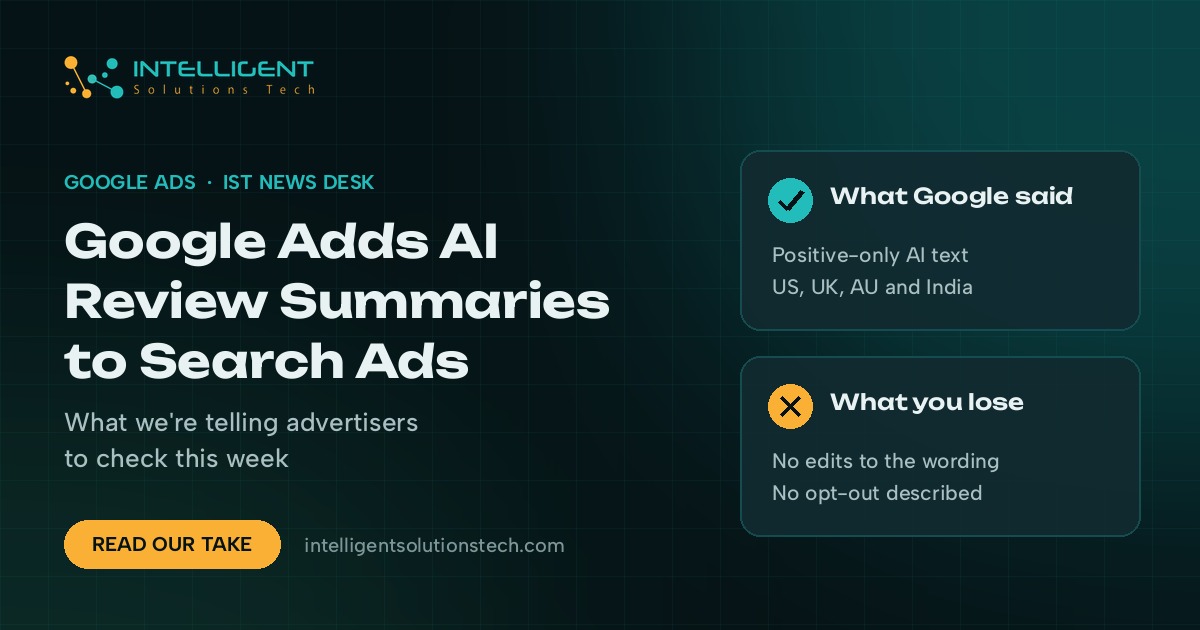
Google Ads review summaries are live for English-language Search campaigns in the United States, the United Kingdom, Australia and India. Advertisers can’t write or edit the text, and the help page doesn’t describe a way to switch it off.
We see this as a reputation story as much as an ad story. If your reviews are thin, old or scattered, Google’s AI has less to work with, and you get no say in the wording. We’d keep campaigns running as they are, check what’s showing, and put the real effort into the reviews themselves.
What changed
According to Google’s help page, review summaries are generated by Google AI from online reviews it collects across the web. They’re positive only. They can appear in every ad position on Google.com, for Search campaigns, on all supported devices. Most advertiser categories are eligible, and sensitive ones such as pharmaceuticals are left out. Google says a summary shows only when it predicts the summary will improve the ad’s performance.
Just as telling is what the page leaves out. There’s no launch date, no list of the review sites Google draws from, no on/off control and no mention of reporting. PPC Land wrote about the page on October 25 and credited PPC News Feed with spotting it a day earlier. The Keyword pointed out that the page links to Google’s guide on account-level automated assets, yet that guide doesn’t list review summaries among the assets it covers.
What it means for your business
If you run Search ads in any of those four markets, your reviews now feed your ad copy. That used to be limited to seller ratings and your Business Profile. Now a line of text you didn’t write can sit next to the headlines you tested for weeks.
Positive only sounds safe, and mostly it is. A summary won’t repeat a one-star complaint. You still don’t choose which strengths get picked. A contractor who sells premium work but whose reviews keep praising low prices could see “affordable” in the ad. A law firm whose reviews talk about friendly staff may get that instead of the practice area it’s paying to rank for.
Regulated businesses should pay closer attention. If you work in legal, financial or health services, your ads may carry claims you never approved. Have whoever signs off your ad copy look at what’s appearing.
Measurement is the open question. With no reporting described, you can’t isolate the effect of a summary yet. You can watch click-through and conversion rates on Search campaigns, but with Black Friday a month away, seasonal swings will drown out most of the signal. It’s too early to say whether this helps or hurts.
What we’d do this week
- See what’s showing. Use the Ad Preview and Diagnosis tool in Google Ads for your top keywords in each country you target, and screenshot any summary that appears. Save the date so you have a record.
- Read your reviews the way the AI will. Go through the last six months on Google and the review sites your industry uses. Note which themes repeat. Those are the themes most likely to end up in your ads.
- Ask for specific reviews. When a job goes well, ask the customer to mention the service they bought and where they’re based. Don’t script reviews and don’t offer anything in return; Google’s review policies don’t allow rewarded reviews.
- Check your automated asset settings. Open account-level automated assets and note what’s switched on. If you want review summaries off, ask your Google Ads rep or support whether your account can opt out, and keep their answer in writing.
- Leave the campaigns alone. Don’t pause ads or rewrite copy mid-season because of this. Add an annotation for the week you first saw summaries so you can compare results after the holidays.
Reviews now work in three places at once: your Google Business Profile, your organic listings and your paid ads. It’s the second Google ads change this month that hands more control to Google’s AI, after the Gmail and Photos privacy update.
If you’d like a second look at how your ads and reviews read together, our PPC management team can check it as part of a free audit.