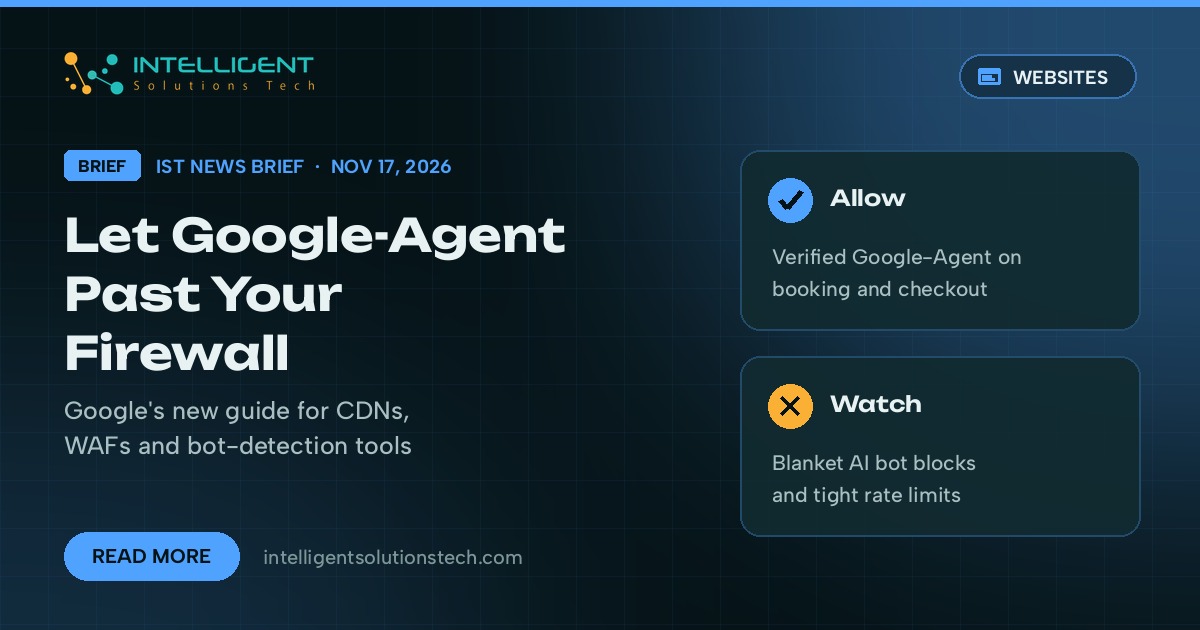
Google published a new help document on November 17, 2026 that explains how site owners can let Google-Agent traffic through a CDN, web application firewall or bot-detection service. Google describes Google-Agent as the name for agents running on its infrastructure that browse websites and take actions when a user asks them to. The guide sits in Google’s crawling documentation, and Google’s crawling changelog lists it as new guidance on giving Google-Agent access to a site.
What’s new
The document explains how to recognize the traffic. Google says these requests carry “Google-Agent” in the User-Agent header and come from IP addresses listed in a file called user-triggered-agents.json. Google is also testing signed requests through Web Bot Auth, using HTTP message signatures (RFC 9421) tied to the agent.bot.goog identity. Its advice for security tools comes down to five steps:
- Use your CDN or firewall provider’s built-in Google-Agent verification if it has one.
- Otherwise, match the User-Agent and check the IP against Google’s published list.
- Skip CAPTCHAs and JavaScript challenges for verified requests, including the ones on search and form pages.
- Put the allow rule ahead of broad ASN blocks, managed bot rules and AI agent block policies.
- Keep IP rules in sync as Google updates the list.
Who it affects
Any business whose site sits behind Cloudflare, a managed WAF, a hosting firewall or a security plugin with bot blocking. Many of those tools now offer a one-click switch that blocks AI bots, and that switch may stop an agent a real customer sent to book an appointment, compare products or fill a cart. Google’s guide names the steps agents tend to take: on-site search, filters, detail pages, add-to-cart and booking, plus the XHR, GraphQL and API calls behind them.
Google doesn’t say which of its products send Google-Agent traffic. It did announce Tasks in Gemini the same day, an agent mode that books appointments and shops for people in the US, Canada, Australia and three other countries. If agent visits like those land on a challenge page, the customer’s request fails and the booking goes somewhere else.
Our take
For most small business sites this is a short firewall review. Check whether your WAF, CDN or security plugin has an “AI bots” or “AI crawlers” block turned on, then add a narrow allow rule for verified Google-Agent requests on your booking, search and checkout paths. Keep blocking the scrapers you don’t want. If you use rate limits, Google notes that many users share the same pool of IP addresses, so a tight limit can turn away real customers. We’d run this check alongside the third-party script review we suggested after the Optimizely incident, and it belongs on the same list as Googlebot crawl access in any technical SEO audit.
Want someone to look over your bot and firewall rules? Our website maintenance team can check them, or start with a free audit.