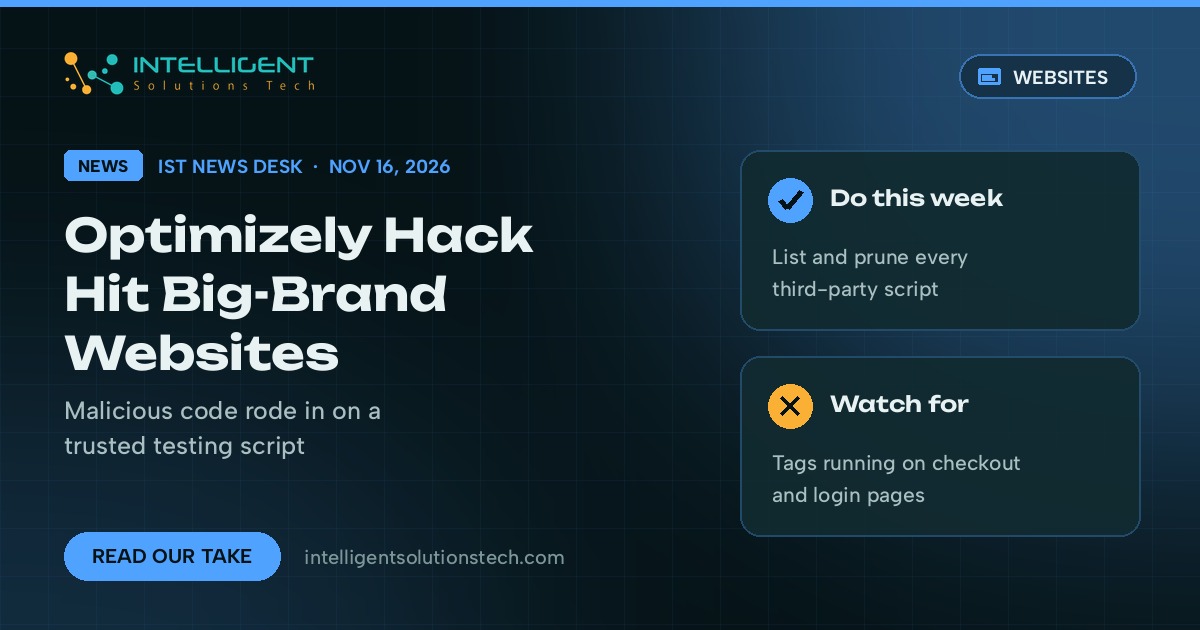
Optimizely, the experimentation platform big brands use to run A/B tests on their websites, confirmed on November 16 that an attacker slipped malicious JavaScript into some customer projects. Because Optimizely’s script loads straight into its customers’ pages, that code ran on well-known sites. BleepingComputer confirmed it loaded, or tried to load, on Zoom, CNN, BBC, Fox News, Salesforce and GitLab, among others.
On the surface the Optimizely hack is a big-company story. Most of the small businesses we work with don’t use Optimizely. Nearly all of them load someone else’s code on every page, though: analytics, a chat widget, a review badge, a booking tool, a tag manager. That’s the same door, and this week is a good time to check who holds a key to it.
Our view is simple. Don’t panic and don’t rip out every tool. Take an inventory, delete what you don’t use, and add guardrails on the pages where customers type card details or passwords.
What changed
Optimizely said on its status page that an unauthorized party exploited a vulnerability in its Web Experimentation product and used it to add malicious JavaScript to some customer projects. In a statement to BleepingComputer, the company said the hole was in the Experimentation account signup flow. It says it has fixed the vulnerability, removed the injected code, ended active sessions, revoked tokens, reset access for affected accounts and notified affected customers.
According to BleepingComputer, security researcher Scott Helme found 188 infected Optimizely script files belonging to 178 organizations. The earliest injection he saw was early on November 16, and by late that evening (UTC) only one file still carried the bad code. Nobody has said yet how long the hole was open or how many visitors loaded the script.
BleepingComputer’s analysis of the payload found it could:
- swap cryptocurrency wallet addresses on a page for the attacker’s own
- capture card numbers, expiry dates and security codes typed into forms
- load exploit kits aimed at older iPhone and iPad software
- collect cookies, page URLs and screenshots
Salesforce told BleepingComputer it had switched off Optimizely scripts across its preview and production instances as a precaution while it investigates.
What it means for your business
If you’re an Optimizely customer, look for a notice from the company in your inbox, review your projects’ code and change history, and follow status.optimizely.com for updates. Ask whoever runs your experiments to confirm nothing unexpected was added on November 16.
For everyone else, the lesson is about third-party scripts in general. When you paste a vendor’s snippet into your site, you trust that vendor’s security every time a page loads. If their account system or delivery network is compromised, your visitors get whatever the attacker serves, and your own server never changes. Your hosting firewall and your WordPress security plugin won’t see it.
We saw a smaller version of this earlier in November, when DebugBear told customers to remove its monitoring script after a DNS hijack. Two incidents in one month is a pattern worth acting on.
Online stores carry the most risk. If card details are typed on your own pages instead of a hosted checkout from Stripe, Shopify or PayPal, PCI DSS 4.0 already asks you to keep an inventory of the scripts on payment pages and to detect unauthorized changes to them. The PCI Security Standards Council made those two requirements mandatory on March 31, 2025.
What we’d do this week
- List every script your site loads. Open a page in Chrome, check the Network tab, or ask your developer for the list from your tag manager and theme. Note who added each one and why.
- Remove what nobody uses. Old A/B testing tools, abandoned chat widgets and expired campaign pixels are common finds. Each one you delete is one less vendor to trust.
- Keep marketing tags off checkout and login pages. Analytics and ad pixels rarely need to run where people type passwords or card numbers.
- Add a Content Security Policy. A CSP header tells browsers which domains your pages may load code from and send data to. Start in report-only mode so you can see what would break before you enforce it.
- Use Subresource Integrity where it fits. For scripts that rarely change, an integrity hash makes the browser refuse a file that’s been altered. It doesn’t suit vendor scripts that update daily, so pair it with CSP.
- Lock down vendor accounts. Turn on two-factor sign-in for your tag manager, analytics and testing tools, and remove former staff and agencies who still have access.
If you’d like a second pair of eyes, our website maintenance team can audit the scripts on your site and set up a CSP without breaking your tracking. Running a store? Our ecommerce development team can review your checkout setup. Or start with a free audit and we’ll flag what we find.