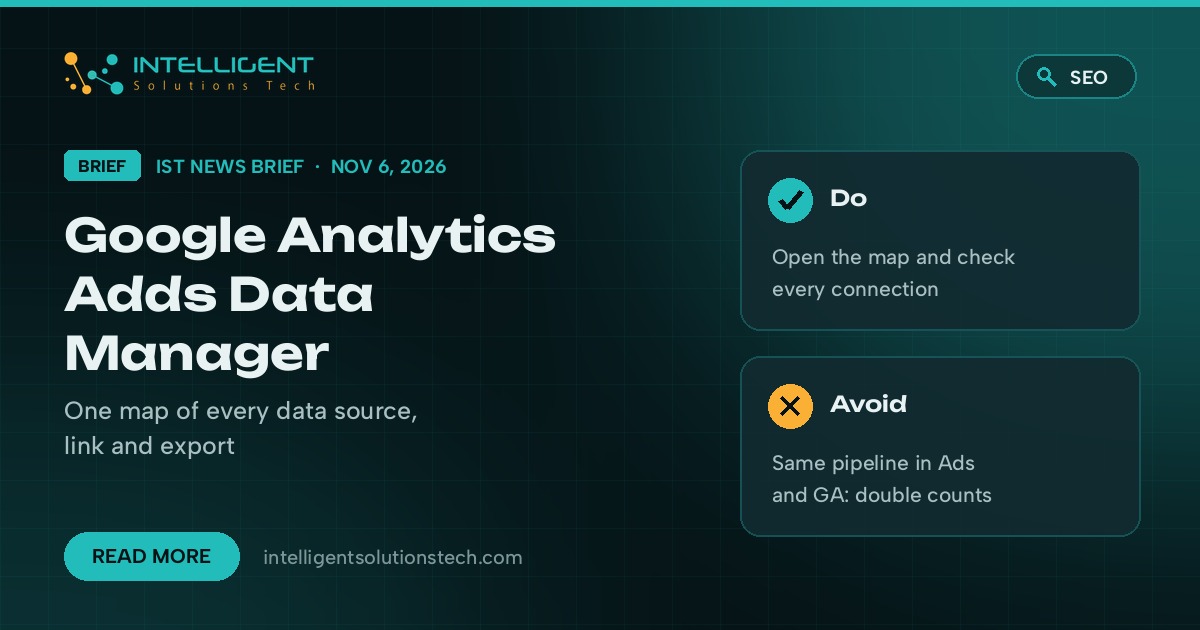
Google added Data Manager to Google Analytics on November 6, 2026, according to its What’s new in Google Analytics release notes. Google Analytics Data Manager is a beta tab in the Admin area that puts data streams, product links and first-party data imports on one page, with a visual map of where your data comes from and where it goes. If you run GA4 for a small business, it’s the quickest way yet to see whether your tracking setup is healthy.
What’s new
- A Data Manager tab in Admin, just under “My preferences” in the left menu. Google labels it beta, and Search Engine Roundtable reported that it isn’t showing in every account yet.
- A data connection map. Sources such as Google Tag Manager, a CRM, a Google Ads link or an offline file sit on the left, your property and data streams in the middle, and export destinations on the right.
- Connection health and diagnostic alerts in one place, plus the data strength guide, which flags measurement gaps and suggests fixes.
- Existing data imports show up in Data Manager on their own. Subproperties and roll-up properties aren’t supported yet.
Who it affects
Anyone using GA4 who imports offline conversions, sends CRM data into Analytics or links Google Ads. Google’s Data Manager help page carries a warning worth reading twice. Data brought in through Data Manager in Analytics flows down to linked Google Ads and Marketing Platform accounts, but not back up.
If you build the same pipeline in both Analytics and Google Ads, Google says conversions can be counted twice. For a business whose ad bidding runs on conversion data, double counting means paying for signals that aren’t real.
Our take
We’d open the map this week, before adding anything new. It works as a free check of your tracking: a broken tag, a CRM import nobody remembers setting up, or a Google Ads link pointing at the wrong account will show up there. Then give each data pipeline one home. Leave existing Google Ads connections where they are, as Google suggests, and use Data Manager in Analytics only for new connections, so nothing gets counted twice.
If your GA4 setup needs a cleanup before you trust it with ad spend, our technical SEO team checks tracking on every audit, our PPC management work starts with conversion data, and reporting automation can pull the numbers into one weekly report. The free audit is the place to start.