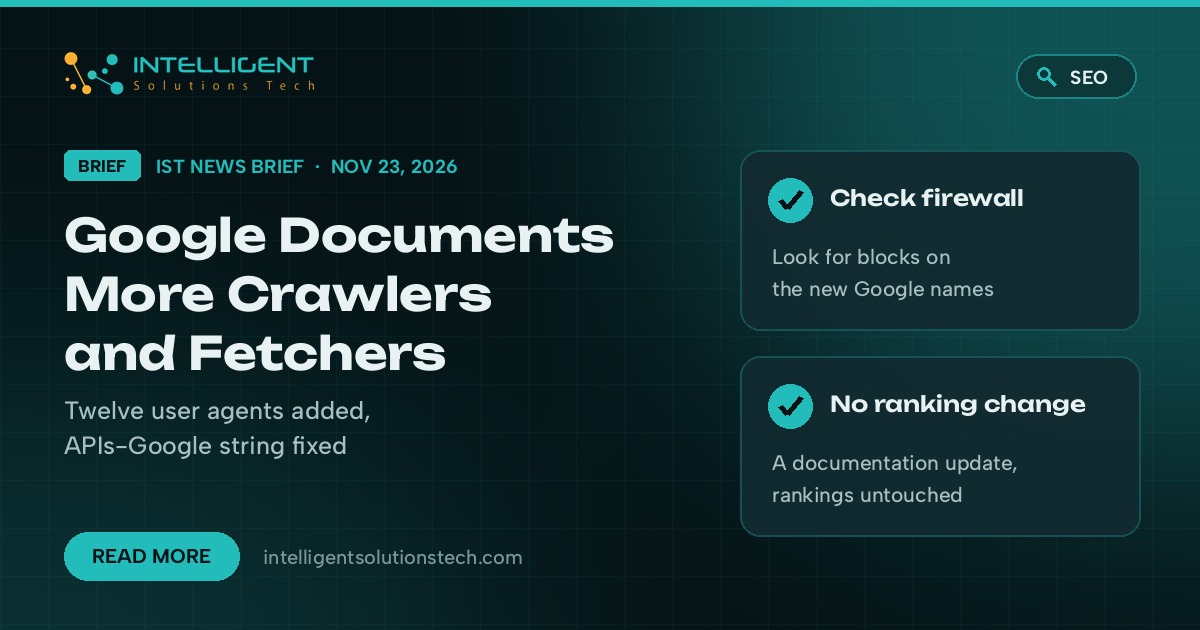
Google added a batch of user agents to its crawler documentation on November 23, according to the Google crawling documentation changelog. Google says none of these crawlers or fetchers are new. It is documenting high-volume clients that already show up in server logs and that site owners have asked about, which matters most to anyone whose firewall or bot rules block unknown Google traffic.
What’s new
Six user agents now appear on the special-case crawlers page: Google-analytics-postbacks, Google-Calendar-Importer, GoogleDocs, Google-Edu, pageburst and PlayStore-Google. Six more were added to the user-triggered fetchers page: AppEngine-Google, Google-Apps-Script, Google-Cloud-Tasks, GoogleImageProxy, Google Web Preview and Chrome-Lighthouse.
Google also moved APIs-Google from the crawlers page to the fetchers page and fixed a typo in its documented user agent string, which was missing a semicolon. The changelog says APIs-Google webhook push requests come from the user-triggered fetcher IP ranges and ignore robots.txt rules. If you hardcoded the old string anywhere, Google asks you to update it.
Who it affects
Search rankings aren’t touched by this. The people who should care are site owners and developers running a web application firewall, a Cloudflare bot rule, a security plugin like Wordfence, or a custom allowlist that only lets Googlebot through. Those setups sometimes block traffic that looks like Google but isn’t Googlebot, and that can quietly break things such as calendar imports, Apps Script calls to your site, image previews in Gmail, or Lighthouse tests.
Apps that receive Google webhooks are the other group. If your code checks the APIs-Google user agent string exactly, the corrected value may not match your old check.
Our take
We see this as a housekeeping change with one practical job attached. This week, open your firewall or bot management logs and look for blocks on any of the twelve new names, then decide which ones your site actually needs. A restaurant that publishes event calendars probably wants Google-Calendar-Importer through; most brochure sites can leave the list alone. Developers should search their code for the old APIs-Google string. We’d also match these agents to Google’s published IP ranges before allowlisting, since a user agent alone is easy to fake. Our earlier brief on letting Google-Agent through your firewall covers the same verification steps, and our technical SEO audit checklist shows where crawler access fits in a wider review.
If your security rules and crawl access haven’t been checked in a while, our technical SEO service starts with a free audit.