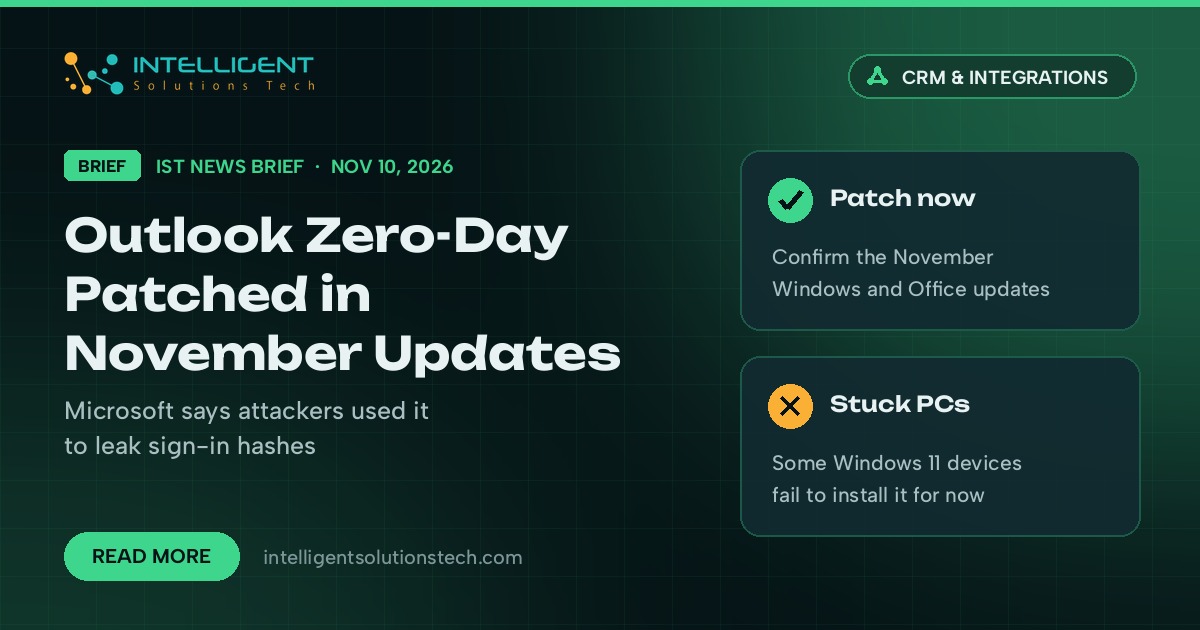
Microsoft fixed an Outlook flaw on November 10, 2026 that attackers were already using, as part of a Patch Tuesday that BleepingComputer counts at a record 1,235 fixes. The bug, CVE-2026-124194, is listed as exploited in Microsoft’s Security Update Guide. If your team reads email in desktop Outlook, this Outlook zero-day is the update to confirm first.
What’s new
Microsoft describes the attack in plain terms: an attacker sends a specially crafted message file and tries to “convince a user to open it in an affected version of Microsoft Outlook.” Opening it can make Outlook connect to a server the attacker controls without showing the usual external-content warning, which can leak sign-in information that could be used to impersonate that person.
BleepingComputer explains that this kind of flaw exposes a Windows NTLM authentication hash, which attackers can try to crack offline. Microsoft rates it Moderate with a CVSS score of 6.5, because it needs someone to open the file. That rating undersells it for small offices, where one person opening a convincing attachment is the most common way in.
There is a second wrinkle. Microsoft has confirmed that some Windows 11 PCs that installed the October 2026 preview update (KB5127936) fail to install the November security update, with errors such as 0x800f0989 or 0x800f0993. Microsoft says affected devices will repair themselves within 24 to 48 hours from November 11 and then install the update through Windows Update.
Who it affects
Any business that uses desktop Outlook on Windows, which covers most Microsoft 365 offices in the US, UK, Canada, Europe and Australia. Teams that run Google Workspace in the browser are not the target here, though staff who use Outlook as a mail client on a Windows PC still are.
Our take
We’re telling clients to treat this as a this-week job, even though the severity label says Moderate. Two checks cover most of it:
- Confirm on each PC (or in your device management console) that the November 2026 Windows and Office updates show as installed. If a machine is still stuck after Friday, contact Microsoft Support as Microsoft advises.
- Remind staff not to open unexpected message files or attachments, even from familiar names, and to report them instead. Pair that with two-factor sign-in on every Microsoft 365 account, so a stolen hash or password alone does less damage.
This week’s ScreenConnect attacks on IT providers are a reminder that patching is only half of it; someone has to check it happened. If you don’t have that person, our IT consulting and website maintenance teams can take the monthly update check off your plate.