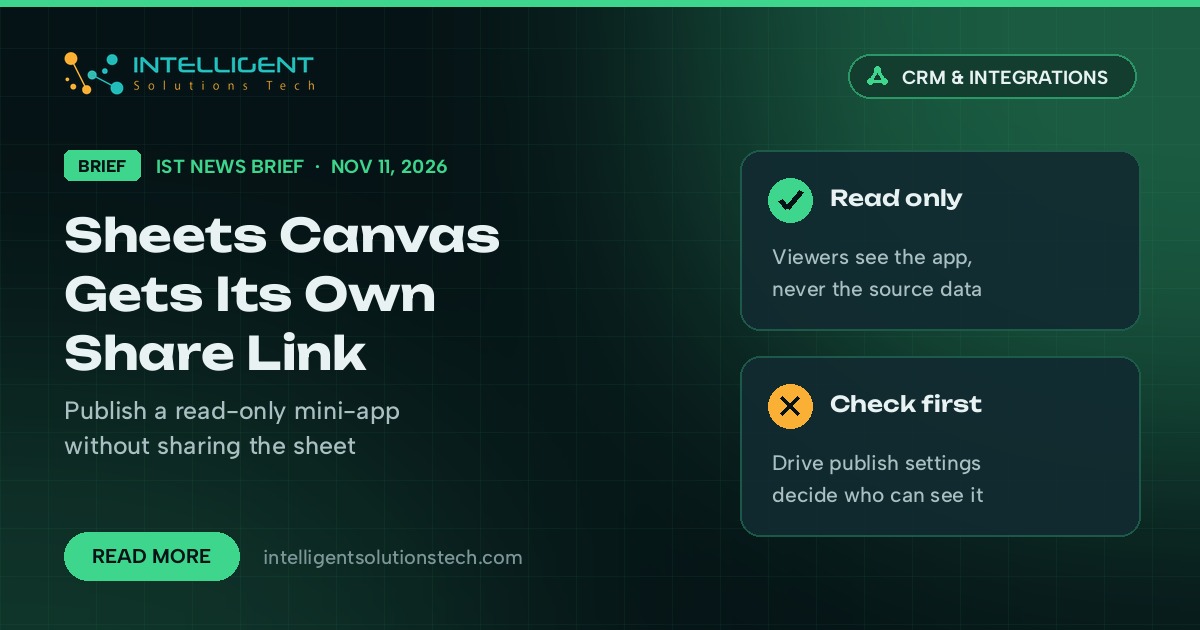
Google announced on November 11, 2026 that a Google Sheets canvas can now be published to its own link, according to the Google Workspace Updates blog. Sheets canvas uses Gemini to turn spreadsheet data into small interactive apps like dashboards, kanban boards and calendars. Until now, sharing one meant sharing the spreadsheet behind it.
For a small business, that changes how a canvas can be used. A sheet that already tracks jobs, bookings or open quotes can become a page the rest of the team checks every day, while the people who maintain the data keep full control of the file. Google’s own examples include a filterable conference agenda and a launch timeline built from a team tracker.
What’s new
- A canvas can be published to a separate, read-only link. Viewers can interact with the mini-app without access to the source sheet.
- The published link has its own audience setting, so a canvas can go to the whole company while the file stays with a small group.
- You choose between republishing automatically when the sheet changes or publishing a static snapshot of the current data.
- Publishing works in Sheets on the web, from the canvas toolbar, and only for canvases you can edit.
Google says there is no new admin control. Canvas publishing follows the existing “publish to the web” Drive sharing setting.
Who it affects
Google lists Business Standard and Plus, Enterprise Standard and Plus, Google AI Pro and Ultra, Google AI Pro for Education and the AI Expanded Access add-on. Rapid Release domains get it gradually from November 11, and Scheduled Release domains from December 2, with up to 15 days for the feature to appear.
Our take
This is a handy way to give staff or partners a live job board, schedule or sales tracker without handing out edit rights to the raw data. Before anyone publishes, check who the Drive publish-to-the-web setting allows to see published files in your admin console, and keep personal or client data out of any canvas meant for a wide audience. Teams that outgrow a spreadsheet tracker can talk to us about reporting automation or a custom CRM, and Workspace users may also want our note on Gemini in Gmail for more Workspace plans.