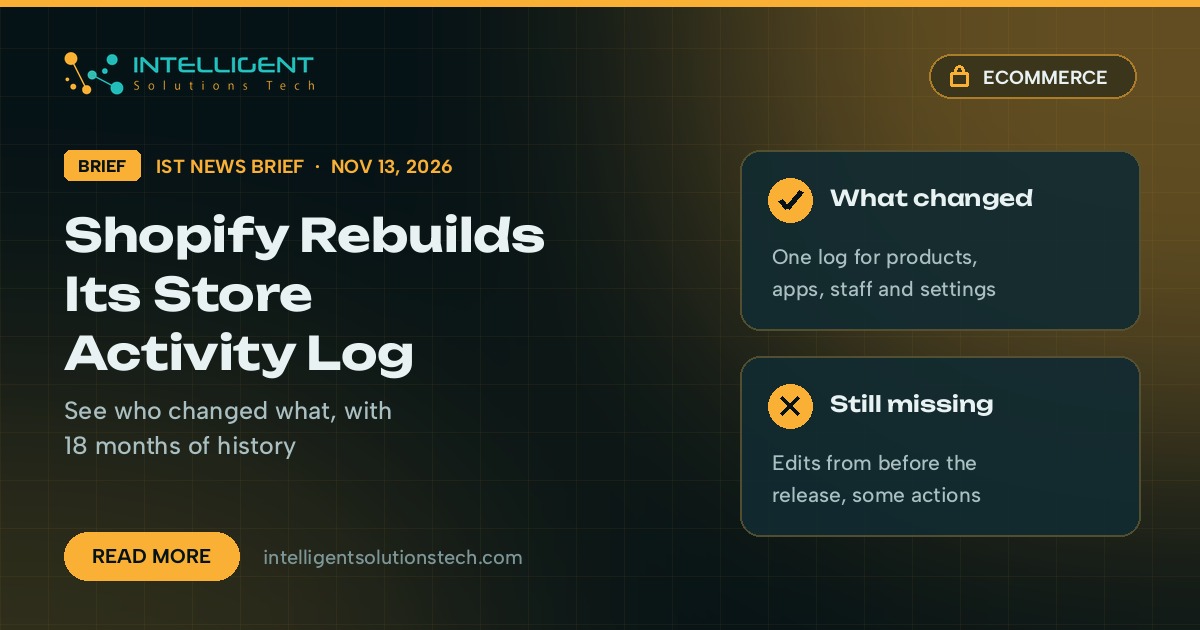
Shopify said in a changelog post on November 13, 2026 that it has rebuilt the Store activity log, so store owners can see who changed what, and when, from one screen. The new log keeps up to 18 months of changes. The old version only held the 250 most recent events.
What’s new
- One log for changes to products, orders, discounts, themes, apps, staff, payments and store settings, under Settings > General > Store activity log.
- Every entry names the staff member, collaborator or app behind the change, or Shopify when its own staff made it. Some app changes only show the app name.
- Filters for person, action type, resource, changed field and date range. Clicking a row shows the old and new values where Shopify has them.
- A “View activity” action on product, order, discount, gift card, collection and domain pages opens the log already filtered to that item.
Shopify listed two limits. History only starts from when each type of change began being recorded, shortly before this release, so last month’s edits won’t show up. Not every admin action is logged yet either.
Who it affects
Any Shopify store where more than one person, agency or app works in the admin. Shopify gives the full log to the store owner and to staff who hold both the Manage settings and Edit permissions, such as the Administrator role. Other staff who used the old log can keep using it for now.
It matters most for stores that hand collaborator access to freelancers, or that run several apps able to edit products, prices and discounts. Those are the setups where a wrong price or a broken theme setting is hardest to trace back.
Our take
This is the screen we’d open first when a price, a discount or a theme setting changes and nobody remembers touching it. Two things are worth doing this week. Review who holds the Manage settings and Edit permissions, and remove collaborator accounts and apps you no longer use, since each of them now leaves a named trail. Then, the next time something on the storefront looks wrong, filter the log by that product or discount before you undo anything, so you know what actually broke.
If you want a second pair of eyes on staff and app access, our Shopify development team can review it, and our brief on returns by market covers another admin change this month. More on store builds is on our ecommerce development page.