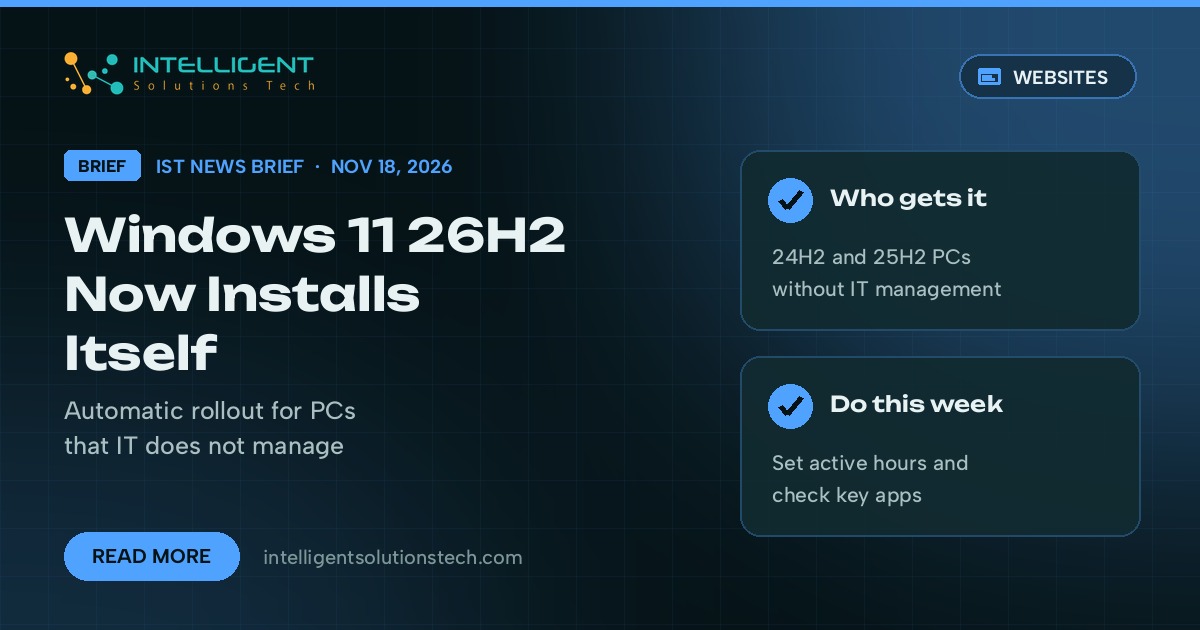
Microsoft started installing Windows 11, version 26H2 on PCs automatically on November 18, 2026. On its Windows release health page, the company said it is gradually expanding automatic delivery, starting with devices on Windows 11 versions 24H2 and 25H2 that aren’t managed by an IT department. In a small office where every laptop looks after its own updates, that covers most machines.
What’s new
- Windows 11 26H2 shipped on September 29, 2026. Until this week, a PC only got it when someone opened Settings and checked for updates.
- From November 18, eligible personal devices and non-managed business devices download and install it on their own, in phases. Microsoft says the timing depends on each PC’s Windows Update settings.
- On 24H2 and 25H2 the upgrade arrives as an enablement package, a small update that switches on code already on the PC, as Thurrott reported. Microsoft describes it as a fast installation.
- Windows Latest reported that any restart the upgrade needs is generally scheduled outside the PC’s active hours.
Who it affects
Any business running Windows 11 laptops or desktops without Intune, Group Policy or another tool controlling updates. PCs that IT manages keep following their admin’s update policies, so nothing changes there.
Microsoft’s known issues list for 26H2 shows one open problem as of November 18: SQL Server linked server connections to external databases such as Oracle and PostgreSQL can stay open and pile up. That bug came with the October 13 updates and hits servers, and Microsoft says an out-of-band fix is due within days. A USB audio fault reported in early November was fixed in the November 10 security update (KB5132061).
Our take
We’d let 26H2 install. It’s a small update on 24H2 and 25H2 machines, and it keeps PCs on a supported version. This week, set active hours on each PC so a restart doesn’t land in the middle of a client call, and check that the apps your team relies on every day (accounting, point of sale, a database connector) list 26H2 as supported. If you run SQL Server with linked servers, watch for Microsoft’s out-of-band fix, since holding back 26H2 won’t avoid that bug. If you’ve had update surprises before, read our note on the emergency fix for Windows activation errors, and see what else is changing on the Microsoft side with the To Do retirement.
Want update policies set once across a small fleet of PCs instead of machine by machine? Our IT consulting team can set that up, starting with a free audit.