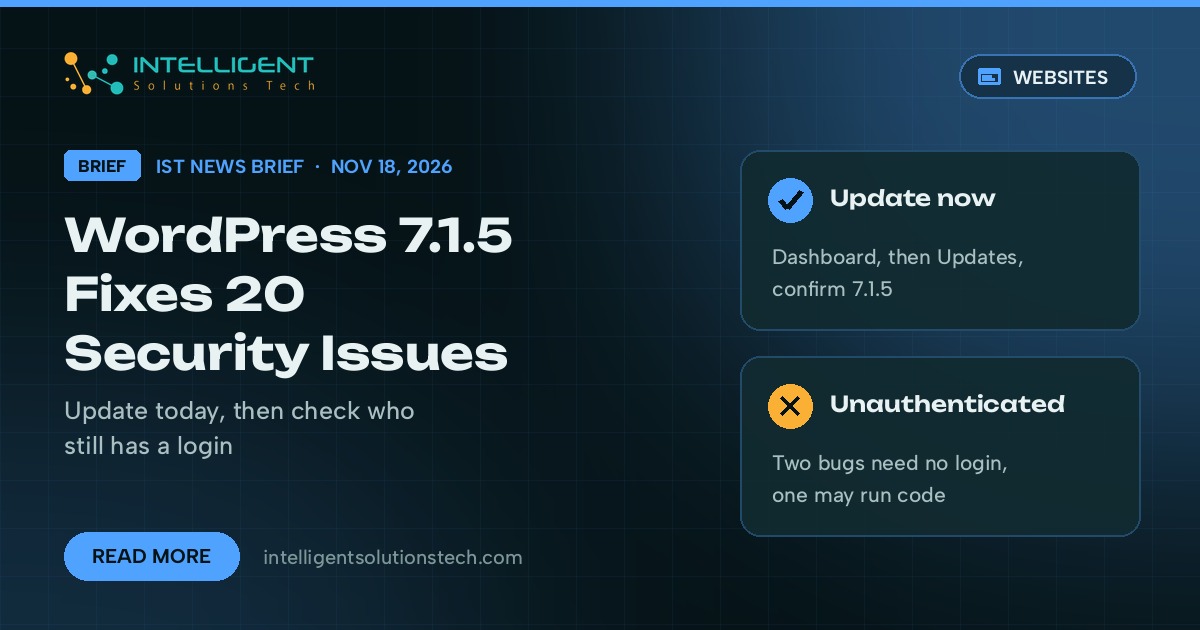
WordPress released version 7.1.5 on November 18, 2026, and the project says sites should install it immediately. The WordPress.org release post lists 20 security fixes. The most serious is an unauthenticated privilege escalation through Template Part block attributes, which WordPress says could lead to remote code execution.
What’s new
- An unauthenticated privilege escalation via Template Part block attributes, the bug WordPress links to possible code execution.
- Unauthenticated stored cross-site scripting through shortcode attributes in comments.
- Two SQL injection bugs, one in WP_Meta_Query and one in Customizer changeset previews.
- Unauthenticated information leaks, including private taxonomy terms exposed through the REST API search endpoint.
- An unauthenticated denial of service through batched XML-RPC pingbacks, plus a group of XSS and access bugs that need a contributor, author or editor login.
WordPress says the fixes are being backported to every branch still eligible for security updates, back to 4.7, and those versions will ship as they become ready. WordPress 7.2 RC 2 carries the same fixes, and the 7.2 release is still planned for December 8.
Who it affects
Every WordPress site on 7.1.4 or older. Sites with automatic background updates should move to 7.1.5 on their own, but many business sites have auto-updates switched off by a host, a developer or a maintenance plugin, and those sites stay exposed until someone clicks Update.
Sites that accept comments, or that give freelancers and guest writers contributor or author logins, carry the most exposure from this batch. The release post gives no severity scores, and WordPress hasn’t said any of these bugs are being exploited.
Our take
We’re telling clients to update today rather than wait for the next maintenance window. Two unauthenticated bugs in one release is the kind of list attackers study once a patch is public, which is what happened with the core upgrade flaw CISA flagged earlier this month. Take a backup, go to Dashboard, then Updates, and confirm the version reads 7.1.5. Then check your user list and remove contributor or author accounts nobody uses anymore.
If you’d rather hand WordPress updates to someone else, see our website maintenance service, or read how we handled the last round in our WordPress 7.1.4 brief.