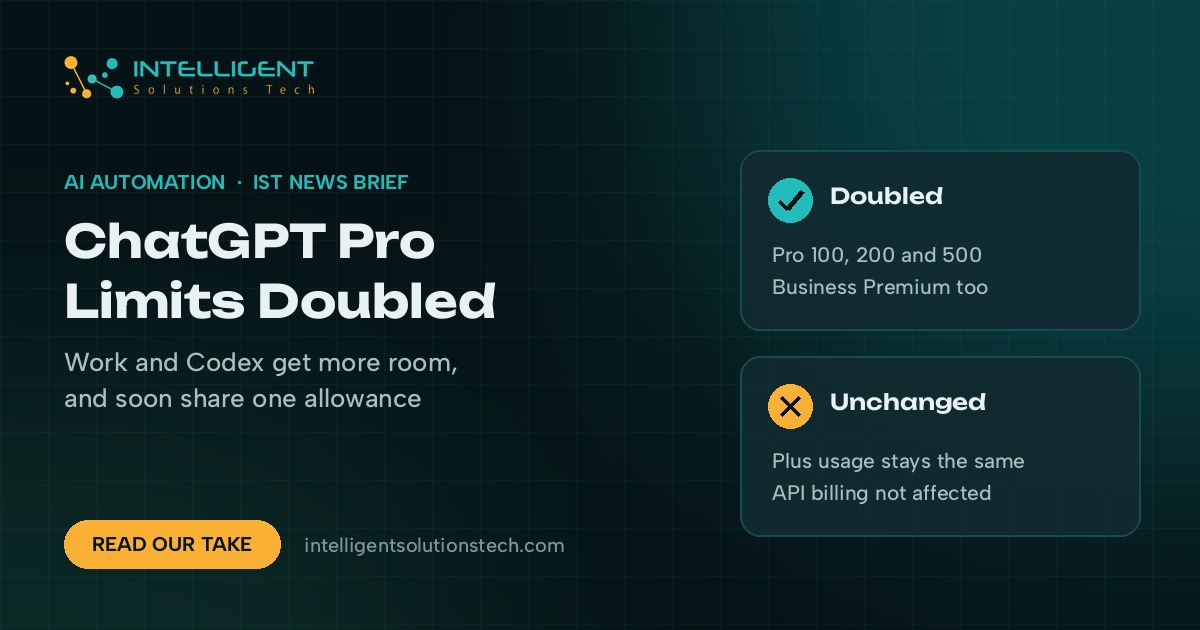
OpenAI doubled the ChatGPT Pro usage limits for Work and Codex on its Pro 100, Pro 200 and Pro 500 plans, and on Business Premium, effective October 29, 2026. Thibault Sottiaux, who leads Codex at OpenAI, announced it on X that day and said a planned cut to the Pro 200 allowance was canceled. In an email to subscribers reported by BleepingComputer on November 1, OpenAI also said it will test a combined Chat and Work experience with a small group of users in the coming weeks.
What’s new
- Pro 100 and Pro 500 now get twice their previous Work and Codex allowance. Pro 200 accounts that had been moved to the lower allowance were raised to the higher one, according to reports citing OpenAI’s help center.
- Business Premium also gets more usage. OpenAI hasn’t said how much more.
- Plus usage is unchanged, and plan prices didn’t move.
- ChatGPT and Codex will draw from one shared allowance. OpenAI’s email says Unlimited Instant won’t count against it, while heavier models and longer tasks use more. Remaining usage and reset times will show under Settings, then Usage.
- People in the Chat and Work test will be able to bring files and plugins into a normal chat, ask ChatGPT to build a website, make a presentation or carry out tasks on the web, and review its work as it goes. Codex stays a separate experience in the desktop app.
OpenAI still doesn’t publish hard numbers for any tier, so “double” is measured against an allowance nobody outside the company can see.
Who it affects
Mostly owners and small teams who pay for Pro or Business Premium and use Work or Codex for long jobs, like building internal tools, cleaning up spreadsheets or drafting site pages. If you’re on Plus or a standard Business seat, nothing changes today.
The merged Chat and Work view is a small test, so most accounts won’t see it this month. Automations that call the OpenAI API aren’t touched by either change.
Our take
It’s good news for heavy users, and we still wouldn’t switch plans because of it. OpenAI has changed these allowances more than once since September, and a shared ChatGPT and Codex pool means a busy coding week can eat into the chat time your team counts on. This week we’d do two things: once the shared view appears, check Settings, then Usage, and note where your team actually runs out. And keep any business-critical automation on the API, where usage is billed and logged per request instead of drawn from a subscription allowance that keeps moving. Our GPT-6 rollout notes cover the other ChatGPT settings worth checking.
If you’re deciding which ChatGPT work belongs in a subscription and which belongs in an automation, see our ChatGPT integration service, our wider AI workflow automation work, or run the numbers in the automation ROI calculator.