Google is adding a business hub to the Gemini app, and for most small businesses the useful part is the connected apps, not the hub itself. Google said on its Keyword blog on October 20 that the new business landing page, marketing and finance skills, and new connected apps are starting to roll out globally to all Gemini app users over the coming days.
The Gemini business hub is a landing page inside the Gemini app where an owner can work on branding, finances and customer insights from one place, with Gemini pulling data from the tools the business already uses. Google named Google Business Profile, Google Ads and Google Workspace on its own side, plus Adobe, Canva, Dropbox, Shopify, Wix, Zoho and Xero as third-party connected apps.
Our view is simple. This is worth an hour of setup this week for any owner who already pays for Gemini or uses it daily. It won’t replace your bookkeeper, your ad manager or your CRM, and we’d keep anything that touches money or customers under human review.
What changed
Google’s announcement, written by Vishnu Sivaji, Senior Director for the Gemini app, lists three groups of features.
- A central business page. A starting point in Gemini for brand work, financial analysis and customer insights, instead of a blank chat box.
- Brand style memory. Owners can upload their website, brand kit, fonts or color palette. Google says Gemini keeps that style and uses its Nano Banana 2.1 image model to produce product launch and campaign visuals that match it, without uploading the guidelines again each time.
- Financial insights from messy files. Google says Gemini can turn spreadsheets, receipts and purchase records into charts and interactive models.
The connected apps are the part that changes daily work. A Gemini chat that can see your Business Profile, your Ads account, your Shopify store and your Xero books at once can answer questions that used to mean exporting four reports. One example in Google’s post describes a single-location restaurant owner using a connected Business Profile between shifts to track local search and Maps performance and plan weekend updates.
Google also pointed larger companies that need central admin controls and data governance to its separate Gemini for business offering. The new hub is aimed at owners using the Gemini app directly.
What it means for your business
The quality of what Gemini tells you depends on the quality of what it can read. If your Business Profile has the wrong hours, your Shopify product data is thin, or your bookkeeping sits in three spreadsheets with different column names, Gemini will summarize that mess back to you with confidence.
Brand style memory is the most practical win for small teams, since it cuts the time spent re-explaining colors and tone to every tool. A stored brand kit means social graphics, promo banners and product shots start closer to finished. You’ll still want a person to check text on images, product details and anything with a price on it.
The finance feature is good for a first look, such as which months ran tight or which product lines carry the business. It isn’t an accountant. We’d use it to find questions worth asking your bookkeeper, then check the answers against your accounting software before acting on them.
Access is the part to think through before you click connect. Each connected app is another account Gemini can read. Google didn’t spell out every permission in the announcement, so read the consent screen for each app and connect only what you’ll use.
For local businesses, the Business Profile connection is the one to watch. Being able to ask how Maps views changed after a new post, or which searches found you last month, without opening the dashboard lowers the effort of managing a listing properly. It doesn’t change the Business Profile rules, which still apply to anything you post.
What we’d do this week
- Check whether the hub has reached your account. Google says rollout happens over the coming days, so it may not appear yet. Don’t pay for an upgrade just to look for it.
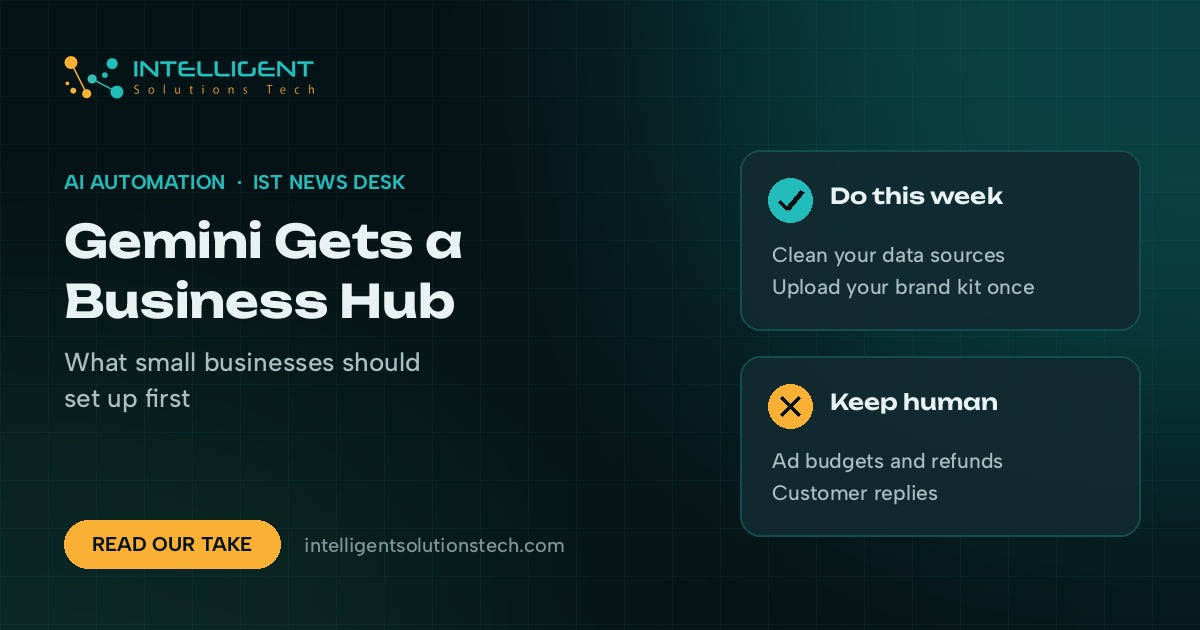
- Clean the sources before you connect them. Fix Business Profile hours, categories and services. Clear disapproved products in Merchant Center or Shopify. Tidy the one spreadsheet you want Gemini to analyze.
- Upload your brand kit once. Logo, fonts, color codes and two or three examples of posts you like. Test it on one week of social graphics before using it for a campaign.
- Connect apps one at a time. Start with the tool you check most, often Business Profile or Shopify. Read each permission screen. Skip anything you won’t use this month.
- Write down what stays human. Ad budget changes, refunds, customer replies and anything sent under your name should still pass through a person. Put that rule in writing for your team.
- Keep your real reports. Use Gemini for quick answers and keep Search Console, Google Ads and your accounting software as the source of record.
If you want help wiring Gemini or other AI tools into the systems you already run, our AI workflow automation team builds and reviews these setups, and our local SEO team can get your Business Profile in shape first. We covered Google’s earlier Workspace agent news in our take on the Gemini agent for small business. For a starting point on your own site and listing, request a free audit.