Google is giving Gemini a job: making phone calls, booking appointments and paying for things on behalf of its users. On November 17, Google said Tasks in Gemini is rolling out free in the US, Japan, Korea, Canada, Australia and India, running on its new Gemini 4 Hydrogen model. Until now the feature sat behind the top Google AI Ultra plan.
For a small business, this lands on the receiving end. Some of the next calls to your front desk, and some of the next bookings on your website, will come from an AI agent acting for a customer. We think the businesses that do well here are the ones whose details are right, whose booking flow works for a machine as well as a person, and whose staff know what to expect when the caller says it’s an AI.
Our view in one line: this is worth an hour of setup this month, and no panic. Tasks in Gemini is free to hundreds of millions of people, so the volume will be real. Google also says plainly that tasks can fail and that some websites hand the last step back to the user.
What changed
In a post on the Google blog, Josh Woodward, who runs Google Labs and the Gemini app, described Tasks as a mode you switch on from the Gemini home screen. Users hand Gemini a multi-step job and it works through it. According to Google, Tasks can:
- call businesses to book appointments, then add the booking to Google Calendar;
- shop and check out through Google Pay, including looking for discount codes;
- sign in to websites through Google Password Manager, for example to read a utility bill;
- work across more than 60 connected apps, with Instacart as one of Google’s examples.
Payments run on the Agent Payments Protocol (AP2), with Mastercard and Visa supported and American Express listed as coming soon. Google says users can set a hard spending cap, and Gemini asks for confirmation before it clicks Buy. Receipts land in Google Wallet.
In the US, people can also give Gemini a task by text message or by forwarding an email to gemini@google.com. Google says calling isn’t available in Indiana, Louisiana, Minnesota, Montana or Nebraska.
On calls to businesses, Google made three points: Gemini says at the start that it’s an AI, it doesn’t share payment or private account details unless the user approves, and businesses can opt out at any time through a Google Business support link. Google’s help page on automated calls to businesses describes the switches under Business Profile settings, Advanced settings, where an owner can turn off Google calls for customer bookings and inquiries. Google’s post doesn’t say whether that exact switch covers Gemini Tasks calls, so we’d treat it as likely but unconfirmed.
What it means for your business
Three things change for an owner who takes bookings or answers the phone.
Your listing becomes the brief. An agent deciding which dealership, salon or clinic to call starts from what it can read: your Business Profile hours, categories, services and phone number, plus your website. We covered the same pattern when Google’s Ask Maps started finding appointments on Monday. If your holiday hours are wrong, the agent books the wrong day or skips you.
Your phone line gets a new kind of caller. A receptionist who hears “this is an AI calling on behalf of a customer” needs to know whether to treat it as a real booking. In our view, they should. The customer asked for it, and Google says the agent discloses itself. What staff shouldn’t do is read out card details or account information to any caller, human or not.
Your website gets an agent at checkout. Tasks signs in to sites and buys through Google Pay. Booking widgets that demand a CAPTCHA on every step, or security rules that block anything automated, will stop some of these attempts halfway. Yesterday Google published guidance on letting its agent traffic through, which we summed up in our Google-Agent firewall brief. We’d keep scraper blocking on and let verified Google agent requests reach booking and checkout.
What we’d ignore for now: claims that phone calls or websites stop mattering. Google’s own post says tasks sometimes miss the goal. People will still call, and agents still need a working site to act on.
What we’d do this week
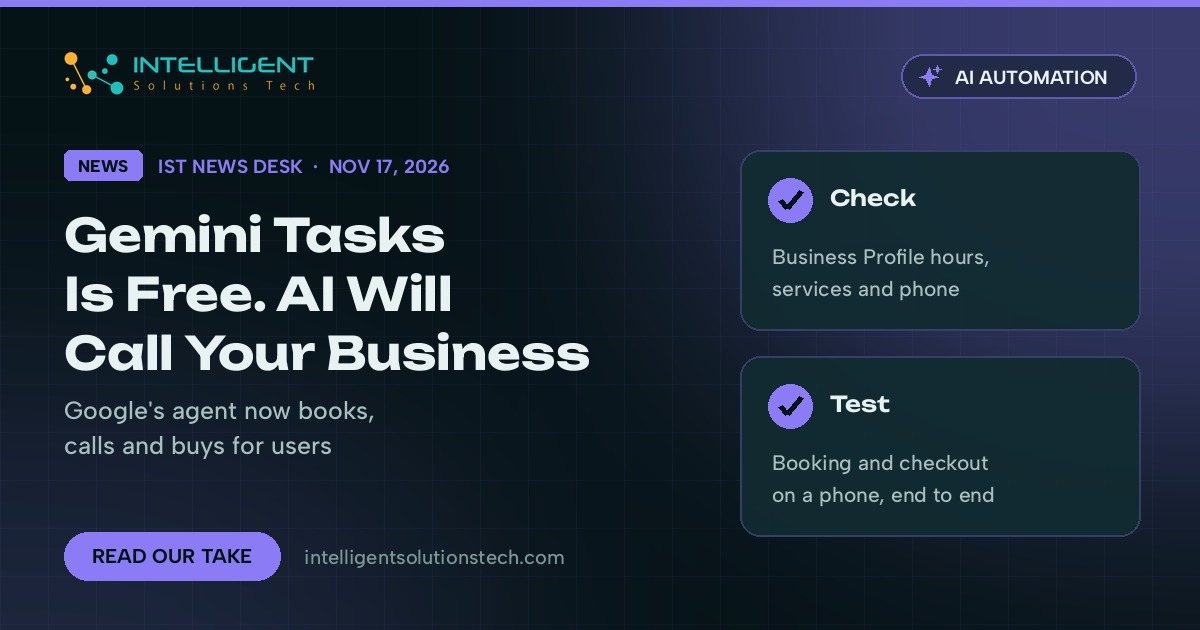
- Check your Google Business Profile: hours for the holiday weeks, primary category, services and the phone number that actually rings.
- Decide on calls. Most businesses that live on bookings should leave Google’s automated booking calls on. If you can’t handle them, the switches sit under Business Profile settings, Advanced settings, “Google automated calls and text messages”.
- Brief whoever answers the phone. AI callers will say who they are. Take the booking, confirm by the usual channel, and never give out payment or account details on any call.
- Test your booking and checkout on a phone, start to finish. Note any step that needs a CAPTCHA or a login that a customer’s agent would struggle with.
- Ask your web or security provider whether your firewall or bot plugin blocks Google’s agent traffic, and get a narrow allow rule in place if it does.
- Watch where bookings come from over the next month. If your booking tool records source or notes, look for entries that mention Gemini or Google.
We’re running these checks on client sites and listings now. If you’d like us to review your Business Profile and booking flow, our Google Business Profile team can take it on, and our AI agents team can help you build the same kind of automation for your own back office. Start with a free audit.
Source: Google blog, “Put Gemini to work for you” (November 17, 2026).