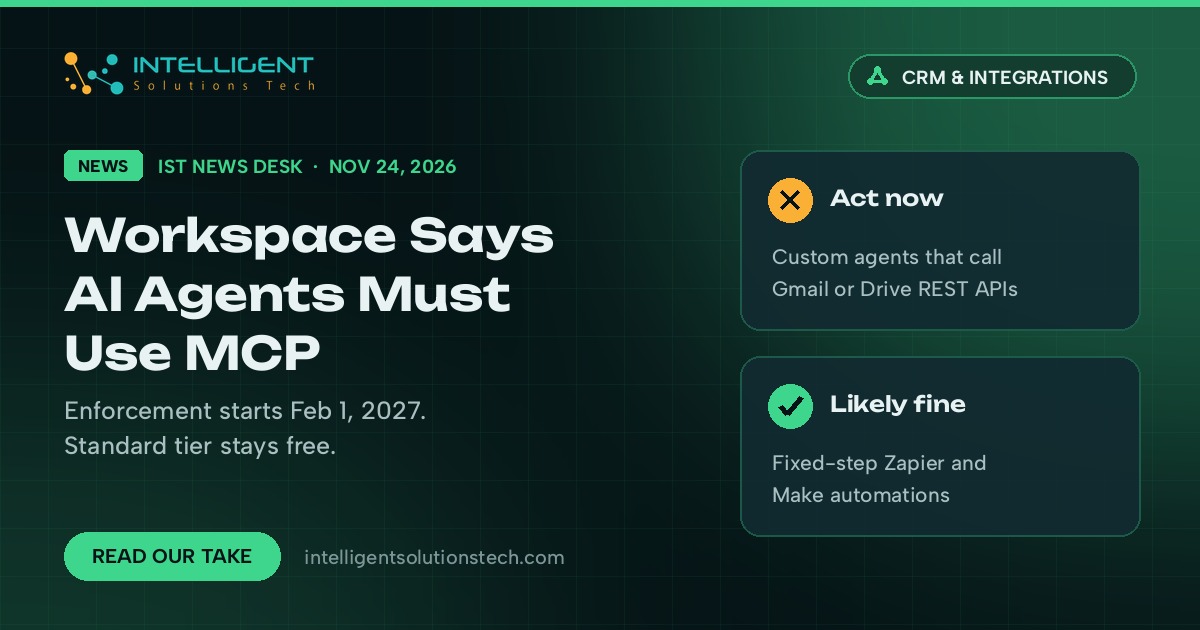
Google has made its Workspace MCP servers and the official Workspace CLI generally available, and it’s attaching new rules to them. The Google Workspace Updates blog said on November 24 that AI agents must reach Gmail, Drive, Calendar and the other Workspace apps through MCP, with technical enforcement starting February 1, 2027. Paid usage tiers for the Gmail, Drive and Calendar APIs start billing on April 1, 2027.
For most small businesses this is good news with a deadline attached. Agents that read your inbox or file documents get a supported, logged route into Workspace, and admins get real controls over them. The teams that need to act are the ones running a homemade agent, or a third-party AI tool, that calls the Workspace REST APIs directly.
We’re telling clients to spend an hour this week finding out which of their tools touch Workspace data and how. Nothing breaks today, and the Standard tier stays free.
What changed
Google announced three things in one post.
The first is two Google-managed ways for agents to reach Workspace. The Workspace MCP servers are hosted by Google and give cloud and web-based agents ready-made tools across Gmail, Drive, Docs, Sheets, Slides, Calendar, Chat and Tasks, with Keep listed as coming soon. The Workspace CLI does the same job for agents that run in a terminal, a VM or a container. Google says both return summarized results instead of raw data, which cuts token use for the agent.
The second is the usage model Google first described in May. Starting November 24, the Workspace APIs, the MCP servers and the CLI have two tiers, beginning with Gmail, Drive and Calendar:
- Standard: no cost, with published rate limits. Google says over 99% of active developers sit inside this tier today.
- Scaled: higher rate limits. From April 1, 2027, projects on this tier pay only for usage above daily free allowances.
Projects that already have raised limits and don’t switch to Scaled, or get marked as internal by a Workspace admin, drop to Standard limits on April 1, 2027. Google says affected billing admins and project owners will get an email with project-specific details.
The third is a set of rules and controls. A new Workspace AI Tools Addendum bars using agents to scrape Workspace APIs or to keep certain derived data for long periods. External agents have to identify themselves in OAuth, and developers are asked to mark an OAuth client as agentic in the Google Cloud console, keeping a separate client for ordinary app features. Admins get agent access settings, human confirmation rules for sensitive actions such as sharing data, and audit logs of agent actions under Security, then API Controls. Existing DLP rules apply when someone uses an agent.
Google says the GA features and admin controls reach all domains within about two weeks.
What it means for your business
Most owners won’t need to change anything. If your team uses Gemini inside Workspace, or a well-known AI assistant that connects to Gmail, the vendor owns that connection and the move to MCP is their job. Watch for an update notice from them before February.
The businesses that need to look closer fall into three groups.
You built your own agent. A custom GPT, a Python script or an n8n workflow that uses an LLM to read and act on Gmail or Drive through the REST APIs is exactly what the February 1 requirement targets. Google’s guidance is to switch that access to the MCP servers before enforcement begins.
You run classic automations. A Zapier zap that saves invoice attachments to Drive, or a Make scenario that adds form leads to a Sheet, follows fixed steps. Google’s own advice to keep a separate OAuth client for non-agent features suggests these aren’t the target. Where an AI step sits in the middle and decides what to do, we’d treat it as an agent and plan for MCP.
You process a lot of mail or files. High-volume jobs such as mailbox triage across many users or bulk Drive scans are the ones that could outgrow Standard limits. If the project only serves your own organization, your admin can mark it internal so the higher limits stay included with your subscription.
The admin controls are worth turning on regardless. Being able to require a person to confirm before an agent shares a file or reads external documents is a sensible default for any company letting AI near client data.
What we’d do this week
- List every tool that touches Workspace data. In the Admin console, check which third-party apps have OAuth access, and note the ones that use AI.
- Ask each vendor about MCP. A short email asking whether they’ll move to Workspace MCP before February 1, 2027 is enough.
- Check your own projects. Open the new Workspace API usage dashboard in Google Cloud and see whether any project sits above Standard limits.
- Mark internal projects. If a high-usage project only serves your own team, ask your Workspace admin to mark it internal.
- Set confirmation rules. Under Security, then API Controls, require user confirmation for sensitive agent actions like sharing.
- Plan the rebuild for custom agents. Budget time in December or January to move any homemade agent from REST calls to the MCP servers.
We build and maintain Workspace automations and AI agents for small teams, from Zapier and n8n flows to custom API work. If you’d like a second pair of eyes on what you run, our AI workflow automation and integrations and API development teams can review it, and the free automation audit is a good place to start. For the difference between the two kinds of tools Google is treating separately, see our post on AI agents vs automations.