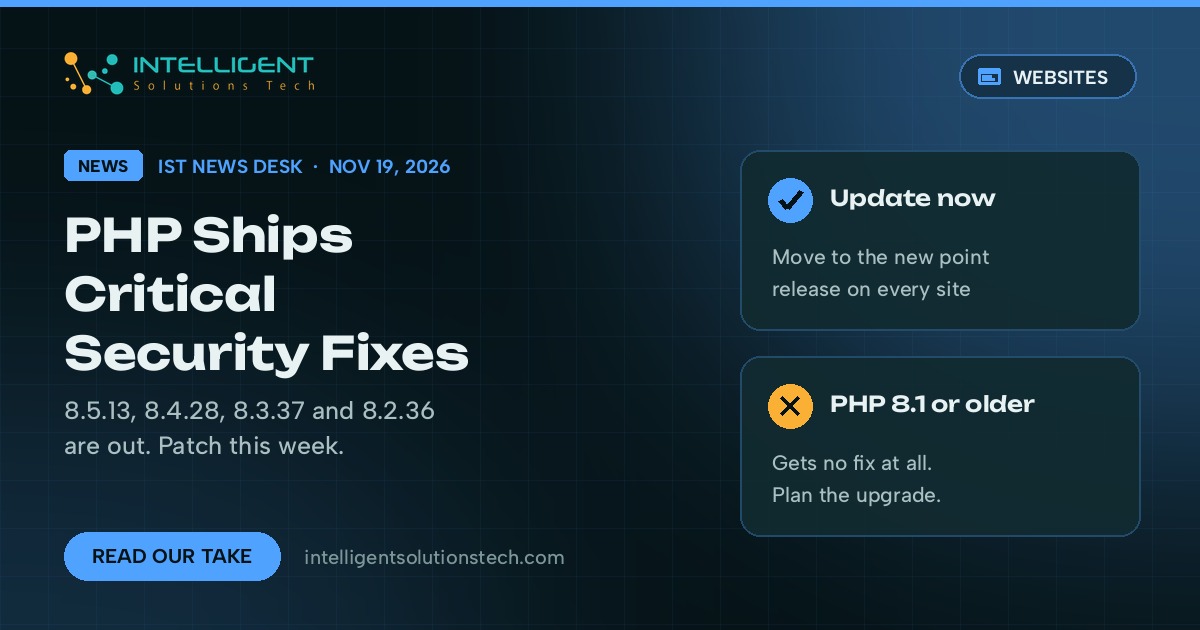
The PHP project released security updates for every supported branch on November 19, 2026: PHP 8.5.13, 8.4.28, 8.3.37 and 8.2.36. A day earlier, php.net warned that the highest severity in this batch is critical, and that the critical issues need a non-default configuration or an uncommon setup to be reached. That caveat matters, but it doesn’t make this a skip.
PHP runs WordPress, WooCommerce, Laravel apps and most cPanel hosting, so this PHP security update touches a large share of small business websites. Our view is simple: get every site you own onto the new point release within the week, and use the moment to find any site still running PHP 8.1 or older, because those versions got nothing in this release.
If you followed our PHP2Shell checklist in October, the routine is the same. The difference this time is that the riskiest fixes sit in PHP-FPM and PHP-CGI, the parts that connect PHP to your web server.
What changed
The PHP 8.5.13 changelog on php.net lists security fixes across the core engine, PHP-FPM, PHP-CGI, the DOM extension and date handling. The ones we’d flag for website owners:
- PHP-FPM request smuggling (CVE-2026-129289). An unread HTTP request body could let a crafted request slip through as a second one. PHP-FPM is how most Nginx setups and many modern Apache setups run PHP.
- Two use-after-free bugs that can lead to remote code execution, one in magic method backtraces (CVE-2026-129474) and one in the timezone cache (CVE-2026-129496), according to the changelog.
- PHP-CGI out-of-bounds read and write during PATH_INFO correction (CVE-2026-129538). Fewer hosts run PHP as CGI today, but older shared hosting still does.
- PHP-FPM local privilege escalation through an epoll use-after-free (CVE-2026-129291), plus an XSS bug in the FPM status page (CVE-2026-129292).
- A double free in DOM XML serialization (CVE-2026-129501) and other memory safety fixes.
The PHP project’s announcements don’t mention attacks in the wild. Its supported versions page also shows PHP 8.6 reached general release on November 19, and that PHP 8.2 gets security fixes only until December 31, 2026.
What it means for your business
If your site is on managed WordPress hosting, your host applies these updates for you, usually within days. Your job is to confirm it happened. If you run your own VPS, a cloud server or a reseller setup, nobody patches PHP for you, and that’s where we see sites sit on old point releases for months.
The “non-default configuration” note is easy to misread. Plenty of hosting stacks change PHP-FPM settings from the defaults, expose an FPM status page for monitoring, or keep a legacy CGI handler around for one old app. You can’t tell from the outside, so treat the update as required.
The bigger risk for many small businesses is version drift. A site on PHP 8.1, 8.0 or 7.4 gets no fix for anything in this batch, and every future PHP flaw lands on it the same way. December 31 also closes the window for 8.2, so a site on 8.2 needs a move to 8.3 or newer on the calendar now.
What we’d do this week
- List every site you own and its PHP version. In WordPress, Tools, then Site Health, then Info, then Server shows it. In cPanel, look under MultiPHP Manager.
- On managed hosting, open a ticket and ask one question: has PHP been updated to 8.5.13, 8.4.28, 8.3.37 or 8.2.36 on my server? Get the answer in writing.
- On your own servers, update PHP from your distribution or the repository you installed it from, then restart PHP-FPM and the web server. Run php -v afterward to confirm the new version is live.
- Check whether your FPM status page is open to the public. If it is, restrict it to your own IP addresses or turn it off.
- Flag any site on PHP 8.2 or older for an upgrade. Test it on a staging copy first, since old plugins and themes are the usual reason a PHP upgrade breaks a site.
Your server may also be running Nginx, which shipped its own fixes this week; our Nginx HTTP/2 brief covers what to check there.
If you’d rather hand this off, our website maintenance service covers PHP and server updates with staging tests before anything goes live, and our WordPress team handles version upgrades for older sites. Not sure where your sites stand? Start with a free audit.