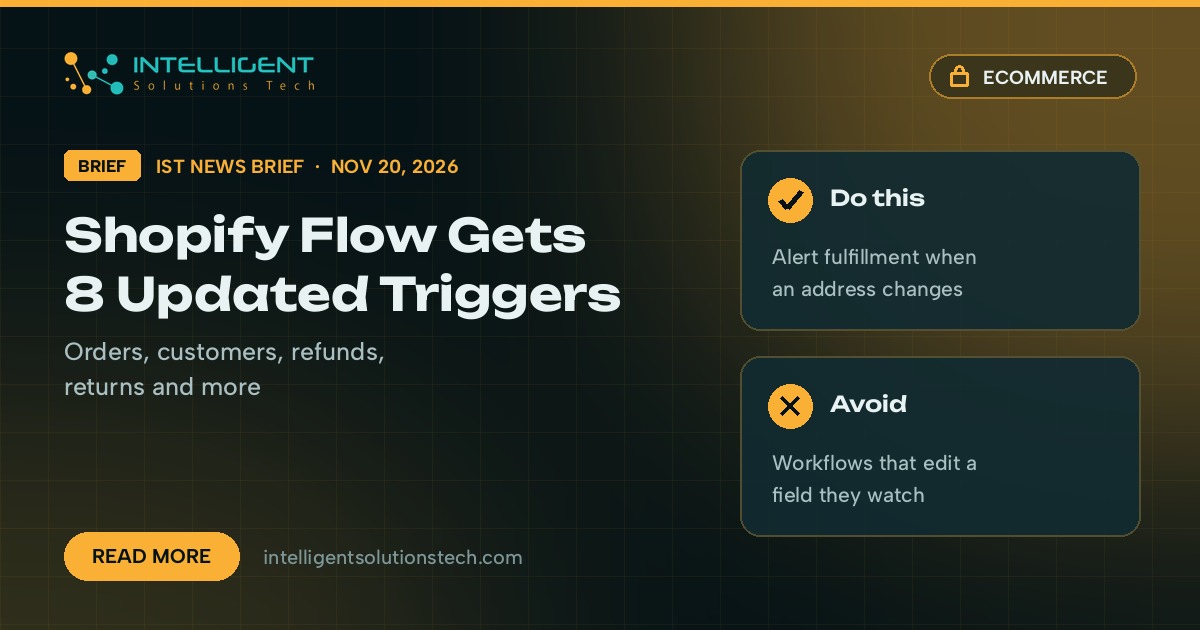
Shopify added eight new triggers to Shopify Flow on November 20, according to its changelog. Workflows can now start when an order, customer, refund, return, fulfillment order, collection, location or inventory item is updated. They work the same way as the existing Product updated trigger.
What’s new
The eight triggers are Customer updated, Order updated, Refund updated, Fulfillment order updated, Return updated, Collection updated, Location updated and Inventory item updated. For each one you pick up to five fields to watch, and the workflow runs when one of those fields changes. Shopify says this makes it easier to act on changes without scheduled workflows or workarounds.
Before this, a store that wanted to react to an edited order usually had two choices. It could run a scheduled workflow that checked records every so often, or it could pay for an outside tool to poll Shopify and compare values. Both add delay, and both break quietly when someone renames a field or a plan limit kicks in.
Shopify gives three examples: tell the fulfillment team when an order’s shipping address changes, act when products are added to or removed from a collection, and update a product metafield when an inventory item’s cost changes.
Who it affects
- Stores already using Flow that run scheduled workflows just to check whether something changed.
- Teams paying for Zapier or Make tasks that poll Shopify for order or customer edits.
- Warehouse and support staff who find out about address changes, refunds or returns too late.
- Multi-location retailers who want inventory cost or location changes pushed to reports or a CRM.
Our take
The five watched fields are where this succeeds or fails, so choose them on purpose. We’d start with one workflow: when a shipping address changes on an unfulfilled order, tag the order and message the fulfillment team. Then list every scheduled or polling job that only exists to spot edits and move it to these triggers, which means fewer moving parts and faster reactions. Test on a handful of orders first, and keep a workflow from editing a field it also watches, or it can keep firing itself.
Need help mapping your store’s workflows? Our Shopify development and business process automation teams set these up, and we covered Shopify’s new store activity log last week.