Anthropic launched three new Claude workspaces on November 10, 2026: Claude Sheets and Claude Whiteboards in beta, plus Claude Data, the new name for Claude Dashboards, which is now generally available. According to Anthropic’s announcement, all three come with every paid Claude plan and work on web, desktop and mobile. The same day, Anthropic said interactive connectors can now open tools like Adobe, Atlassian, Box, HubSpot and Notion as full apps beside a Claude chat.
Claude Sheets is a spreadsheet that Claude builds and edits with your team, with tabs, formulas, formatting and drop-downs. For a small business, that’s the piece to test first. Plenty of the trackers we see at client companies started as a rushed spreadsheet someone made late at night, and this cuts that first draft down to a single prompt.
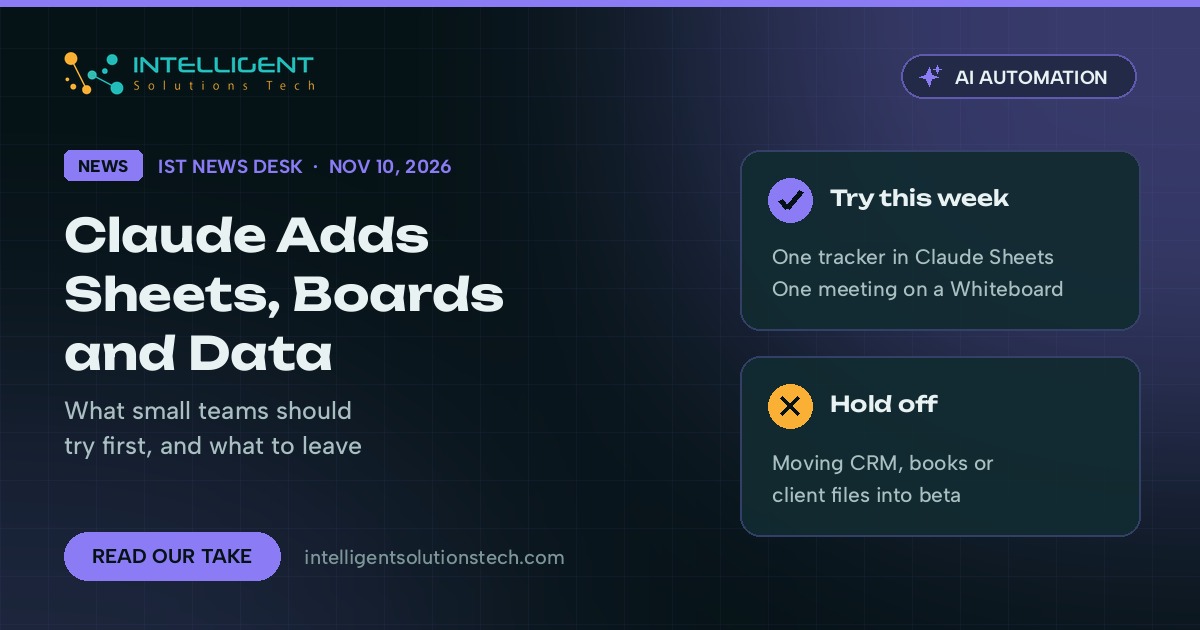
Our view is simple. Try Sheets and Whiteboards on one real internal task this week. Hold off on moving anything important, like your sales pipeline or your books, until the beta label comes off and you’ve seen how the exports behave.
What changed
Anthropic described four separate releases in its posts.
- Claude Sheets (beta). Claude generates a spreadsheet from a prompt such as “build a hiring budget,” edits cells directly and outlines each change so you can see what it did. Anthropic says sheets have simple spreadsheet functions for now, and you can export to .xlsx or CSV when you need full Excel.
- Claude Whiteboards (beta). A shared board where a team lays out ideas, and Claude groups them, builds a timeline with owners and dates, and can turn the board into a doc or a slide deck.
- Claude Data (generally available). Formerly Claude Dashboards. It connects to sources such as BigQuery, Amazon Redshift, Snowflake and Salesforce and produces dashboards, written data stories or short narrated videos. Certified queries and live sharing are still in beta.
- Interactive connectors. Where a connector supports it, the full tool opens beside the conversation, and Claude can make changes in it once you approve them. Anthropic named Asana, Canva, Dropbox, monday.com, Smartsheet, Vercel and Webflow among the first group.
Claude Meetings was also part of the launch event. TechCrunch reported it as a beta for Team and Enterprise plans that works with Google Meet at first, while Anthropic’s own post lists it as coming soon. We’d treat it as unavailable until it shows up in your account.
What it means for your business
The real change is where the work lives. Until now, anything Claude made had to be copied into Google Sheets, Excel or a slide tool before the rest of the team could touch it. Now the sheet or board stays in Claude, shared with your team, and Claude keeps the context from one step to the next.
For a team of five or ten people, that removes a lot of copy and paste. Notes from a sales call can go from a whiteboard to a follow-up tracker without anyone retyping the details. A weekly numbers review can come from Claude Data instead of someone exporting reports by hand every Monday.
There are limits to know about. Sheets is a lightweight spreadsheet, so complex financial models still belong in Excel or Google Sheets. Claude Data needs a connector to your warehouse or CRM before it does anything useful. And beta features change, so keep the source of truth for money and customer records where it is today.
The HubSpot connector is the one we’ll watch most closely. Anthropic says it lets you prioritize pipeline tasks and follow-ups and then act on them inside Claude. If that holds up in daily use, a lot of small sales teams will run their CRM work from a chat window.
What we’d do this week
- Pick one spreadsheet your team rebuilds by hand every month, like a content calendar or a hiring budget, and ask Claude Sheets to build it. Check the formulas against your current version before you rely on it.
- Run your next planning meeting on a Claude Whiteboard and ask Claude to draft the action items with owners and dates.
- If you already use HubSpot, Asana, monday.com or Notion, connect it and try one small change through the interactive connector. Read the approval prompts so you know exactly what Claude can edit.
- Write down which numbers you’d want in Claude Data and where they live today. That list tells you whether the connector setup is worth the time.
- Keep your CRM, accounting and client files where they are until these features leave beta.
If you want help deciding which workflows should move into Claude and which shouldn’t, our Claude AI integration team sets these up for small businesses, and our custom CRM development work covers the HubSpot side. For the model news from earlier today, read our take on Claude Fable 5.2, or start with a free audit.