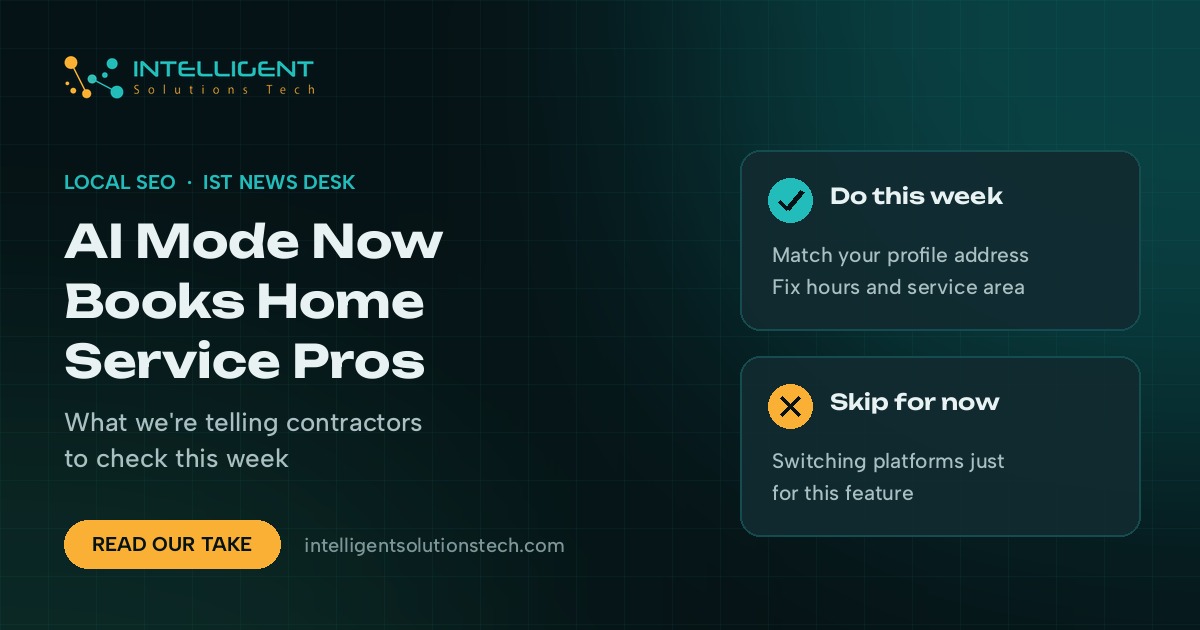
Homeowners searching Google for a plumber, an electrician or a cleaner can now jump from an AI Mode answer straight to a booking or quote form. On November 4, Robby Stein, Google’s VP of product for Search, said on X that AI Mode now links home service searches directly to partners such as Angi, Thumbtack, Housecall Pro and Jobber, and that it’s live in the U.S., according to Search Engine Journal’s report.
Google AI Mode home services booking runs through those partner platforms. A contractor can’t switch it on from Google Business Profile alone. If you already run your business on Jobber, you may be one settings check away from a Book Online button. If you don’t, there’s no direct route in yet.
Our view: this is worth ten minutes this week if you’re on one of the partner platforms, and it’s not a reason to change your whole job management setup. Nobody outside Google knows yet how often AI Mode will show these links. We’d judge it by booked jobs over the next couple of months.
What changed
Google previewed agentic booking at I/O 2026. This launch puts it into home services, with each partner handling the details its own way:
- Jobber: Its help page on the AI Mode connection, updated November 4, says it’s open to U.S. businesses on an active, paid plan. Trial accounts can’t appear. You need “Help clients find my business” turned on, a complete business address in Jobber, and a Google Business Profile connected at that same address. Jobber says Google usually adds a Book Online button to the profile within a few days and that these requests carry no lead fees.
- Housecall Pro: Its November 4 press release says all users are eligible, requests land in the Housecall Pro inbox, and there are no lead fees or bidding. It’s listed as coming soon, with no date.
- Angi: Angi says AI Mode now surfaces its pros, and choosing one sends the homeowner to that pro’s Angi profile to request a quote. Its release doesn’t mention whether its usual fees apply.
- Thumbtack and ServiceTitan: Google named Thumbtack, but Search Engine Journal found no Thumbtack announcement as of November 4. ServiceTitan is listed as coming soon.
Separately, Google’s help page on checking local availability in AI Mode says AI Mode can look up pricing and open slots, and can call businesses on a searcher’s behalf when the details aren’t online. That’s been building for months. The booking links are the newer piece.
Local Services Ads haven’t gone anywhere. They’re a separate paid product that charges per lead in the U.S. and Canada, and nothing in this announcement changes how they work.
What it means for your business
For home service companies in the U.S., the booking path from Google now has a new door. A homeowner asks AI Mode something specific, like who can replace a water heater this week, and the answer can end with a button that books your calendar directly. The business that shows real availability and a working form gets the job. The one that only lists a phone number may get skipped or get a call from Google’s assistant asking for details.
The catch is that your listing data has to match across systems. Jobber’s own rules show it: the address in your software has to match your Business Profile, or the match fails. Mismatched addresses and suite numbers are common on Business Profiles, and this is one more place where that mess costs you.
For contractors in Canada, the UK and Australia, nothing has launched yet. We’d still clean up profile data now, since Google tends to expand these features country by country.
There’s also a capacity question. If AI Mode starts booking slots straight onto your calendar, your listed hours and service area need to be accurate. A booking you can’t honor is worse than no booking at all.
What we’d do this week
- Check which platform you’re on. If it’s Jobber, open Marketing, then Google Profile, connect your account, and confirm “Help clients find my business” is on. If it’s Housecall Pro, watch for the launch notice.
- Match your address everywhere. Compare your Business Profile address with the one in your job software, character by character, including suite numbers.
- Fix hours and service areas. Bookings follow the hours and availability you’ve set, so stale holiday hours or an old service radius turn into bad bookings.
- Decide on approval. Jobber lets you require approval for assessment bookings. If your crews can’t take every slot that shows as open, turn it on.
- Track the source. Tag requests that come in through Google so you can count booked jobs from AI Mode separately from calls and Local Services Ads leads.
- Don’t switch platforms for this alone. Moving your whole operation to chase a feature with unknown volume is a bad trade. Revisit in a couple of months.
Most of the work here is plain Google Business Profile work: accurate address, hours, categories and services. If you run a trades or cleaning business and want a second pair of eyes on it, our home services marketing page explains how we handle local search for contractors, and you can request a free audit of your profile and site. We covered a related Google change, Business Profile ordering providers, last week.