Google’s latest Small Business Bulletin, posted this week in the Business Profile Help Community, says owners can manage their profiles through Gemini in more places, and that customers on Google Maps now see a Message button right next to Call. Search Engine Journal and Search Engine Roundtable both reported the changes on November 6, and Google’s own Gemini help page now reads differently than it did in October.
What’s new
- Fewer region limits for Gemini. The help page now says the Business Profile connection works wherever the Gemini web app is supported. Search Engine Journal compared it with an October copy that left out the EEA and the UK.
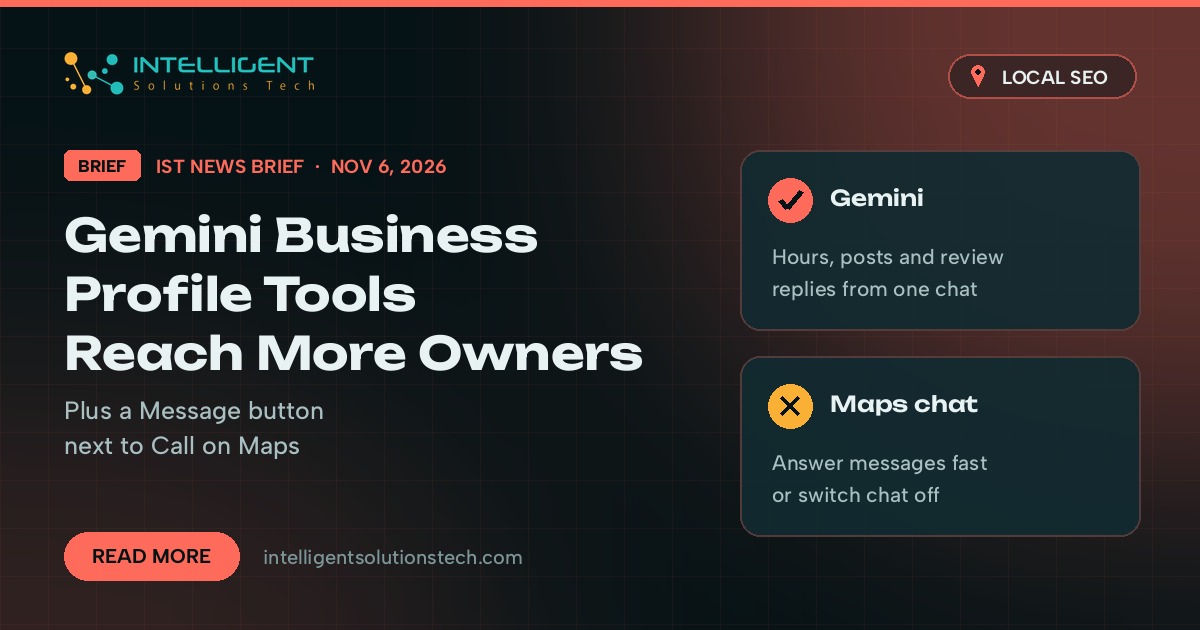
- Profile work from a chat. According to the help page, owners can update hours, contact details, menus, photos and attributes, read and reply to reviews, schedule Update, Offer and Event posts, and check impressions, website clicks and search keywords from the Gemini web app.
- Workspace accounts are next. The bulletin says Workspace access is rolling out. The help page still says the feature isn’t available for work or school accounts, so expect a gap until the two match.
- A Message button on Maps. On Android and iOS, profiles with a chat option now show Message beside Call. Before this, chat sat far down the listing. Messages go to WhatsApp or text, whichever the business linked, and Google’s chat help page says customers see only the text option when both are set.
Who it affects
Single-location owners and managers. The help page says the Gemini connection only works if you own or manage one verified profile, you’re 18 or older, you sign in at gemini.google.com with a personal Google Account, and Keep Activity is on. Agencies and multi-location brands that run many profiles from one login can’t use it yet.
The Message button matters to any local business with chat switched on, especially trades and service companies whose staff are often on a job when the phone rings. Chat options are still limited to select regions, so not every profile will show it. Our local SEO checklist covers the other profile settings worth checking at the same time.
Our take
We’d use the Gemini connection for small, repeat jobs: holiday hours, a weekly post, a first draft of review replies that a person reads before anything goes live. Keep changes to your categories or business name in the dashboard, where you can see exactly what you’re editing. It’s the same advice we gave on the Gemini business hub in October. With the holidays close, check that your chat option points to a number or WhatsApp account someone actually watches. If nobody can answer messages within a few hours, switch chat off instead of leaving customers waiting next to a big Message button.
Want a second pair of eyes on your listing? Our Google Business Profile management team can review it, or start with a free audit.