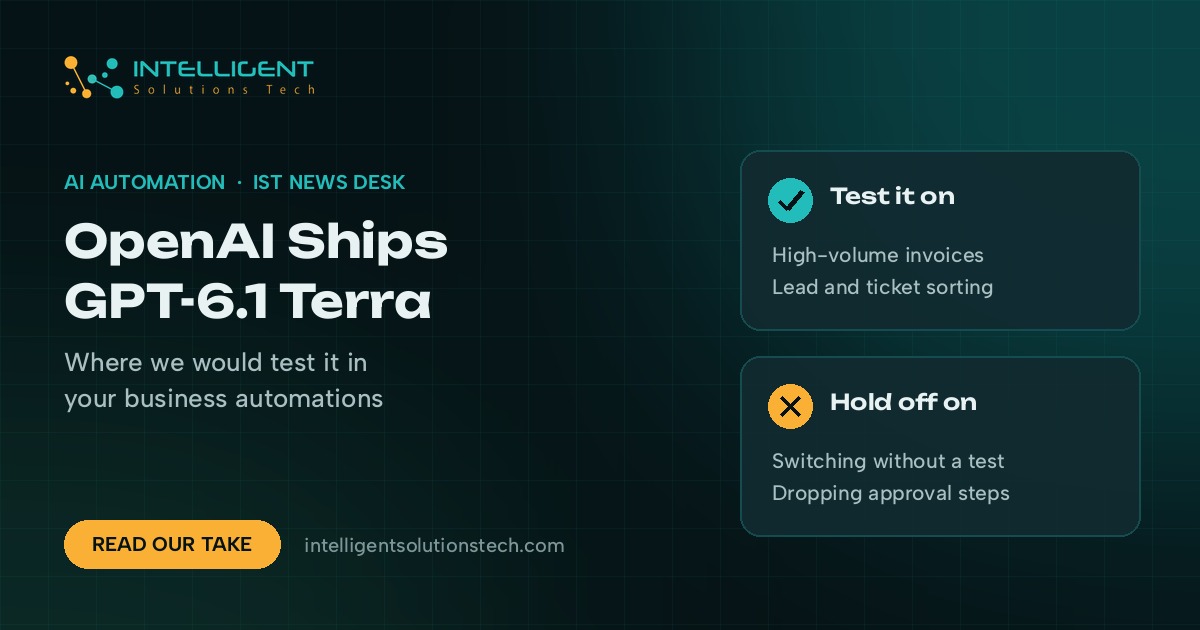
OpenAI released GPT-6.1 Terra on October 26, 2026. In its launch post, OpenAI describes it as a fast model with better visual reasoning, computer use and writing, and it’s now in ChatGPT for Plus, Pro, Enterprise and Edu users, in Codex, and in the API as gpt-6.1-terra. It costs less than GPT-6.1 Sol and GPT-6 Astra, and OpenAI says those two stay ahead on the hardest coding work.
For most small businesses, GPT-6.1 Terra is the more useful kind of release. Flagship models get the headlines. The work we automate for clients, like reading invoices, sorting inbound leads, filling forms and drafting replies, runs thousands of times a month, and the cost per task decides whether an automation pays for itself.
Our view: it’s worth testing now on high-volume, well-defined tasks. We wouldn’t move every workflow to it this week, and we wouldn’t rebuild anything that already works just because a new model shipped.
What changed
Here is what OpenAI said in the announcement. The benchmark numbers are OpenAI’s own, so we’d wait for independent testing before treating them as settled.
- Price. OpenAI lists standard API pricing at $1 per million input tokens, $0.05 per million cached input tokens and $5 per million output tokens. It says that’s 50% lower than GPT-5.6 Terra and GPT-6.1 Sol.
- Fewer factual errors. On an internal set of prompts designed to trip models up, OpenAI said the error rate at low reasoning effort fell from 53.6% with GPT-5.6 Terra to 16.7%.
- Computer use. OpenAI’s examples include reading technical drawings, filling out forms and drafting proposals. On the OSWorld 2.1 desktop-task benchmark, it said Terra at medium effort beat GPT-5.6 Terra’s best score at a fraction of the cost per task.
- Coding. OpenAI reported 50.3% on Terminal-Bench 4.0 at max effort, up from 21.5% for GPT-5.6 Terra.
- Safety. OpenAI rated the model “Critical” for cybersecurity under its Preparedness Framework, said it keeps the protections built for GPT-6 Astra, and reported strong resistance to prompt injection.
- ChatGPT allowance. In ChatGPT Work and Codex, OpenAI said the same usage allowance now covers more tasks than it did with GPT-5.6 Terra.
What GPT-6.1 Terra means for your business
OpenAI’s own headline example is reading incoming invoices and entering the details into accounting software through the API. That’s the same job our invoice automation builds do. When a workflow processes a few thousand documents a month, halving the model price changes the payback math on projects that looked marginal a few months ago.
The drop in factual errors matters most for extraction. A summary that’s slightly off is annoying. A wrong invoice total or a misread due date costs money. If OpenAI’s numbers hold up outside its own test set, Terra could cut the number of items your team has to check by hand.
Prompt injection is the risk to keep in mind. Any agent that reads outside material, such as customer emails, uploaded PDFs or web pages, can be fed hidden instructions. OpenAI says Terra resists this better than before. We still keep a human approval step on anything that pays, refunds, sends or deletes.
If your team only uses ChatGPT a few times a day for writing, there’s nothing to do. You’ll get the model where your plan includes it.
What we’d do this week
- List your automations by monthly volume. The top three by volume are the best candidates, because that’s where a lower price per task adds up.
- Run a side-by-side test on real data. Take 50 recent items, such as invoices, support tickets or lead forms, and run them through your current model and through Terra. Compare accuracy field by field, then compare cost.
- Keep the current model live during the test. In most builds we see, the model name is set per step in Zapier, Make or n8n, so nothing changes until someone edits it. Leave it that way until the test is done.
- Keep approval steps in place. Payments, refunds and outbound emails to customers should still go through a person.
- Redo the numbers. Plug your volumes into our automation ROI calculator to see whether a workflow you shelved now makes sense.
If you’d like help testing Terra against your current setup, our ChatGPT integration team can run the comparison on your own data. Start with a free audit and we’ll tell you which workflows are worth moving.