Data entry outsourcing works best when you send repeatable, rules-based typing work to an offshore team and keep anything that needs judgment, approvals or sensitive access in-house. The split matters more than the vendor you pick. Get it right and your staff stop spending afternoons copying numbers between screens. Get it wrong and they spend those afternoons fixing someone else’s mistakes.
We run non-voice BPO work for businesses in the US, Canada, the UK, Europe and Australia from our office in Lahore. The first thing owners ask us is which tasks they can safely hand over. This guide gives you a working list, the tasks we tell owners to keep, and a simple way to test a provider before you move real volume.
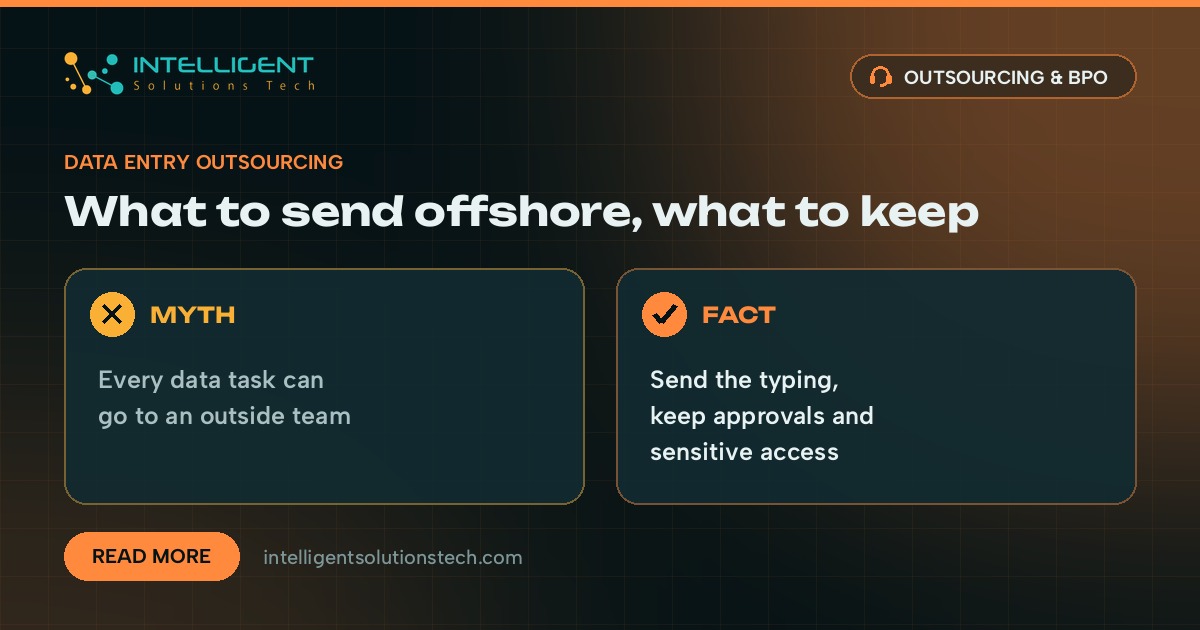
The short version: send the typing, keep the decisions, and run a paid pilot before you commit.
What data entry outsourcing covers
Data entry outsourcing is hiring an outside team to key, clean, update or check business records in your systems on a set schedule. That can mean typing figures from scanned invoices into QuickBooks or Xero, adding product details to a Shopify catalog, updating contact records in a CRM, or moving rows from one spreadsheet into another tool.
Most of it sits in the back office. It’s work nobody hired your team to do, but somebody has to do it every week or the reports stop making sense.
Tasks that are safe to send offshore
The best candidates share three traits. The rules are written down, the source document is clear, and a mistake is easy to spot and cheap to fix. Here’s the list we start with:
- Invoice and receipt keying. Supplier name, date, amount and line items into your accounting tool, with the original file attached.
- Product catalog updates. Titles, SKUs, descriptions, weights and image alt text for an online store.
- CRM record cleanup. Merging duplicates, filling missing fields, fixing capitalization and tagging contacts by source.
- Form and survey transcription. Paper forms, scanned PDFs or handwritten intake sheets turned into structured rows.
- Lead list building. Company details, websites and public contact fields added to a prospect sheet from sources you approve.
- Order and shipment updates. Tracking numbers, order notes and status changes copied from a carrier portal into your store or ERP.
- Spreadsheet consolidation. Weekly exports from several tools merged into one clean sheet for reporting.
A good test: if a new hire could do the task after reading a two-page guide and watching one screen recording, it’s a good fit for an outside team.
Tasks to keep in-house
Some work looks like data entry but carries more risk than it seems. Keep these with your own staff, at least until you’ve worked with a provider for a few months.
- Approving payments. An offshore team can key a bill, but someone on your side should release the money.
- Full banking or payroll access. Give view-only or role-limited logins, never owner credentials.
- Pricing decisions. Updating prices from a sheet you approved is fine. Setting the price stays with you.
- Disputes and refunds. Anything that needs judgment, an apology or a policy exception belongs with someone who knows your customers.
- Records under strict rules you haven’t mapped yet. Patient health information in the US and special-category data under GDPR are two common examples.
The pattern is simple. Send the typing, keep the decisions.
How to prepare before you hand anything over
Most outsourcing problems start on the client side, with instructions that live in one person’s head. A week of prep saves a month of corrections.
- Start with one task. Pick the job that eats the most hours and has the clearest rules.
- Write the rules down. Go field by field: what goes where, what to do with missing data, and when to stop and ask.
- Record your screen. A ten-minute video of someone doing the task today answers half the questions before anyone asks them.
- Collect 20 real examples. Include the messy ones: blurry scans, half-filled forms and duplicate records.
- Set the turnaround and the check. Decide how fast each batch comes back and who on your side reviews it.
- Create limited logins. Give each person their own account with only the permissions the task needs, so you can see who changed what.
Accuracy checks that work
Data entry quality comes from checks built into the daily routine. These are the ones we use on our own BPO work.
Double entry on high-risk fields
For totals, account numbers or dates, two people key the same field and anything that doesn’t match gets flagged. It’s slower, so save it for fields where a typo costs real money.
Sample reviews
A supervisor checks a set share of every batch against the source. When errors show up, the sample size goes up until they stop.
Validation rules in the tool
Required fields, fixed date formats, dropdowns instead of free text and duplicate warnings catch errors before a person has to. Most CRMs and accounting tools let you set these up without code.
An exceptions sheet
Anything the team can’t read, or that doesn’t match the rules, goes on a shared list for your side to decide. This keeps guesses out of your records.
Security and data rules to settle first
Before any records leave your building, agree how they’ll be handled. Ask the provider to put these in writing:
- Named user accounts for every team member, with access removed the day someone leaves the project.
- No downloads to personal devices, with work done inside your systems or a shared drive you control.
- Two-factor login on every tool that offers it.
- A signed non-disclosure agreement and a clear list of who can see what.
- For EU and UK personal data, a data processing agreement. Article 28 of the GDPR requires a written contract with any processor that handles personal data on your behalf.
- For Australian businesses, a check that the setup meets your duties under the Australian Privacy Act when personal information is sent overseas.
If a provider pushes back on any of these, that tells you what you need to know. Our GDPR page has more on data protection for EU and UK clients.
Where automation fits alongside outsourcing
Some data entry shouldn’t go to people at all. If the source is a clean digital file, such as a PDF invoice from a supplier who always uses the same layout or a web form that already has the right fields, an automation can usually handle it.
AI document processing can read invoices, receipts and forms and pull the fields into your tools, with a person checking anything the model isn’t sure about. We cover the setup in our guide to invoice automation and on our AI document processing page.
In practice the split looks like this:
- Automation: clean, repetitive digital inputs with a fixed layout.
- A trained team: messy scans, missing data, handwriting and anything that needs an email follow-up.
- Both together: the automation does the first pass and the team checks the records it flags.
Most clients end up with a mix, and the offshore team often becomes the human check on the automation.
How to test a data entry provider before you commit
Don’t move your full volume on day one. Run a paid pilot first:
- Send one week of real work, including your 20 messy examples.
- Measure errors per batch against your own check, not the provider’s report.
- Count how many questions came back and whether they were good ones. A team that asks sensible questions early is a team that reads your rules.
- Check turnaround against what was agreed.
- Review who had access and whether anything was downloaded.
If the pilot goes well, add the next task. If it doesn’t, you’ve lost a week instead of a quarter.
Time zones and handover
A team in Lahore works while most of North America sleeps. The UK and European morning overlaps with the Lahore afternoon, and the Australian afternoon overlaps with the Lahore morning. For data entry that gap usually helps: you send a batch at the end of your day and the finished work is waiting the next morning.
Set one handover time, one shared place for files and one channel for questions. Keep it boring and it works. If you’re weighing a broader hire, our post on what a virtual assistant does for a small business covers the wider admin side.
Getting started
Start with one task, a written guide and a short paid pilot. Keep approvals and sensitive access on your side, and add automation where the inputs are clean.
If you’d like a team to take the typing off your desk, our non-voice BPO services cover data entry, back office support and virtual assistants, scoped and priced after a free audit. You can read how we work from audit to the first report, or message us on WhatsApp at +92 316 4634400.